iPhone Voicemail Greeting Missing? Fix It
Callers hear a generic carrier greeting instead of yours, or no greeting at all. Your custom greeting may have been lost after a carrier change, an update, or a SIM swap. Re-recording it takes a minute, and the carrier side matters more than the phone, unlike unknown callers still ringing, which is a phone setting.
TL;DR / Quick Fix
Quick fix: open Voicemail and tap Greeting, record a new custom greeting, save it, test it from another phone, and call your carrier if it will not save. If it still fails, note exactly when it happens, since that pattern usually reveals the real cause.
Follow these steps
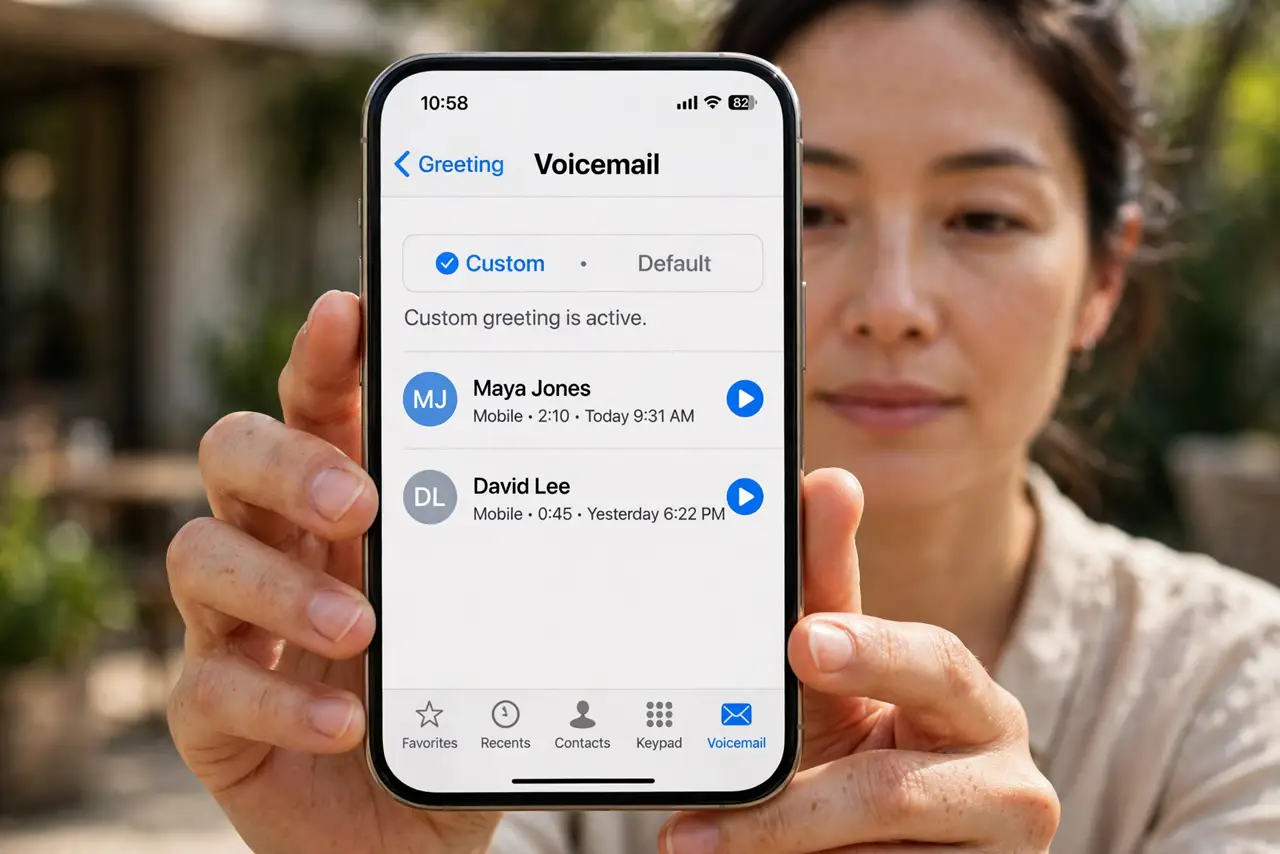
- Open Voicemail and tap Greeting. Open Phone, then Voicemail, then Greeting. If it shows Default, your custom greeting is gone, and you need to record it again.
- Record a new custom greeting. Tap Custom, then Record, and speak your greeting clearly. Keep it short: your name and a request to leave a message is enough.
- Save it and check it stuck. Tap Save, then leave the screen and come back. If it reverts to Default, the save failed, and you should record it again.
- Test it from another phone. Call your number from another phone and let it go to voicemail. Hearing your own greeting confirms it works for callers, not just on your screen.
- Check after a carrier or SIM change. If you changed carrier or SIM recently, voicemail greetings often reset. Re-record after any carrier change, and check again a day later.
- Call your carrier if it will not save. If the greeting will not save at all, contact your carrier. Visual voicemail and greetings live on the carrier side, and they may need to reset your mailbox.
What NOT to do
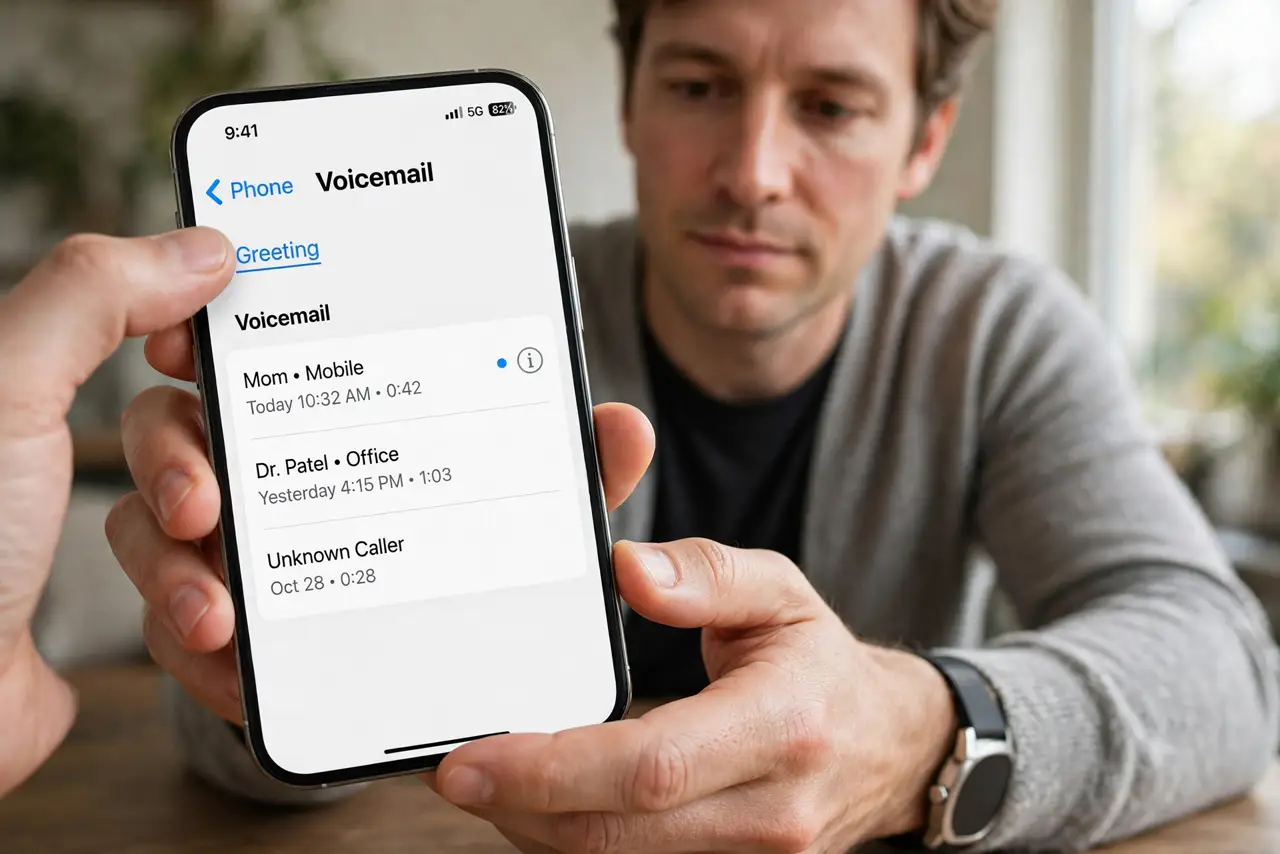
- Do not record a greeting with personal details. Keep it to your name and a callback request, since anyone who calls hears it.
- Do not assume the greeting saved because you recorded it. Tap Save and test from another phone, or callers may still hear the default.
- Do not keep re-recording over a carrier fault. If it will not save twice, the carrier mailbox needs attention, not another recording.
- Do not delete your voicemail mailbox to fix a greeting. That can lose saved messages, so re-record first.
Frequently asked questions
Why did my greeting disappear?
Usually a carrier change, SIM swap, update, or mailbox reset removed it. Re-recording restores it.
Why do callers hear a generic greeting?
Because your custom greeting is gone or did not save. Record and save a new one, then test it.
Is voicemail stored on my phone?
Mostly on the carrier side. That is why carrier changes can reset greetings.