You Forgot Your iPhone Voicemail Password
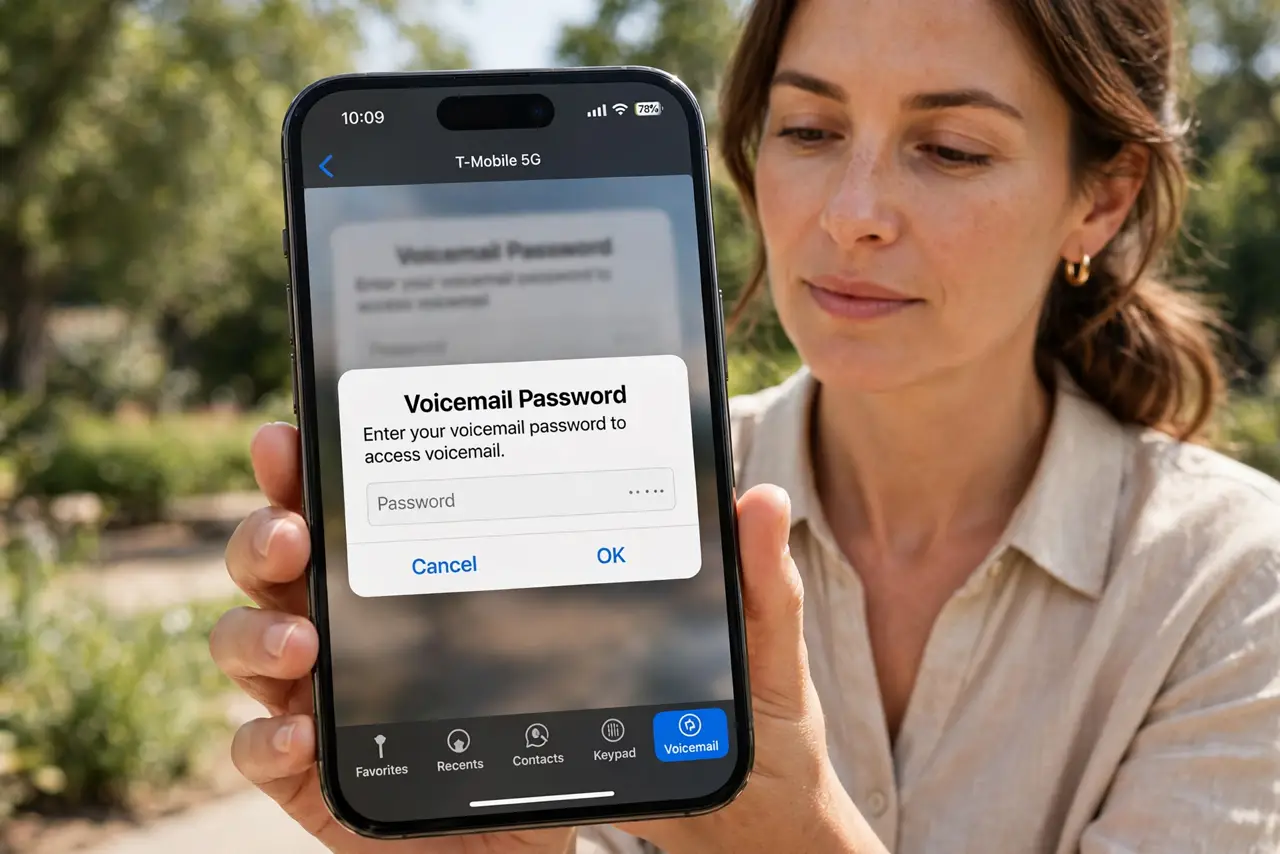
You tap Voicemail and the iPhone asks for a password you set years ago and never used since. Visual voicemail still needs that old carrier password — but you can reset it without losing your saved messages.
TL;DR / Quick Fix
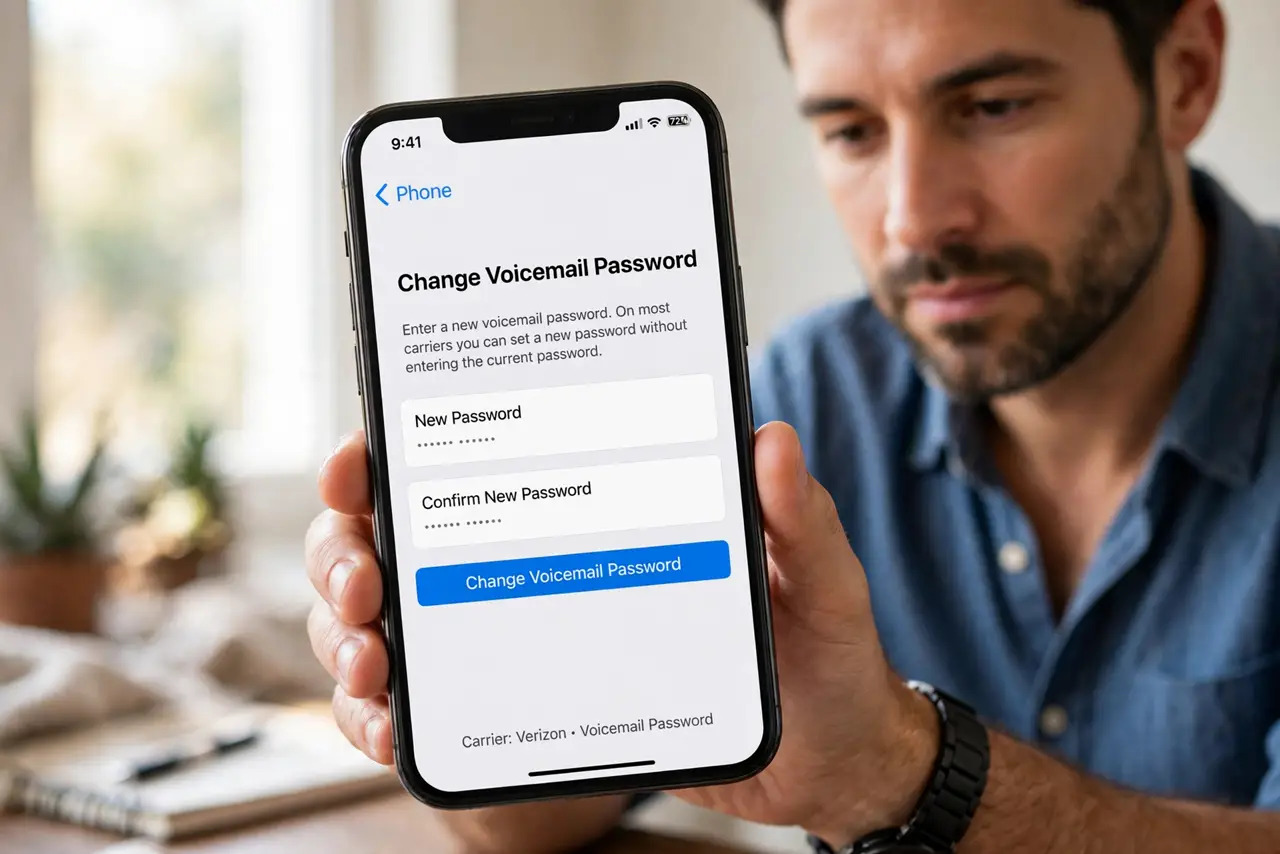
Quick fix: open Settings, then Phone, then Change Voicemail Password, and set a new one — no old password needed on most carriers. If that screen is missing, call your carrier or dial your own number to reset it by phone. Your saved voicemails stay put during the reset.
Follow these steps
- Try the built-in password change. Open Settings, then Phone, then Change Voicemail Password. On most carriers this lets you set a new password without typing the old one.
- Call your own number from the iPhone. Hold 1 or dial your own number to reach the voicemail system. It may offer a password reset by menu, which works even when the Settings screen does not.
- Ask your carrier to reset it. Call customer service and ask for a voicemail password reset. They verify your identity and set a temporary password you change on first use.
- Check the carrier app for a reset option. Some carrier apps include a voicemail password reset under account or line settings. It is faster than calling if your carrier offers it.
- Keep your saved messages safe. Changing the password does not delete messages. But a full carrier voicemail reset sometimes does, so ask the agent whether your saved voicemails survive before they proceed.
- Write the new password down. Save the new password in a password manager or a safe note. A forgotten voicemail password repeats this whole hunt, and the code changes rarely.
What NOT to do
- Do not guess the password repeatedly. Too many wrong tries can lock the voicemail box, and then only your carrier can reopen it.
- Do not reset the iPhone's network settings for this. A forgotten voicemail password lives with your carrier, not in the iPhone's settings.
- Do not delete the Phone app or your voicemail data. The password is stored on your carrier's side, so deleting things on the phone fixes nothing.
- Do not use the same weak PIN you use everywhere. A voicemail password guards your messages, so pick something you do not reuse.
Frequently asked questions
Will resetting the password delete my voicemails?
Usually not. A simple password change keeps messages, but ask your carrier to confirm before they do a full mailbox reset.
Why does the iPhone even ask for a voicemail password?
Visual voicemail logs in to your carrier's voicemail system, and that system uses its own password, separate from your Apple ID.
The Change Voicemail Password screen is missing. Why?
Some carriers hide it. Call them directly or dial your own number — the reset happens on their side either way.