Apple Watch Workout GPS Drifts Off Route
Your run map zigzags across buildings and the distance looks wrong. The Watch's GPS struggles near tall buildings, under trees, or when the phone it leans on is missing.
TL;DR / Quick Fix
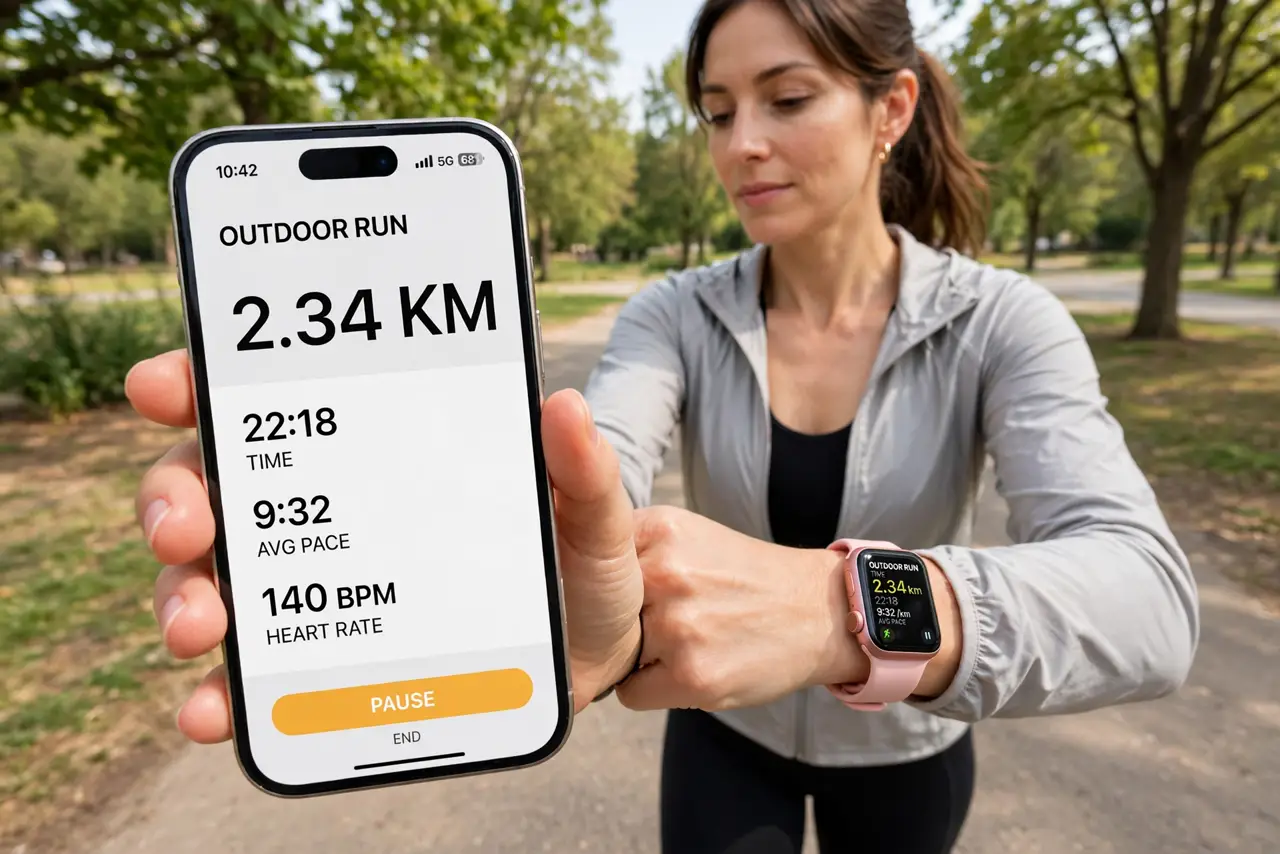
Quick fix: carry the iPhone with you on runs — the Watch calibrates its GPS against the phone. Run the first minute in the open so the GPS locks on, and keep the Watch snug on your wrist. Calibrate once by walking outdoors for 20 minutes.
Follow these steps
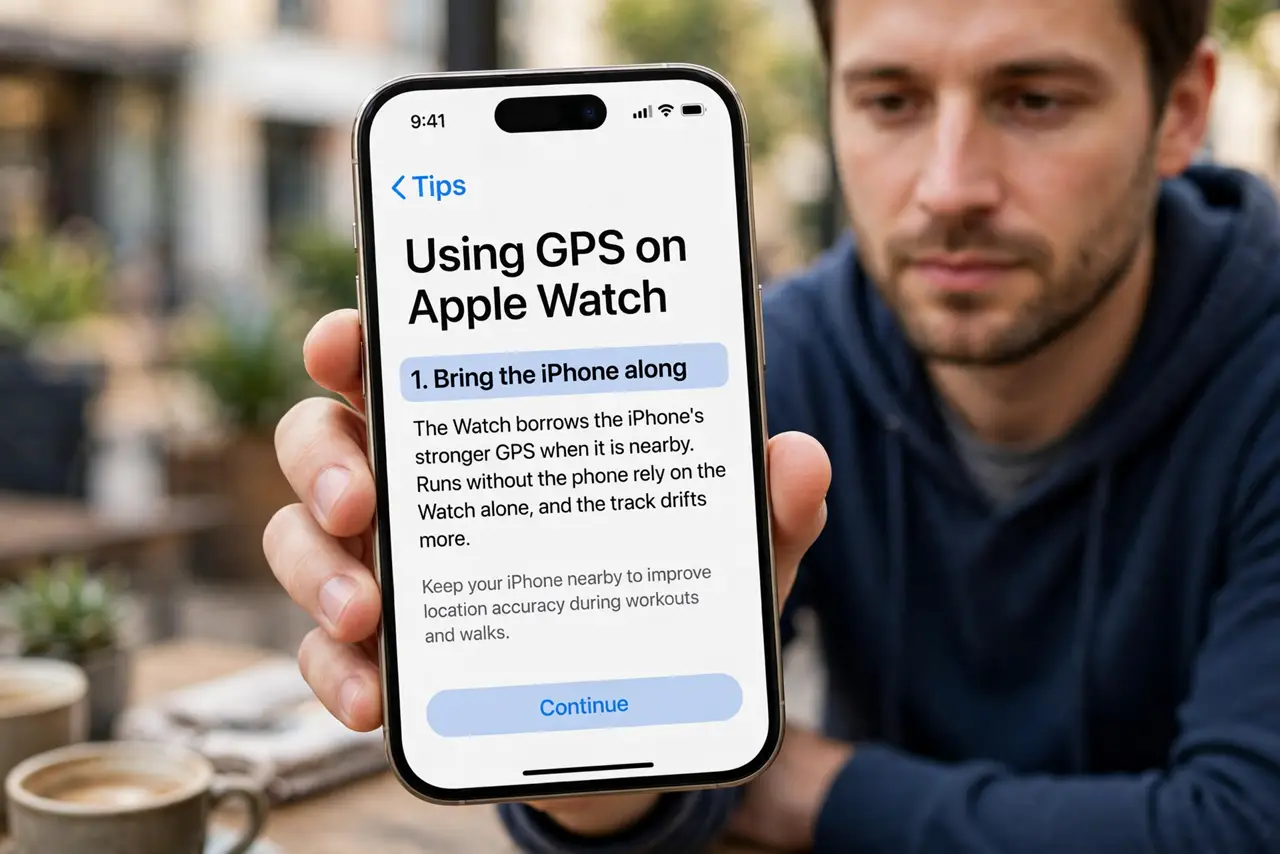
- Bring the iPhone along. The Watch borrows the iPhone's stronger GPS when it is nearby. Runs without the phone rely on the Watch alone, and the track drifts more.
- Wait for the GPS lock. Start the workout and stand still in the open for 30 to 60 seconds. A workout started mid-stride begins with a guessed position that skews the whole route.
- Wear the Watch snugly. A loose Watch slides around and weakens its sensors. Tighten it one notch for workouts — snug, not painful — and the readings stabilize.
- Calibrate with an outdoor walk. Walk or run outdoors for 20 minutes with the iPhone to calibrate stride and GPS together. Calibration teaches the Watch your pace, which steadies distance when GPS wavers.
- Avoid GPS shadows at the start. Tall buildings, dense trees, and tunnels block satellites. Start in the open and the lock holds better when you later pass through tricky spots.
- Check the route after, not during. Review the map in the Fitness app after the run. If the Watch also drops notifications mid-run, check its connection to the iPhone. If only the first minute zigzags, the fix is a longer GPS lock — the rest of the route is probably fine.
What NOT to do
- Do not trust the distance from a drifted GPS blindly. A zigzag route inflates distance, so treat personal records from bad-GPS runs with suspicion.
- Do not run with the Watch on the inside of your wrist for GPS. The sensor placement assumes the normal position, and flipping it weakens the fix.
- Do not enable every location mode hoping for better accuracy. The Watch already uses its best GPS during outdoor workouts — the lock time matters more.
- Do not compare your route with a friend's phone GPS meter for meter. Different devices sample differently; compare trends, not exact lines.
Frequently asked questions
Why is only the start of my route wrong?
The GPS had not locked yet. Waiting 30 to 60 seconds in the open before moving fixes most zigzag starts.
Does the Watch need the iPhone for GPS?
Newer Watches have their own GPS, but bringing the iPhone still improves accuracy and calibration.
Will calibration fix distance too?
Yes, partly. Calibration tunes stride length, so distance stays closer to true even when the GPS signal wavers.