Health App Counts One Workout Twice
One morning run appears twice in the Health app, doubling your calories and minutes. Two devices — usually the iPhone and the Apple Watch — both recorded the workout, and Health counted both.
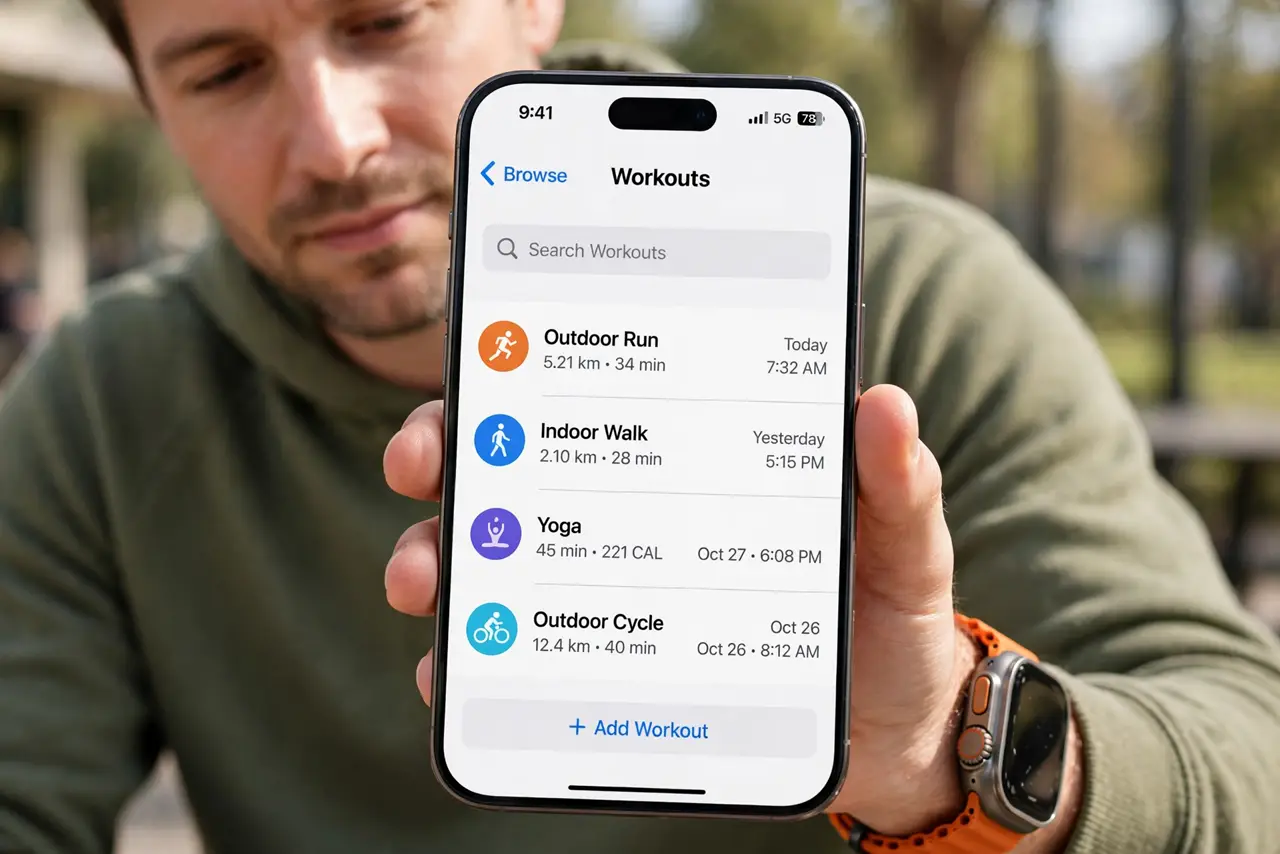
TL;DR / Quick Fix
Quick fix: open the Health app, find the duplicated workout, and delete the extra entry — your totals correct themselves. To stop it recurring, check which devices write workouts in Health settings and turn off double-recording on the iPhone when the Watch tracks the workout.
Follow these steps
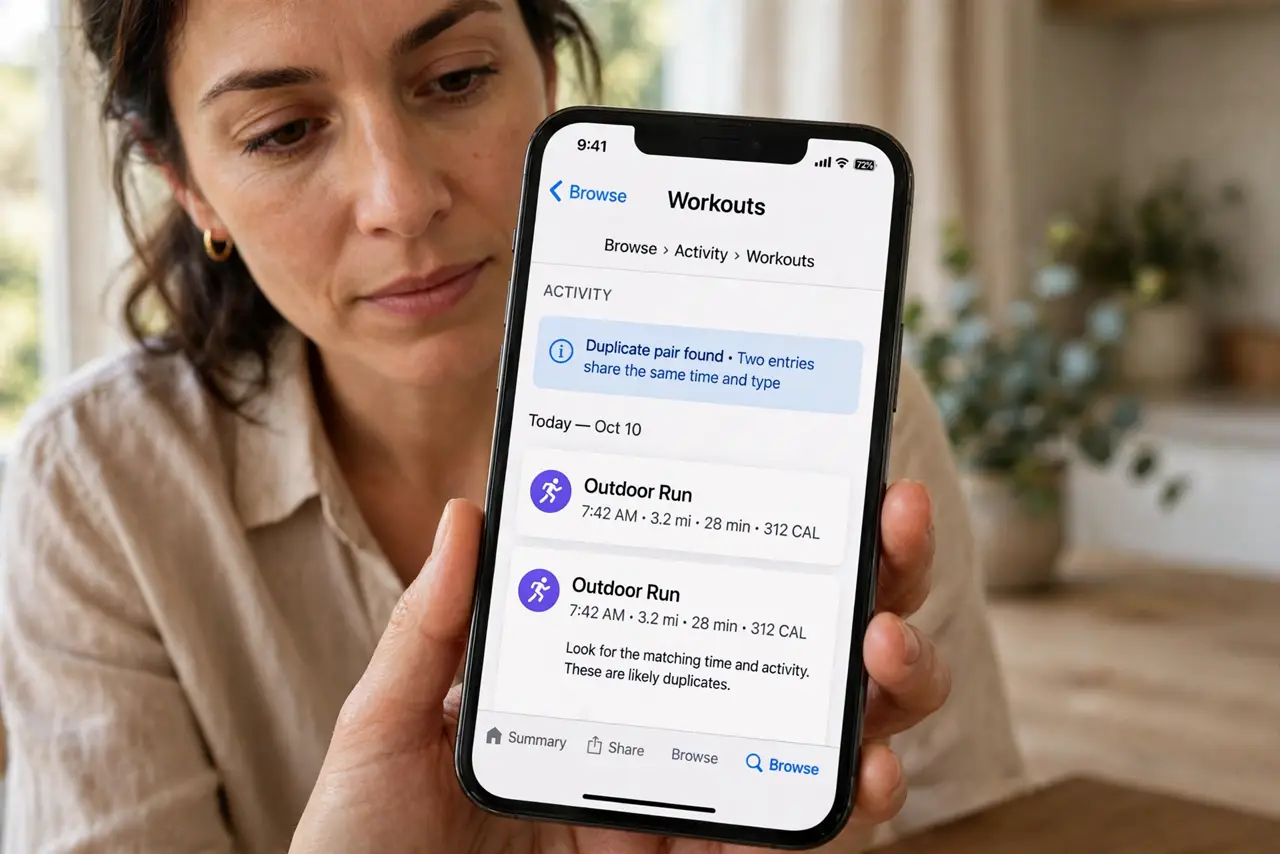
- Find the duplicate pair. Open Health, then Browse, then Activity, then Workouts, and look for two entries with the same time and type. The pair is usually obvious once you look.
- Delete the weaker entry. Open the duplicate with the less complete data and delete it. Health recalculates your totals without the double count immediately.
- Check which devices can write workouts. Open Health, tap your profile picture, then Apps, and review data sources. Both the iPhone and the Watch writing workouts is the classic double-count setup.
- Let the Watch be the recorder. When you wear the Watch, let it track the workout and stop starting a parallel workout on the iPhone. One recorder means one entry.
- Check third-party fitness apps. Apps like Strava or Nike Run can each write the same workout to Health. In each app's settings, turn off writing workouts to Health except in your one chosen app.
- Verify the totals after the fix. Check your daily totals after deleting the duplicate. If the numbers look right and new workouts appear once, the double-recording is solved.
What NOT to do
- Do not delete both entries in frustration. Deleting the pair erases a workout you actually did — keep the better-recorded one.
- Do not turn off all Health data sources at once. You need one writer per data type; the goal is one recorder, not zero.
- Do not assume the Watch is always the duplicate. Sometimes the iPhone's entry is the accurate one — compare the data before deleting.
- Do not ignore duplicates for months. Doubled workouts quietly inflate your trends, making real progress harder to see.
Frequently asked questions
Why does one workout appear twice?
Two devices or apps recorded it — usually the iPhone and the Apple Watch — and Health saved both as separate workouts.
Will deleting a duplicate hurt my streaks?
No. Health recalculates from the remaining entry, so your totals stay correct with the real workout intact.
Can I stop the iPhone recording when the Watch does?
Yes. Do not start workouts on both, and check each app's Health permissions so only one writes workout data. If your step counts also freeze, fix the data sources first, since one bad source affects both.