WhatsApp Backup Stuck on iPhone? Fix It
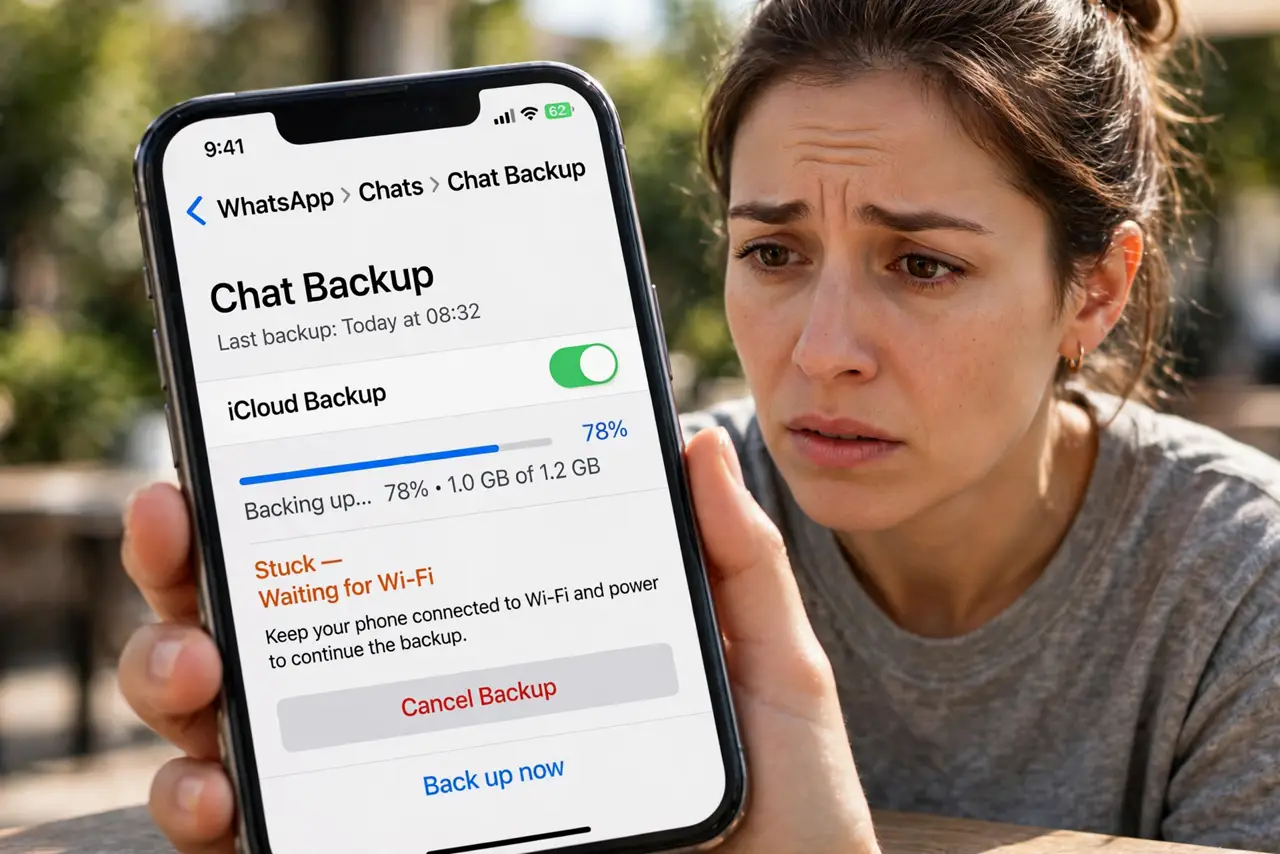
WhatsApp's chat backup spins for hours and never completes, leaving your messages unprotected. Big videos, weak uploads, or iCloud hiccups stall it. This guide gets the backup across the finish line without losing chats.
TL;DR / Quick Fix
Quick fix: connect to stable Wi-Fi, plug into power, and in WhatsApp go to Settings, Chats, Chat Backup and start it manually. Exclude videos to shrink the backup hugely and speed it up, and make sure iCloud has free space for it.
Follow these steps
- Start the backup manually. In WhatsApp, open Settings, then Chats, then Chat Backup, and tap Back Up Now. Manual starts bypass whatever stalled the automatic schedule.
- Exclude videos. Toggle off Include Videos in the backup settings. Videos are the number one reason backups balloon and stall; chats themselves are tiny.
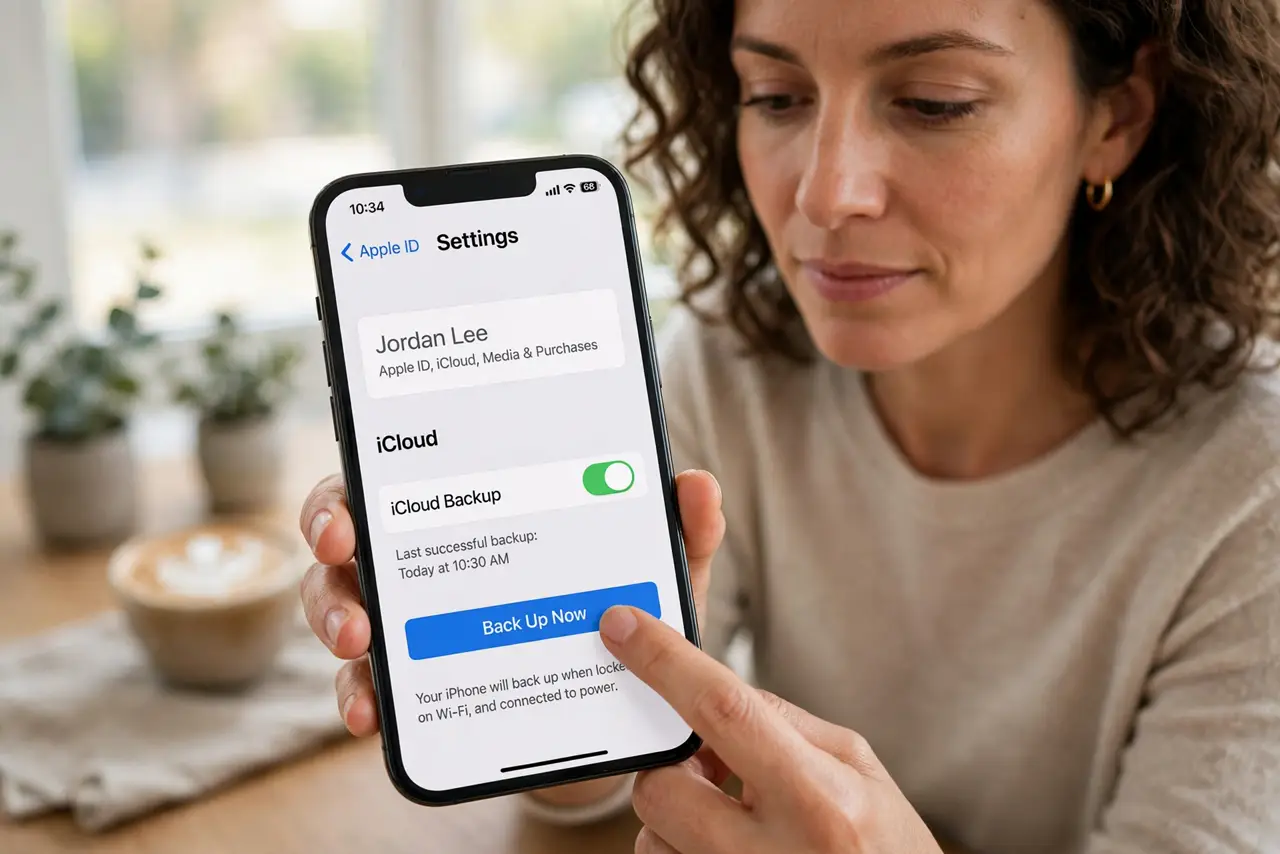
- Check iCloud space. WhatsApp backs up to iCloud on iPhone, so a full iCloud plan stalls it. Free space or upgrade before retrying the backup.
- Use strong Wi-Fi and power. Backups pause on weak connections and low battery. Plug in, join solid Wi-Fi, and leave the phone alone during the upload.
- Rule out a stalled photo upload. If iPhone photos are not backing up either, iCloud itself is the shared bottleneck. Fix iCloud first and WhatsApp follows.
- Update WhatsApp. An outdated WhatsApp can hit fixed backup bugs. Update the app, then retry the manual backup once.
What NOT to do
- Do not delete and reinstall WhatsApp mid-crisis. Reinstalling without a finished backup wipes the chats you are trying to save.
- Do not toggle the backup off to fix it. Disabling deletes the existing iCloud backup, removing your safety net.
- Do not back up over mobile data casually. A multi-gigabyte backup burns through data plans; Wi-Fi is the intended path.
- Do not assume chats are safe unsent. Until a backup completes, a lost or broken phone means lost chats.
Frequently asked questions
Why is my WhatsApp backup stuck?
Usually huge videos, full iCloud storage, or a weak connection. Excluding videos fixes most stalls instantly.
Where does the iPhone backup go?
To iCloud, under your Apple ID's storage. It counts against your iCloud plan like everything else.
How often should it back up?
Daily automatic is the sweet spot for most people, with videos excluded to keep it fast.