Wi-Fi Calling Drops in the Middle of Calls
Calls over Wi-Fi start fine, then cut out halfway. The Wi-Fi signal, a network handoff, or the Wi-Fi Calling setting itself usually breaks the call — and each has a different fix.
TL;DR / Quick Fix
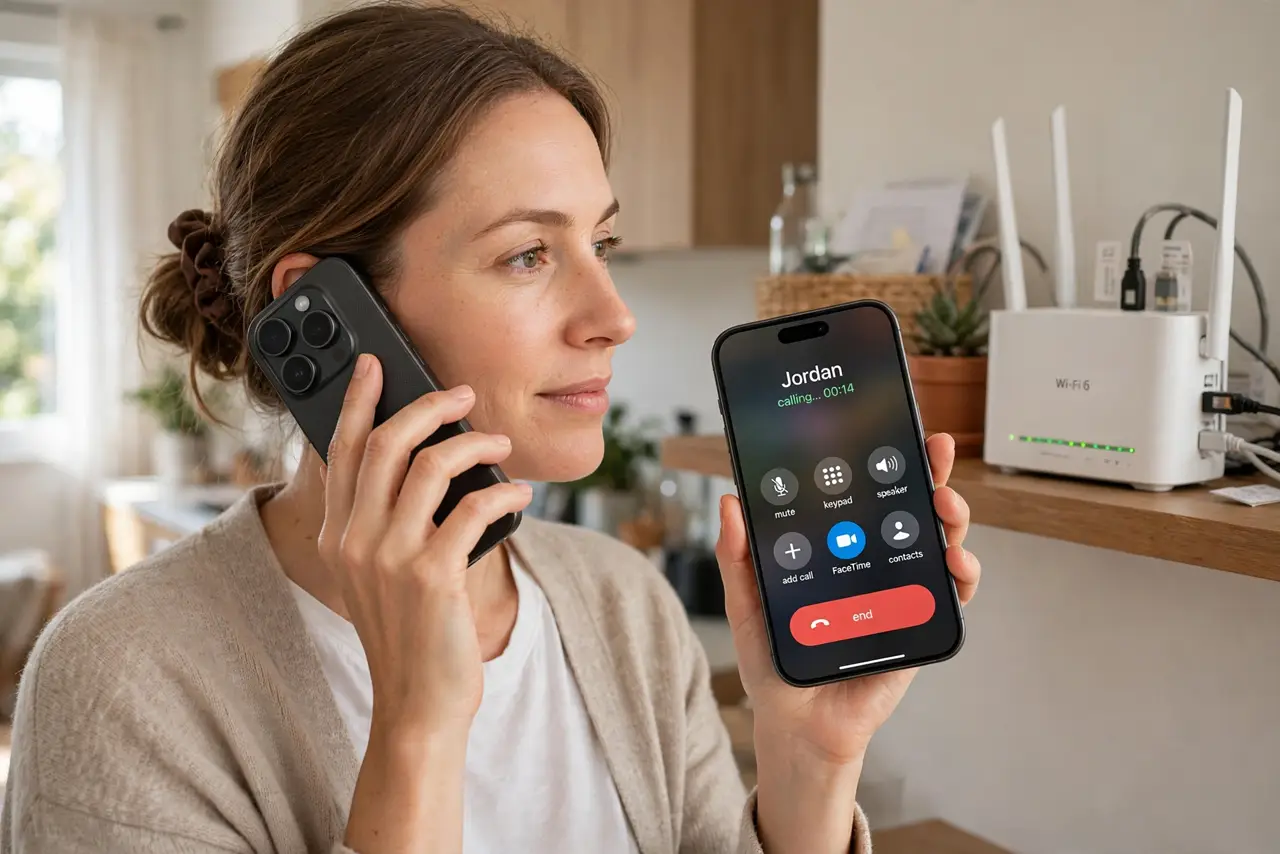
Quick fix: move closer to the router, open Settings, then Phone, then Wi-Fi Calling, and confirm it is on. Then forget and rejoin the Wi-Fi network, and test a call from near the router and test a call from near the router first.
Follow these steps
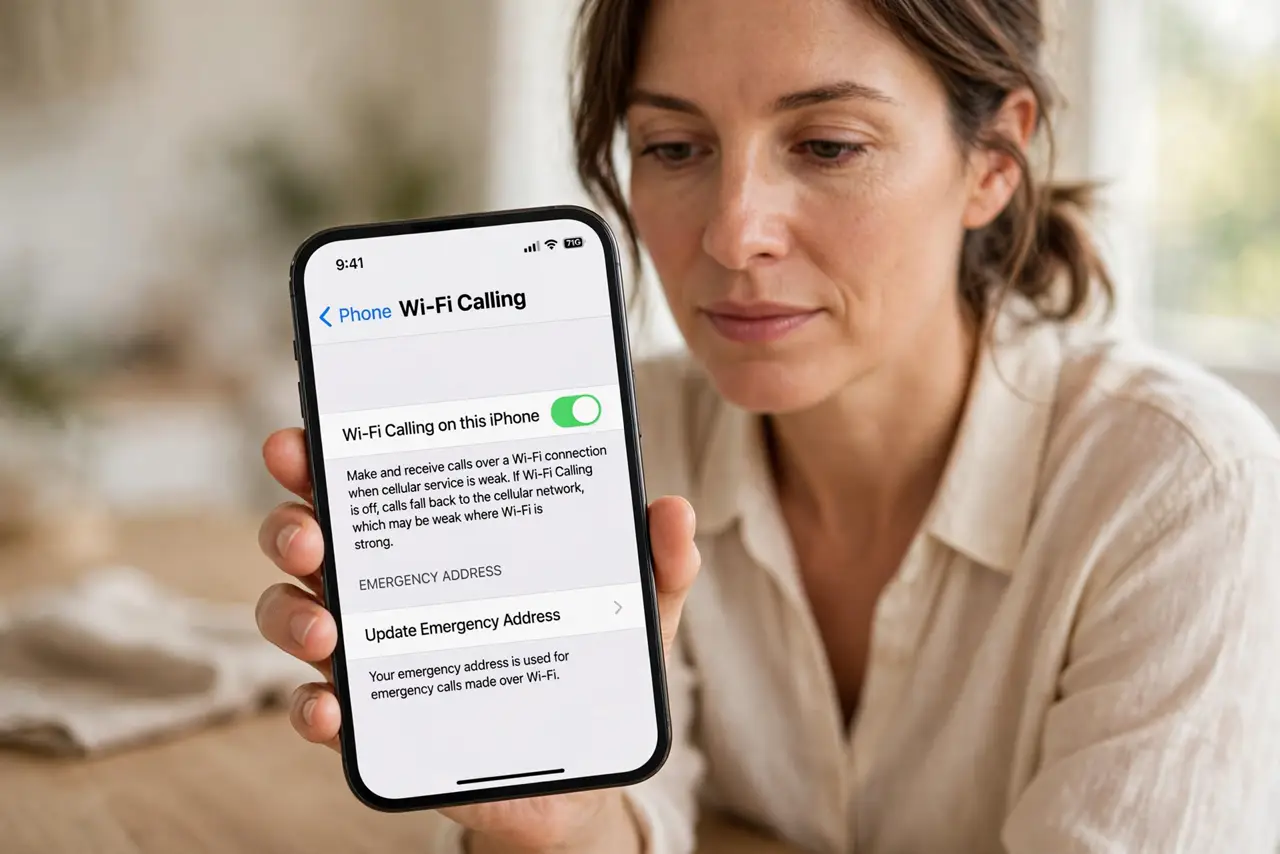
- Confirm Wi-Fi Calling is on. Open Settings, then Phone, then Wi-Fi Calling, and confirm the switch is on. If it is off, calls fall back to mobile signal, which may be weak exactly where Wi-Fi is strong.
- Move closer to the router for a test call. Stand near the router and make a test call. If calls hold near the router but drop farther away, signal strength — not the phone — is the problem.
- Forget and rejoin the Wi-Fi network. Open Settings, then Wi-Fi, forget the network, and join it again with the password. A fresh join clears a stale connection that drops calls even when browsing works.
- Stop the phone switching networks mid-call. If the iPhone hops between Wi-Fi networks or to mobile data mid-call, the call can drop in the handoff. Stay on one network for the call, and turn off auto-join for weaker nearby networks.
- Restart the router if drops repeat. Unplug the router, wait thirty seconds, and plug it back in. A router restart clears stuck sessions that drop voice calls while web pages still load fine.
- Ask the carrier if drops continue. If calls still drop near the router on a fresh network join, contact your carrier. Carrier-side Wi-Fi Calling faults need carrier help, not more phone settings.
What NOT to do
- Do not blame the caller when Wi-Fi calls drop. A weak signal or a network handoff on your side explains most mid-call drops.
- Do not turn off Wi-Fi Calling over one dropped call. Fix the signal and the network join first, since Wi-Fi Calling helps exactly where mobile signal is weak.
- Do not test call quality from the far end of the house. Test near the router first, so you know whether distance or the setting is at fault.
- Do not reset all network settings as a first step. Forgetting and rejoining one network is gentler, and a full reset erases every saved network.
Frequently asked questions
Why do Wi-Fi calls drop mid-call?
Usually the signal weakens, the phone switches networks mid-call, or the Wi-Fi session itself is stale.
Does moving closer to the router really help?
Yes, for diagnosis and for calls. If calls hold near the router, distance and signal are the cause.
Should I turn Wi-Fi Calling off?
Only if your mobile signal is stronger where you call. Where mobile signal is weak, Wi-Fi Calling is the better option.