Should You Enable IPv6?
Your router settings show IPv6, and forums are split: half say enable it, half say it breaks things. IPv6 is the modern internet addressing protocol — the long-term replacement for IPv4 — and it has been quietly running by default for years. This guide cuts through the debate: when to leave it on, and the rare cases to touch it.
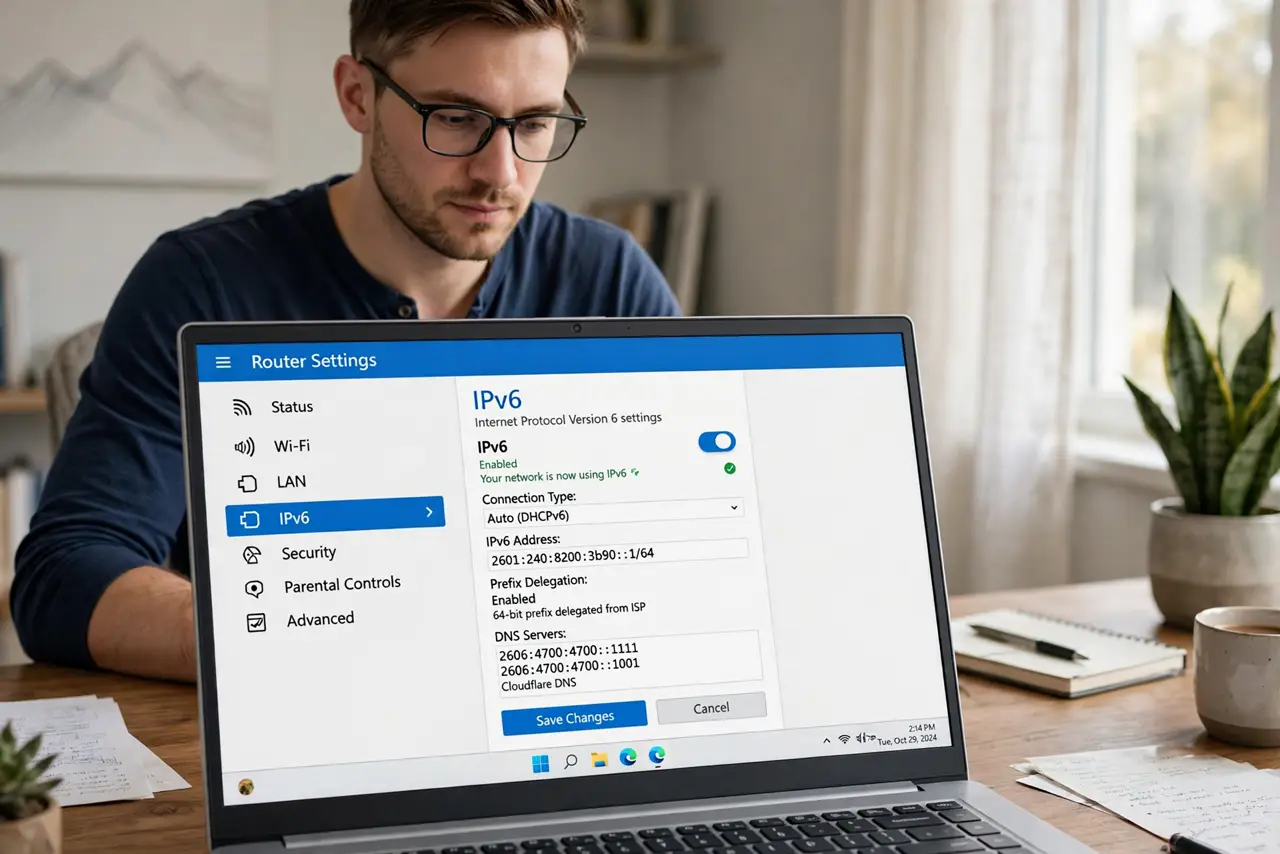
TL;DR / Quick Fix
Quick fix: for most homes, leave IPv6 on — it is the modern internet protocol, enabled by default, and disabling it usually gains nothing while occasionally breaking things. Only turn it off temporarily to test if one specific site misbehaves. Your router and provider handle the details automatically.
Follow these steps
- Leave it on by default. For nearly every home network, the correct IPv6 setting is 'on, automatic, do not touch.' Your provider and router negotiate it themselves, and modern sites and apps increasingly prefer it. See the deeper on-or-off walkthrough for the technical background.
- Understand what it actually changes. IPv6 gives every device its own public address instead of sharing one through NAT. In practice you notice nothing day-to-day — it is plumbing, and good plumbing is invisible.
- Only disable to diagnose. If exactly one website or service misbehaves and everything else works, toggling IPv6 off temporarily is a legitimate test — some networks have broken IPv6 routes to specific destinations. Turn it back on after the test.
- Do not 'optimize' by disabling it. Disabling IPv6 does not speed anything up. It removes a modern path your devices increasingly use, and some services now expect it — the tweak guides promising speed gains are outdated.
- Check the router, not each device. IPv6 is a network-level setting on the router. Changing it per-device is whack-a-mole — set it once at the router and every device follows.
- If your ISP lacks IPv6, do nothing. Some providers still do not offer it. That is fine — everything falls back to IPv4 automatically. There is nothing to enable and nothing to fix.
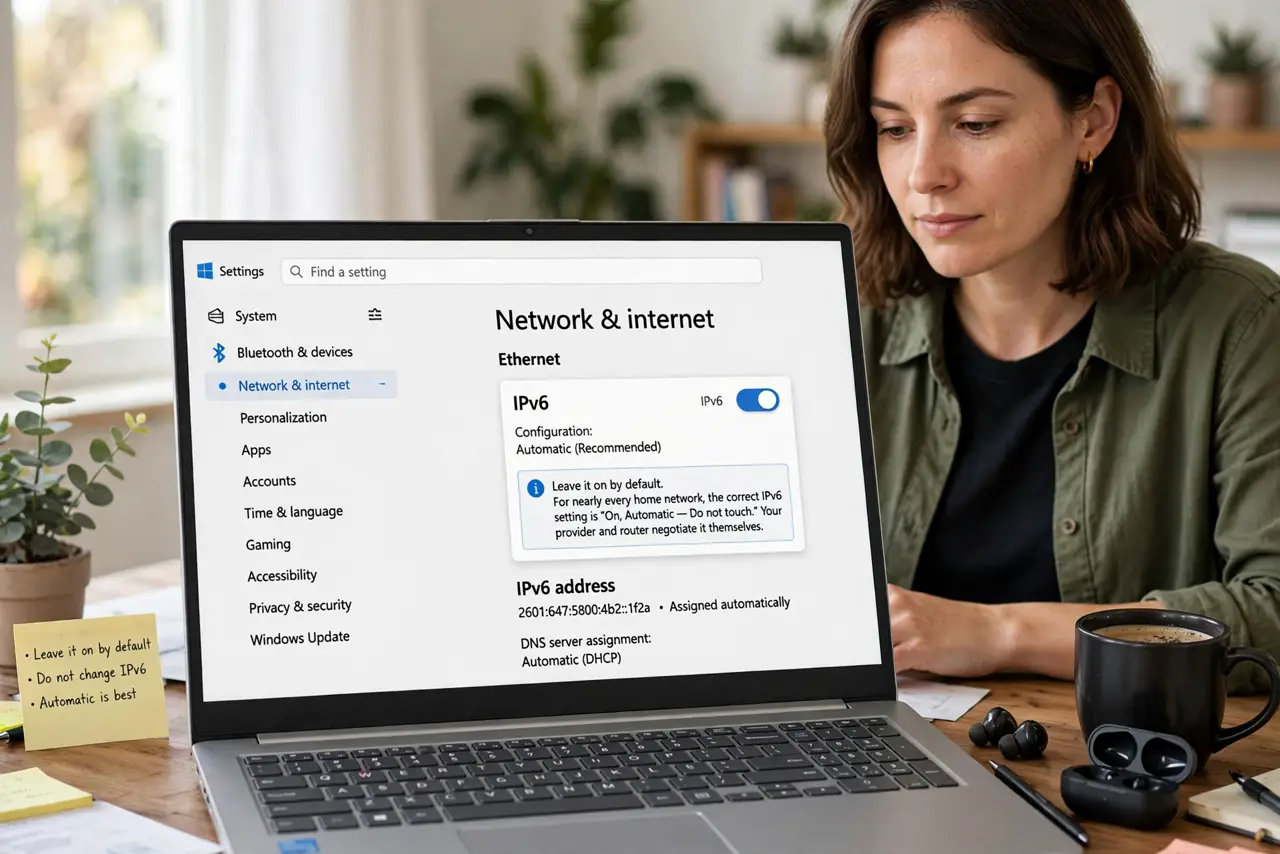
What NOT to do
- Do not disable IPv6 permanently for speed. It does not make anything faster, and you lose the modern path apps increasingly prefer.
- Do not toggle it per device. Router-level is the one place that matters — device-level fiddling creates inconsistent behavior.
- Do not panic about 'exposed' addresses. IPv6 addresses look public, but your router firewall still filters inbound traffic — the firewall is the protection, not address hiding.
- Do not follow decade-old tweak guides. Advice from the early IPv6 rollout era — when breakage was common — no longer applies to today's networks.
Frequently asked questions
Will enabling IPv6 break my smart home gadgets?
No. Gadgets that do not understand IPv6 simply ignore it and use IPv4. Dual-stack networks run both side by side without conflict.
Why do gamers argue about IPv6?
Because broken IPv6 routes to specific game servers caused lag years ago, and the 'disable it' advice stuck around. On healthy modern networks it is neutral to beneficial.
How do I know if I even have IPv6?
Visit an IPv6 test site that reports your connection type, or check your router's status page. If your provider offers it, it is probably already on and working.