Is Your ISP's Router Good Enough?
That free router from your internet provider works — but is it holding you back? ISP routers are built to a price, with basic Wi-Fi and slow updates. For many homes they are fine; for busy or large homes they are the bottleneck. Here is how to judge yours honestly.
TL;DR / Quick Fix
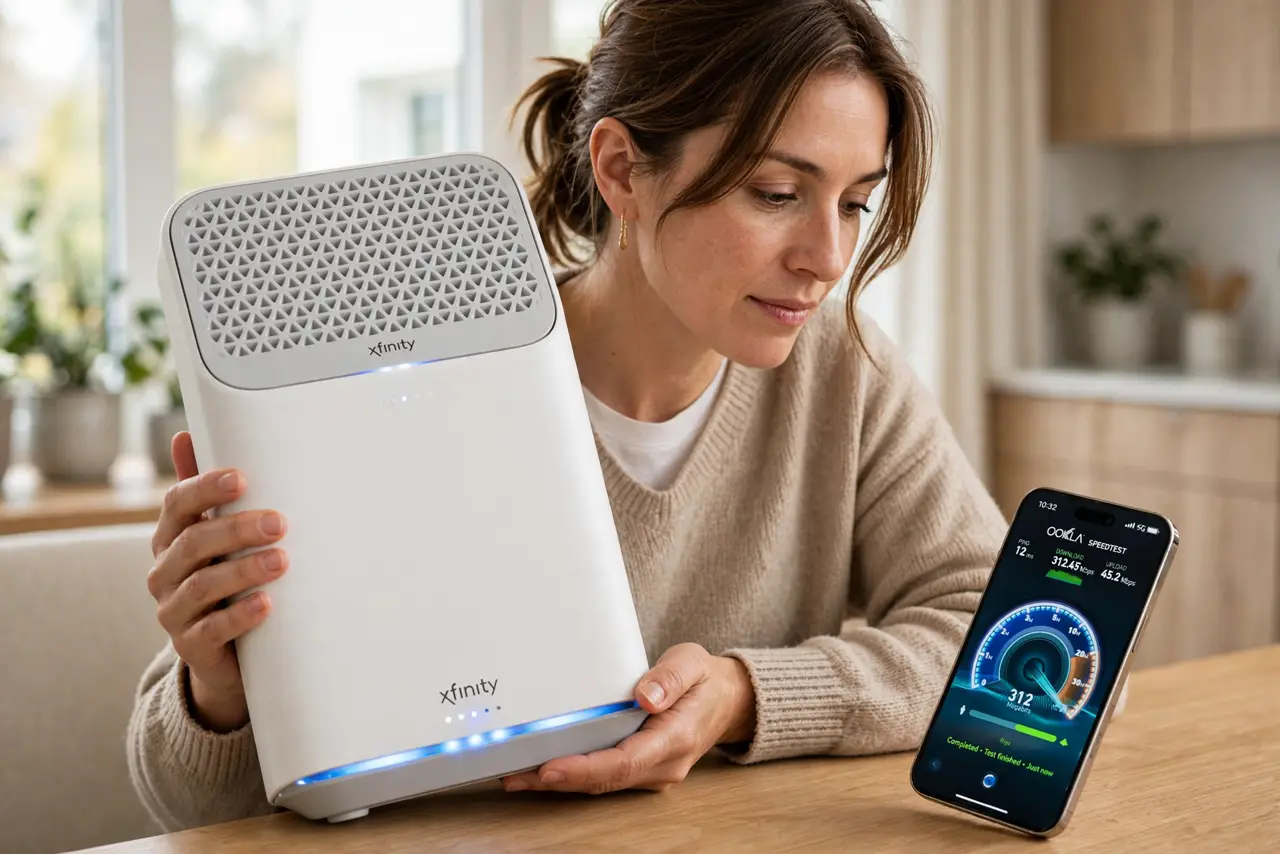
Quick fix: test your speed next to the router and in your worst room — if the numbers collapse with distance, the ISP router's weak radios are the limit. Before replacing it, confirm [[which box is actually failing|modem-vs-router-which-is-broken]] and check [[outage maps|isp-outage-map-vs-your-router-lights]] during problems.
Follow these steps
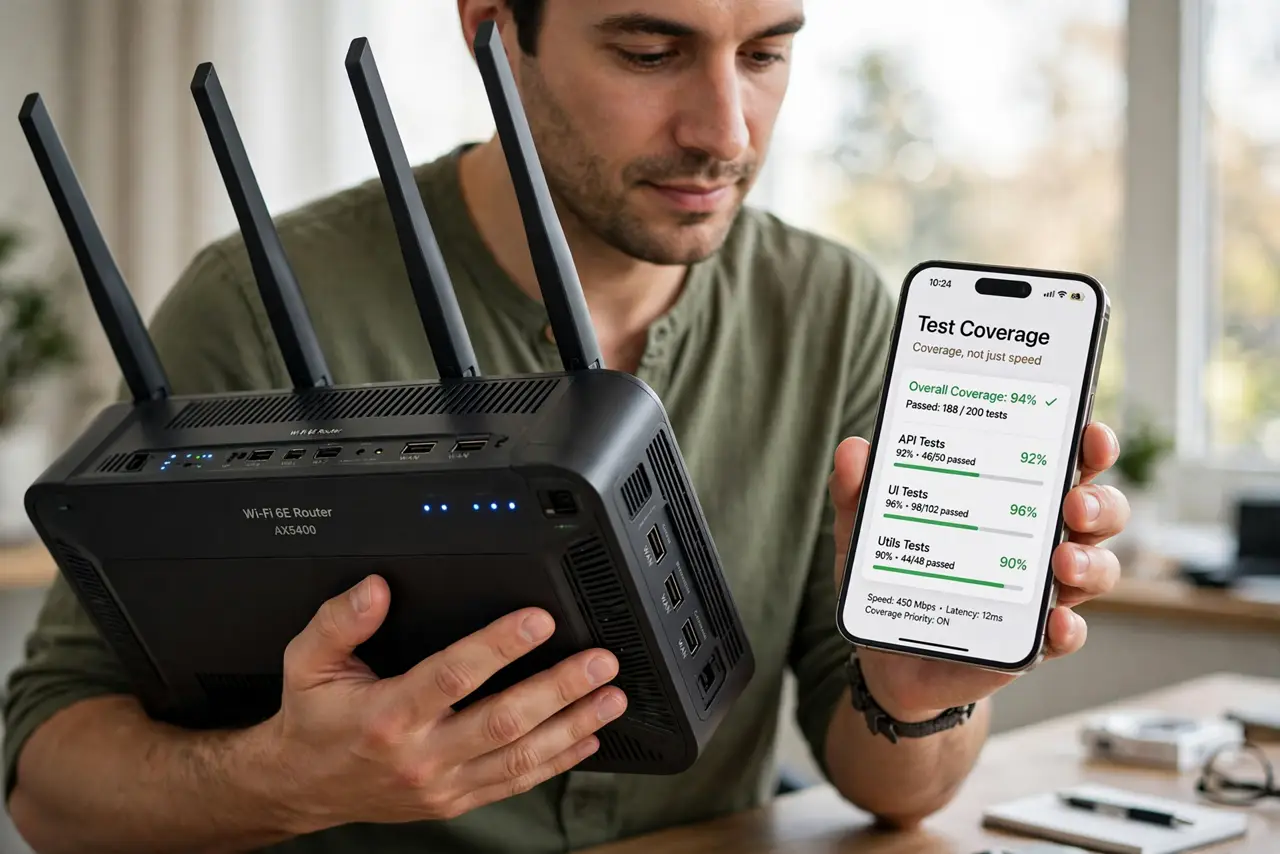
- Test coverage, not just speed. Run speed tests in every room. An ISP router that hits full speed nearby but dies two rooms away is a coverage problem, not a plan problem.
- Check the rental fee math. Many ISPs charge monthly for that box. A year or two of fees often buys a better router outright — do the arithmetic.
- Look at the update history. Log into the admin page and check the firmware date. ISP routers with years-old firmware miss security fixes — see failed update symptoms.
- Count your devices honestly. Ten devices on basic Wi-Fi is fine; thirty smart gadgets overwhelm cheap radios. Device count is the real stress test.
- Try better placement first. Even a basic router improves dramatically off the floor and out of the closet. Placement is free — try it before spending.
- Keep the ISP box as a modem if needed. On fiber and DSL you may need their box on the line. Keep it, put it in bridge mode, and add your own router behind it.
What NOT to do
- Do not return the ISP box before the replacement works. Keep it as a fallback until the new router is fully tested on your line.
- Do not buy the most expensive router reflexively. A mid-range modern router beats an ISP box; the flagship adds little for typical homes.
- Do not forget the ISP box's phone or TV role. Some bundles route TV and voice through it — confirm those still work in bridge mode.
- Do not assume the ISP will support your router. Their help desk troubleshoots their box; with your own gear, you are your own support.
Frequently asked questions
Can I use my own router with fiber?
Often yes, but some providers require their ONT or box on the line. Ask what you may replace before buying.
Will my own router be faster?
Usually, for Wi-Fi coverage and device handling. Your internet plan speed stays the same — the router cannot exceed what the provider delivers.
Does the ISP router spy on me?
It can see DNS requests like any router. Using your own router with encrypted DNS gives you more control over that.