Router Firmware Update Fails? Fix It
A router firmware update fails, rolls back, or hangs, and the router may behave oddly afterward. Failed updates usually come from an unstable connection, a restart during the update, or an update file that does not match the router model.
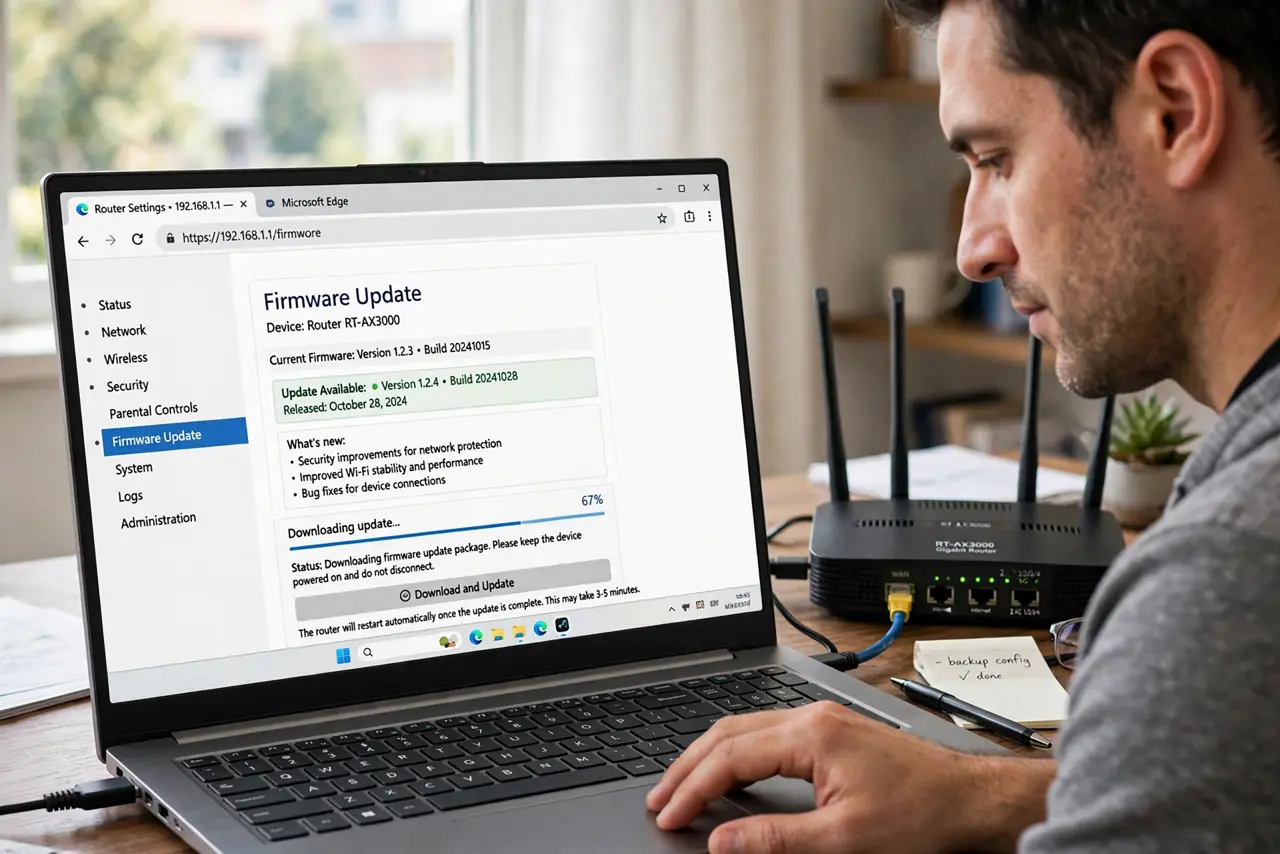
TL;DR / Quick Fix
Quick fix: restart the router, connect a computer to it with a cable, and retry the update from the router settings. Never power off the router during the update, and confirm the update matches your exact router model. Write down what worked for next time.
Follow these steps
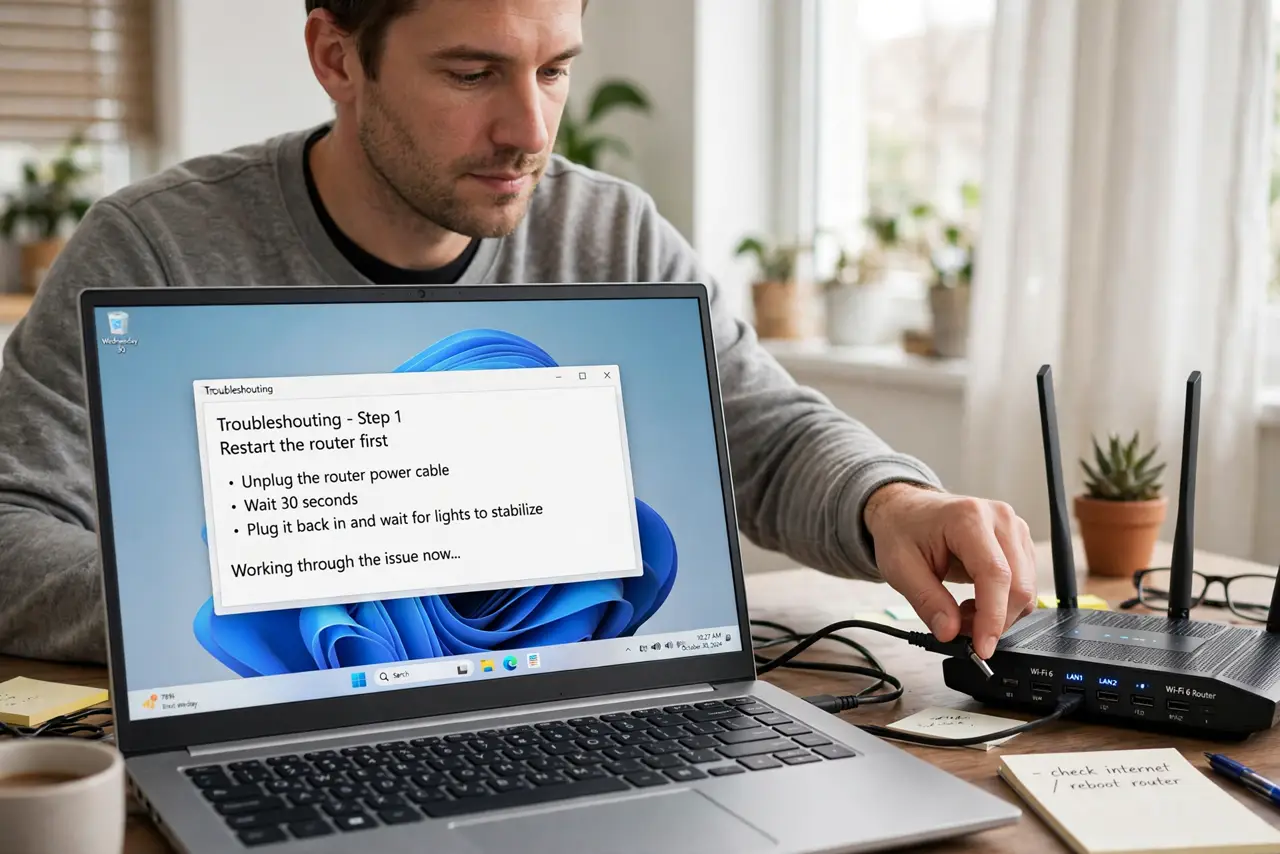
- Restart the router first. Unplug the router, wait thirty seconds, and plug it back in, then wait for its lights to settle. A clean restart clears a stuck state that can block an update.
- Use a wired connection for the update. Connect a computer to the router with a cable for the update, since Wi-Fi can drop mid-update and corrupt it. A wired update is far more stable.
- Update from the router settings. Use the update option inside the router settings, and follow the maker steps exactly. Only use an update file from the router maker, never from an unrelated site.
- Confirm the exact router model. Check the model on the router label and confirm the update matches it. An update for a similar-looking model can fail or harm a different model.
- Wait for the update to finish fully. Let the update run until the router restarts itself and its lights settle, which can take several minutes. Do not touch power or cables during this time.
- Retry once, then contact support. If the update fails again after a clean restart and a wired retry, note the error message and contact the maker or provider. Repeated blind retries can make a half-updated router worse.
What NOT to do
- Do not power off the router during an update. Interrupting firmware can leave the router unusable, which is far worse than a failed update.
- Do not download router firmware from unrelated sites. Only the router maker provides safe updates for your exact model.
- Do not update over weak Wi-Fi if a cable is available. A dropped Wi-Fi connection mid-update is one of the most common failure causes.
- Do not retry the update dozens of times without a restart. Each failed attempt can leave the router in a worse state than the last.
Frequently asked questions
Why did my router firmware update fail?
An unstable connection, a restart during the update, or a file for the wrong model are the most common causes.
Can I update router firmware over Wi-Fi?
You can, but a cable is safer. Wi-Fi drops mid-update can corrupt the update.
What if the router stops working after a failed update?
Leave it powered on, note its lights, and contact the maker or provider. Do not keep power-cycling it blindly.