Run a Personal Kanban
Your projects are invisible — tasks live in your head, in email, on sticky notes, everywhere and nowhere. A personal kanban board makes work visible: three columns (To Do, Doing, Done), cards for tasks, and a strict limit on how many sit in Doing. What gets seen gets finished.
TL;DR / Quick Fix
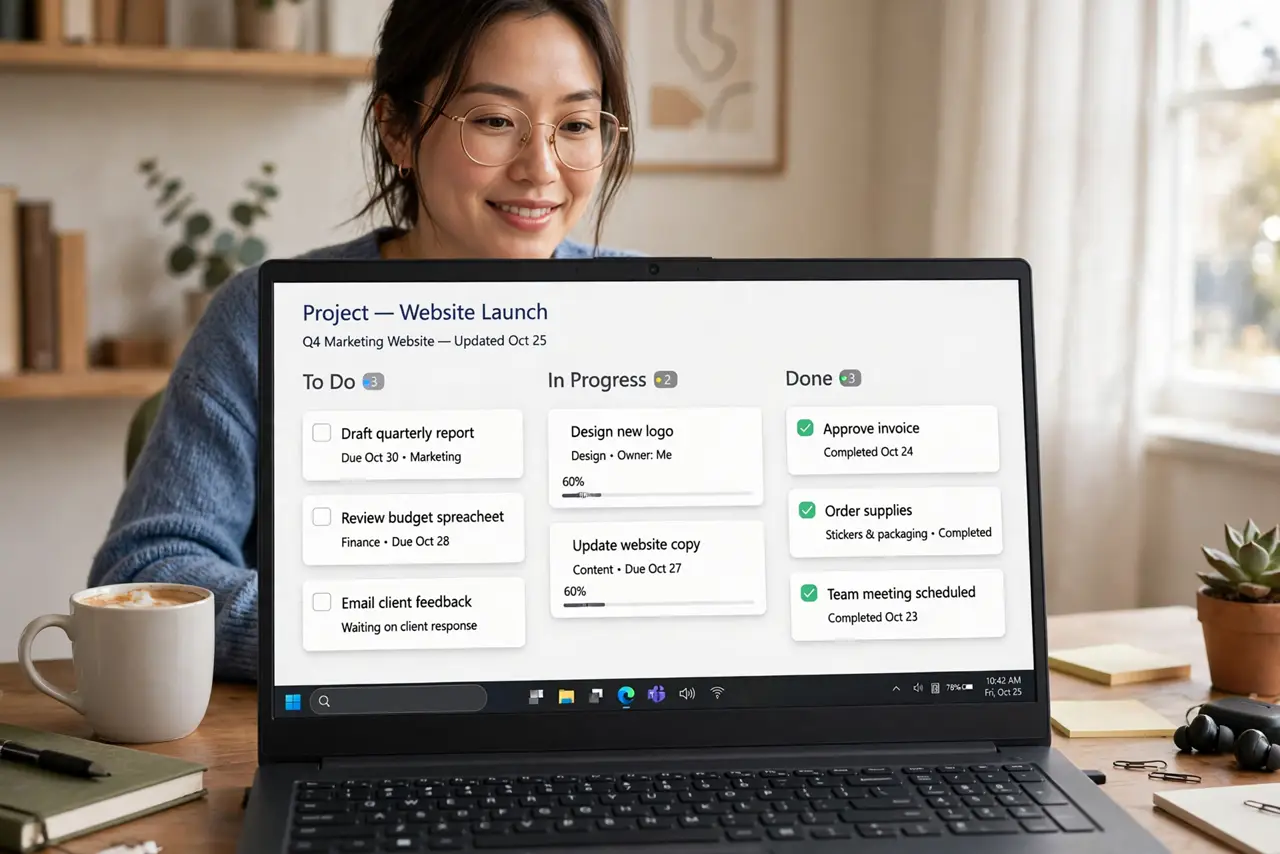
Quick fix: make three columns — To Do, Doing, Done — and put every active task on a card. Limit Doing to three cards max; the limit is the method. Move cards daily. A physical whiteboard or a simple app like Trello both work; visibility matters, not the tool.
Follow these steps
- Make the three columns. To Do, Doing, Done — on a whiteboard, a wall, or an app. Physical boards win for visibility; apps win for access anywhere.
- Card every active task. One card per task, titled as a concrete outcome. Vague cards stall — write the done-state, not the worry.
- Limit work in progress. Three cards in Doing, maximum. The WIP limit forces finishing over starting — multitasking is just serial quitting.
- Move cards daily. A two-minute daily shuffle keeps the board honest. Stale cards get broken down or deleted — the board reflects reality or it is decoration.
- Review Done weekly. The Done column is your proof of progress. Review it Friday — motivation loves visible evidence.
- Automate the boring moves. Recurring cards and auto-archiving keep the board clean. The Trello automation tricks apply to any digital board — set them once.

What NOT to do
- Do not skip the WIP limit. Unlimited Doing is just a to-do list with columns — the limit is the entire method.
- Do not make cards vague. Research stuff is not a card; Email the three quotes is.
- Do not maintain two systems. One board, one truth — split systems split attention.
- Do not let Done pile up forever. Archive weekly; a Done column of 200 cards is a museum, not a motivator.
Frequently asked questions
Physical board or app?
Physical for visibility at your desk; app for access everywhere. Many use both — photo the board into the app weekly.
How many cards in Doing?
Three for most people, two if you are overloaded. One if you are drowning — constraints heal.
Is kanban just for software teams?
No — the personal version predates the hype. Households, students, and freelancers all run fine on three columns.