Keyboard Switches Explained
Red, blue, brown, black, silent red, speed silver — switch names sound like paint swatches, and every color claims to be the best. Underneath, there are really only three feels: smooth, bumpy, and clicky-loud. Learn those three and the color chaos resolves into sense — which is exactly what this guide does before you pick a mechanical keyboard or go hot-swap.
TL;DR / Quick Fix
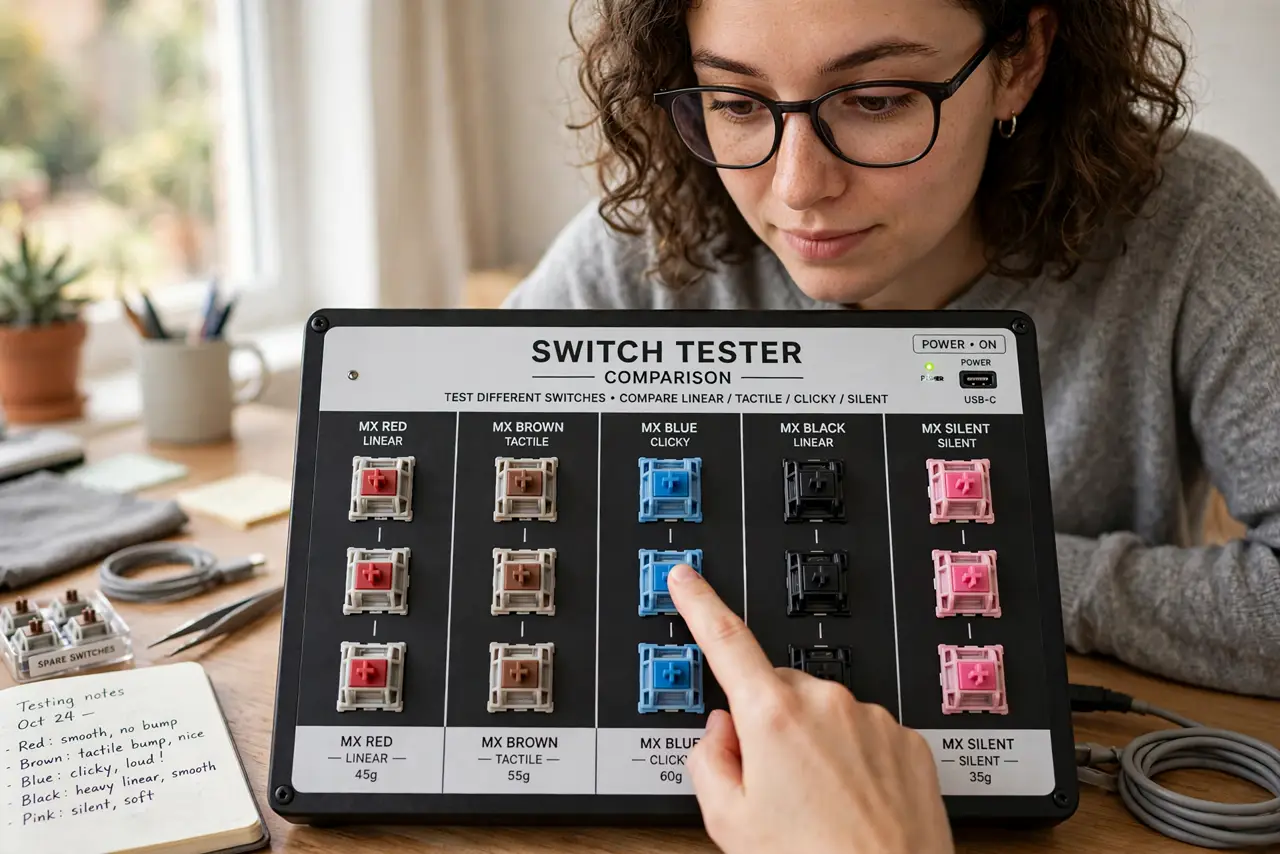
Quick fix: keyboard switches come in three feels — linear (smooth, red-style) for gaming, tactile (bumpy, brown-style) for typing, clicky (loud, blue-style) for those alone. Pick by feel, not color names, since shades vary by brand. Try a switch tester; ten dollars of testing beats a hundred-dollar regret.
Follow these steps
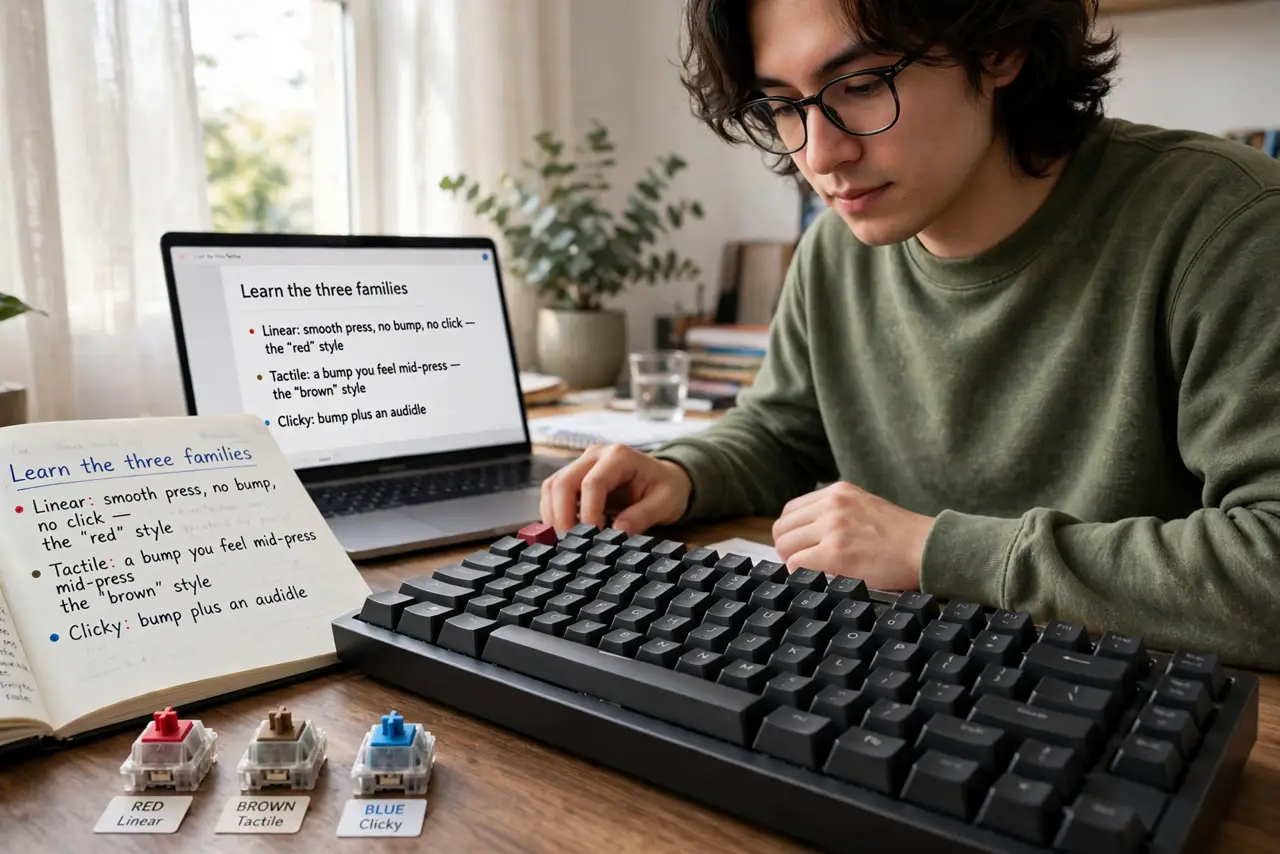
- Learn the three families. Linear: smooth press, no bump, no click — the 'red' style. Tactile: a bump you feel mid-press — the 'brown' style. Clicky: bump plus an audible click — the 'blue' style. Everything else is a variation.
- Match the feel to the job. Gaming favors linear — fast, smooth, no bump fighting rapid presses. Typing favors tactile — the bump confirms each keystroke. Clicky suits solitary writers who love the sound and the rhythm.
- Ignore exact color names. 'Red' from one brand is not identical to another's — colors are conventions, not standards. Judge by the feel family and the spec sheet (actuation force, travel), not the paint.
- Consider noise honestly. Clicky switches carry through walls and video calls. Tactile gives most of the feedback at half the social cost; silent linears exist for shared spaces. Your environment votes too.
- Try a switch tester. A ten-dollar tester board with a dozen switch types tells your fingers in five minutes what reviews cannot in five hours. This is the single best purchase in the hobby.
- Remember switches can change. On a hot-swappable board, switches pull out and swap in minutes — today's choice is not forever. That freedom makes the first decision much less scary.
What NOT to do
- Do not buy clicky for a shared space. The sound is the feature and the problem — your coworkers get a vote.
- Do not memorize color charts. Brands vary; families (linear/tactile/clicky) are the stable truth — learn those.
- Do not assume heavier is better. High actuation force fatigues fingers over long days — medium weights suit most people.
- Do not skip the tester to save money. Switches are the entire feel of the keyboard — ten dollars now or regret later.
Frequently asked questions
What do the numbers mean (45g, 2mm)?
Actuation force (grams) = how hard you press; travel (mm) = how far the key moves. Lighter and shorter generally means faster; medium suits most typists.
Are expensive switches worth it?
Diminishing returns hit fast — mid-range switches from reputable makers feel excellent. Premium prices buy smoothness refinements most fingers notice only in comparison.
Can I mix switch types?
Yes — many people run tactile alphas with a linear spacebar, for example. On hot-swap boards, experimenting costs nothing but time.