Keyboard Wrist Rest Ergonomics Myths
Wrist rests promise comfort, but much of the common advice about them is backwards. Used wrong, a wrist rest can press on exactly the spot you wanted to protect — so it helps to know which claims are myths before you buy one.
TL;DR / Quick Fix
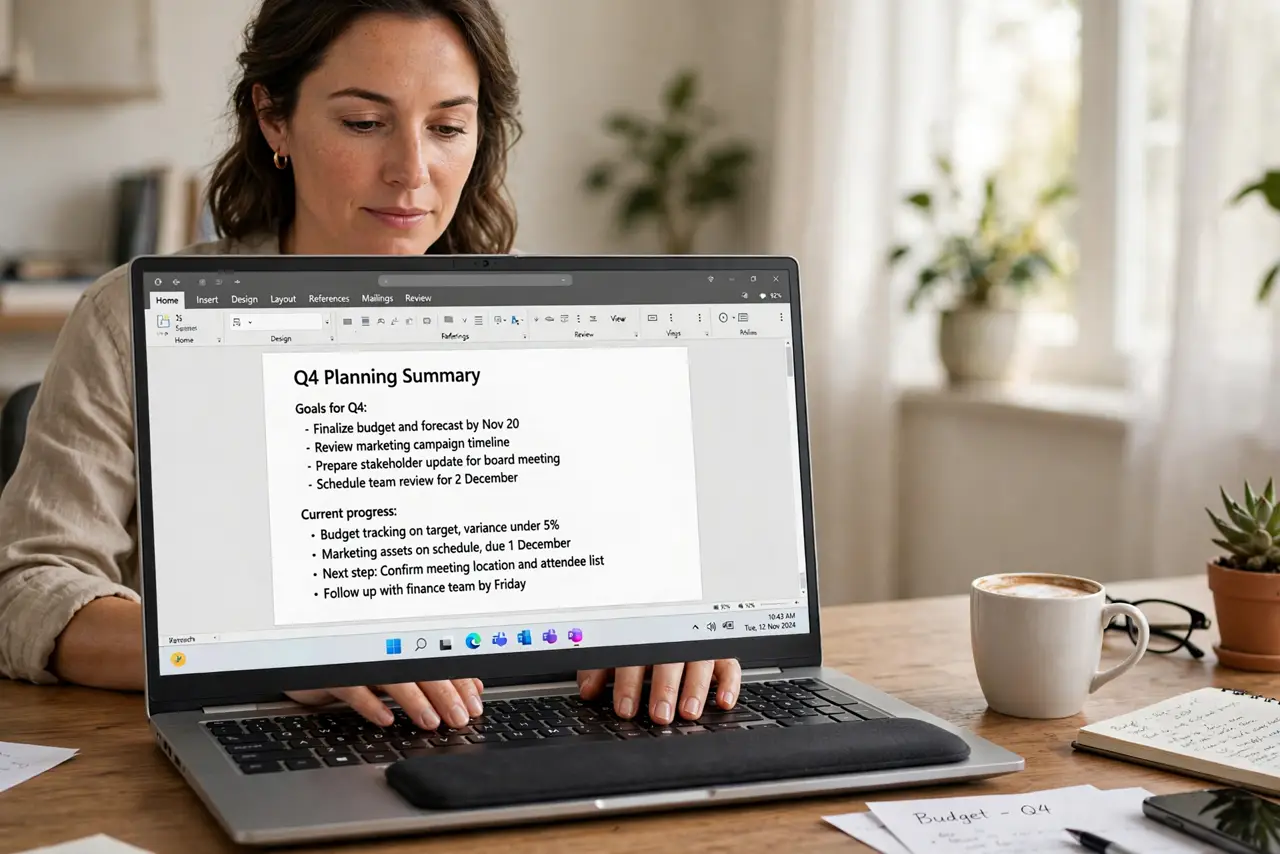
Quick fix: use a wrist rest only during pauses, not while typing, and keep your wrists floating straight above the keyboard. Choose a firm, low rest that supports your palms — not your wrists — and stop using it if your hands tingle.
Follow these steps
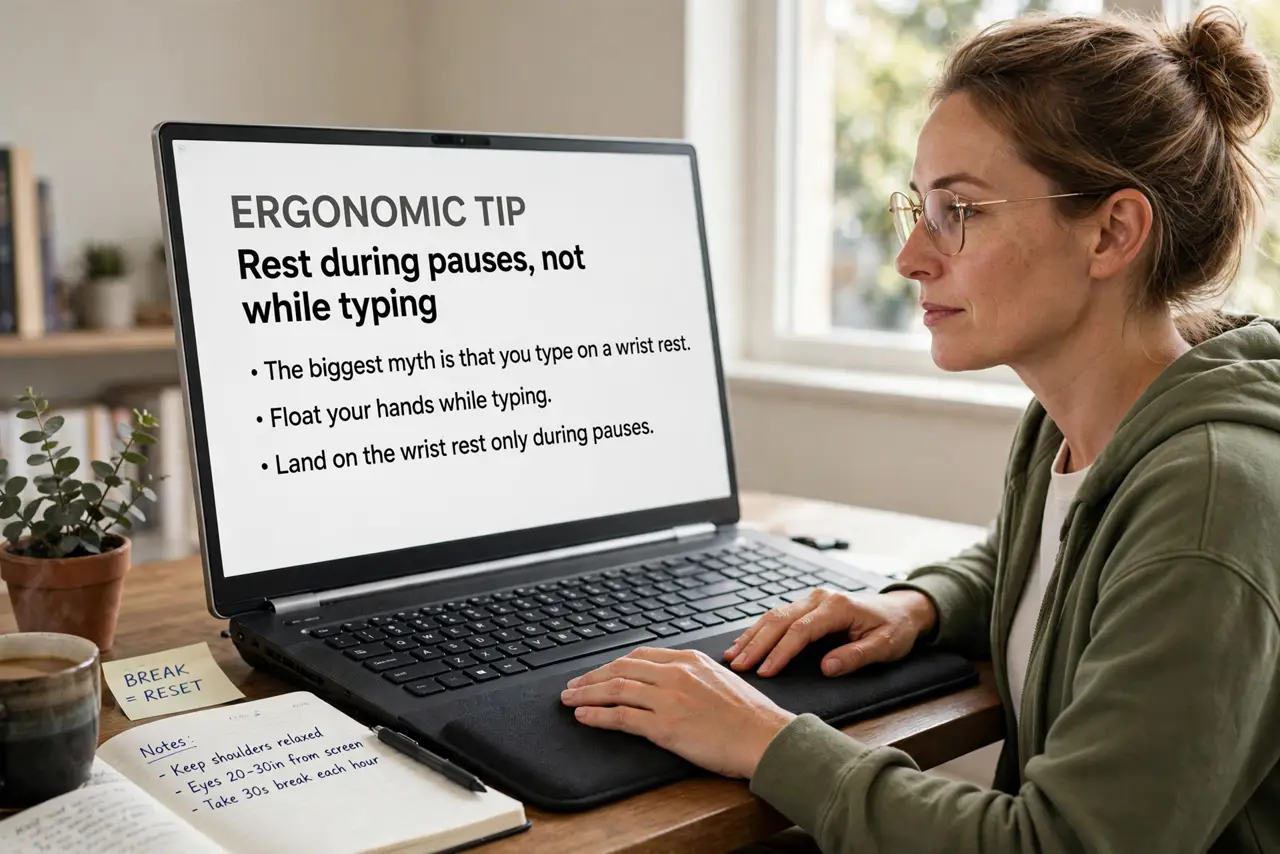
- Rest during pauses, not while typing. The biggest myth is that you type on a wrist rest. You should float your hands while typing and land on the rest only during pauses, since pressing while typing bends the wrists.
- Support the palms, not the wrists. Place the rest so your palms touch it, not the underside of your wrists. Pressure on the wrist underside squeezes the carpal area the rest was meant to protect.
- Keep wrists straight and floating. While typing, keep wrists straight, level with the keyboard, and floating slightly. A bent wrist plus a hard rest is worse than no rest at all.
- Pick a firm, low rest. Choose a rest about keyboard height, firm rather than squishy. A tall, soft rest pushes wrists up into a bend, which is the posture you want to avoid.
- Match the rest to your keyboard. A rest made for a low laptop keyboard sits wrong under a tall mechanical board. Match the rest height to your actual keyboard, or skip the rest entirely.
- Stop if you feel tingling. If fingers tingle or wrists ache with the rest in use, remove it for a week. Tingling is a warning sign, and no rest is worth pushing through it — also recheck your mouse grip while you are at it.
What NOT to do
- Do not press your wrists into the rest while typing. That pressure is the exact mistake that turns a comfort accessory into a strain source.
- Do not buy a tall gel rest because it feels soft. Soft and tall lets wrists sink into a bent position, which defeats the purpose.
- Do not treat a wrist rest as a medical fix. It is a comfort aid, so persistent pain deserves a doctor or an ergonomic assessment, not a new accessory.
- Do not angle the keyboard steeply and add a rest to compensate. A flat or slightly negative keyboard angle plus floating wrists beats any rest.
Frequently asked questions
Are wrist rests good or bad?
Neither by themselves. Used for pauses with palms supported and wrists floating, they are fine; used as typing platforms, they add strain.
Should the rest touch my wrists?
No. It should support the heels of your palms, keeping pressure off the wrist underside.
Can a wrist rest fix wrist pain?
No. It may reduce strain during pauses, but real pain needs posture changes and professional advice.