Repaste an Old Laptop?
Your five-year-old laptop runs hotter and louder than it used to, and forums prescribe new thermal paste like vitamins. Repasting — replacing the dried compound between chip and heatsink — can genuinely help, but it means full disassembly. Here is how to decide if the surgery is worth it.
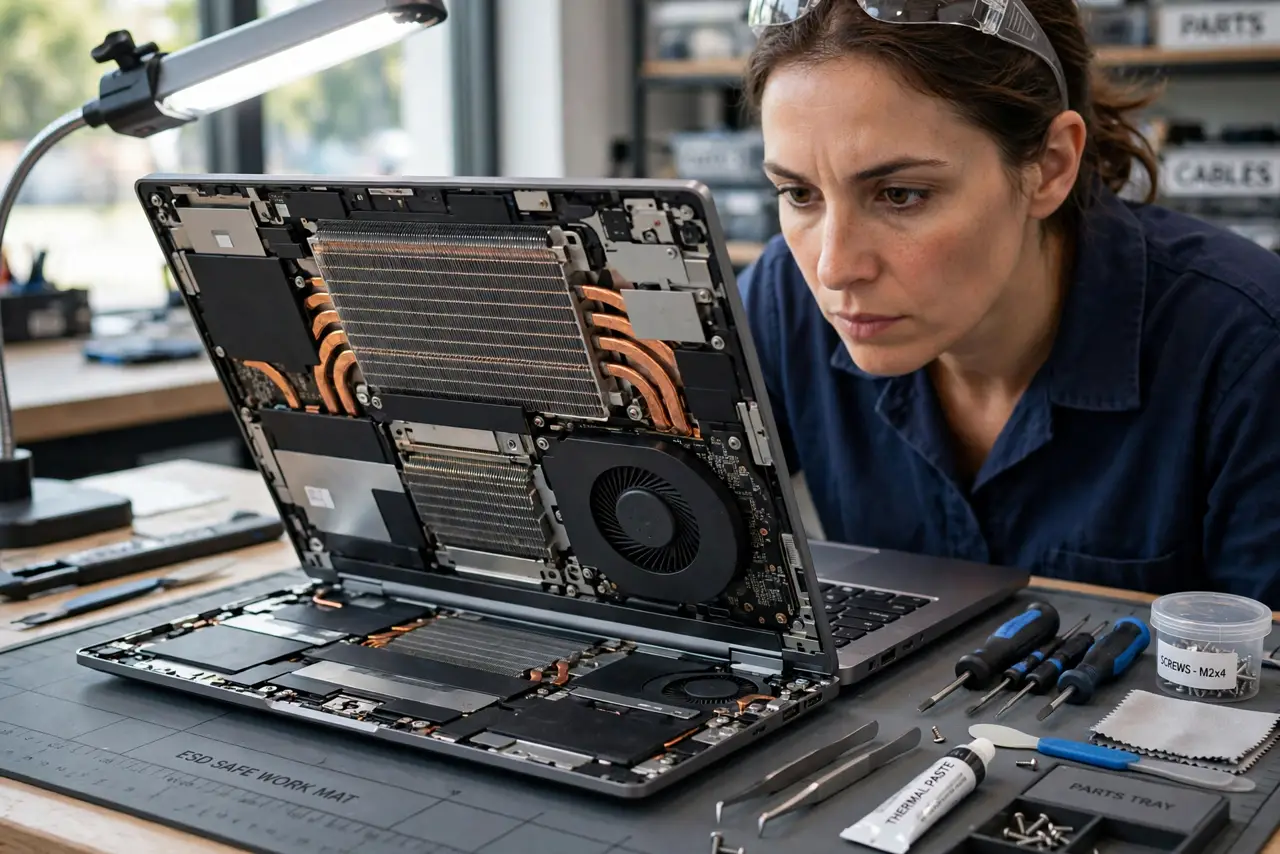
TL;DR / Quick Fix
Quick fix: repasting helps old laptops whose paste has dried out — typically 4+ years old and running hot after cleaning. It requires full disassembly and voids remaining warranty. Try cleaning vents and a stand first; repaste only if temperatures stay high.
Follow these steps
- Confirm age and symptoms. Repaste candidates are 4+ years old, cleaned of dust, still hot and loud. A two-year-old laptop is almost never a paste problem.
- Clean first, repaste second. Dust-clogged fans mimic dead paste exactly. Open it, clean the heatsink fins and fan — many 'repaste miracles' were just cleaning.
- Check the teardown difficulty. Some laptops need twenty screws and a keyboard removal; others need the whole motherboard out. Watch a teardown video for your exact model first.
- Know the warranty cost. Opening the laptop voids remaining warranty on most brands. On an old out-of-warranty machine this costs nothing; on a newer one it costs everything.
- Use proper paste, sparingly. A pea-sized dot of reputable thermal paste beats a thick smear. More paste insulates; the right amount conducts.
- Test temperatures before and after. Record idle and load temps before disassembly. Without a baseline you cannot tell if the surgery helped — and whether the risk was worth it.
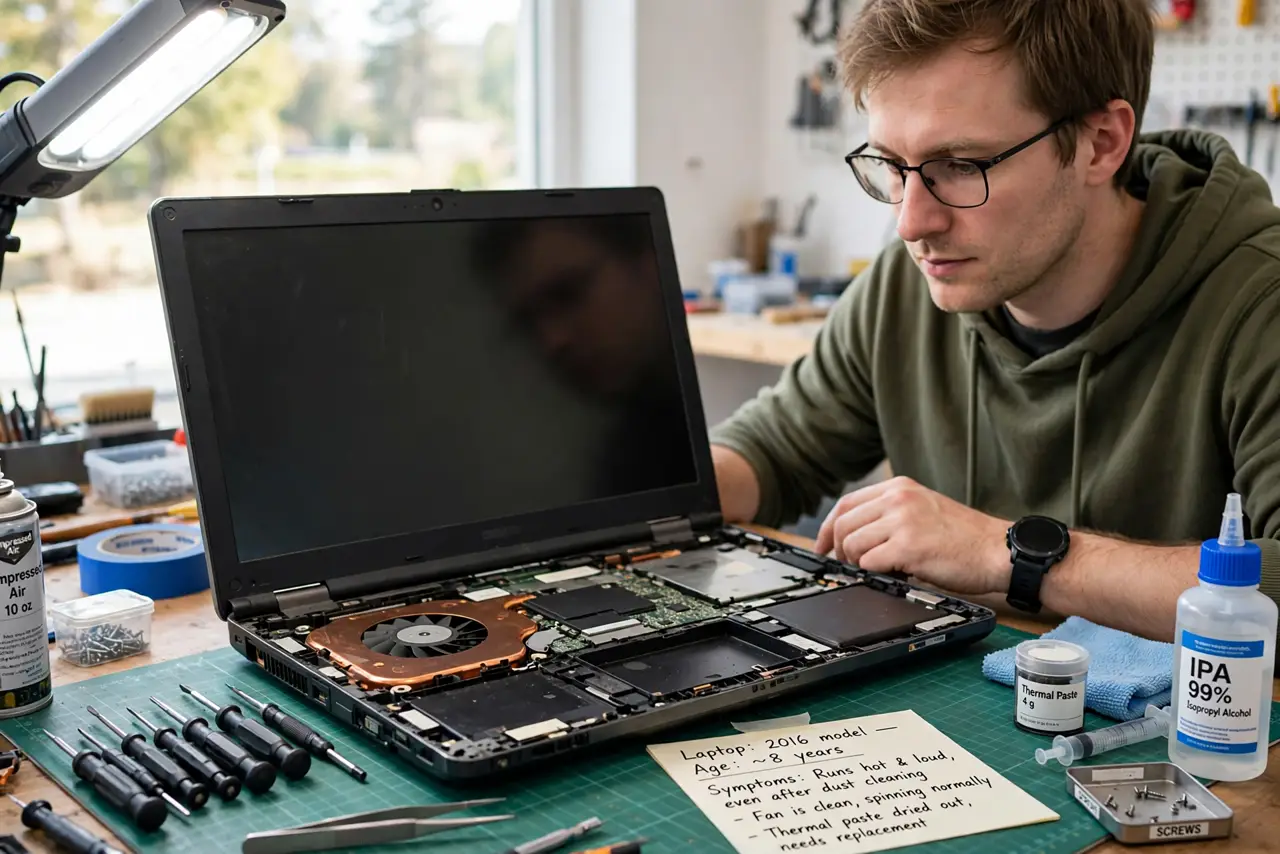
What NOT to do
- Do not repaste a laptop still under warranty. You trade free manufacturer repair for a DIY gamble.
- Do not use conductive liquid metal on a first attempt. It performs better and shorts everything if it spills — classic beginner disaster.
- Do not repaste without cleaning. Fresh paste on dust-clogged fins fixes nothing.
- Do not force ribbon cables. Teardown damage to a display cable costs more than any temperature gain.
Frequently asked questions
How often should thermal paste be replaced?
Rarely — quality paste lasts years. Replace on symptoms (rising temps after cleaning), not on a schedule.
Will repasting make my laptop silent?
Quieter, not silent. Better heat transfer means fans work less, but the fans and their noise remain.
Is repasting risky?
Moderately. Stripped screws, torn cables, and forgotten connectors are the real risks — the paste itself is the easy part.