Try a Laptop Stand
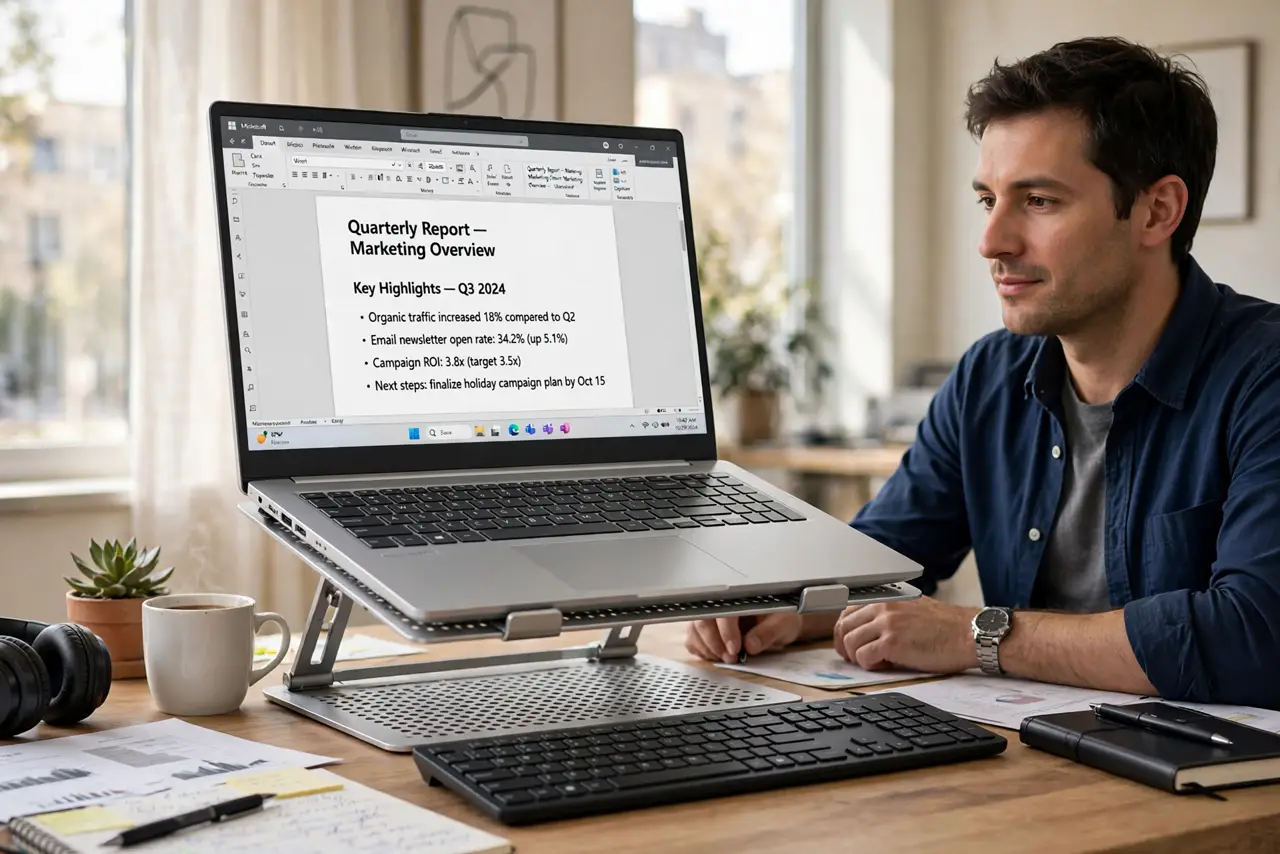
If your neck aches every afternoon, the culprit is probably geometry: a laptop screen sits far below eye level, so you fold yourself over it for eight hours. A laptop stand lifts the screen to eye height for the price of a pizza. It is the cheapest ergonomic upgrade in computing.
TL;DR / Quick Fix
Quick fix: a laptop stand raises your screen to eye level, ending the daily hunch behind neck pain. Pair it with an external keyboard and mouse — typing on a raised laptop defeats the purpose. Any sturdy stand works; adjustability beats brand. Your neck will feel the difference within days.
Follow these steps
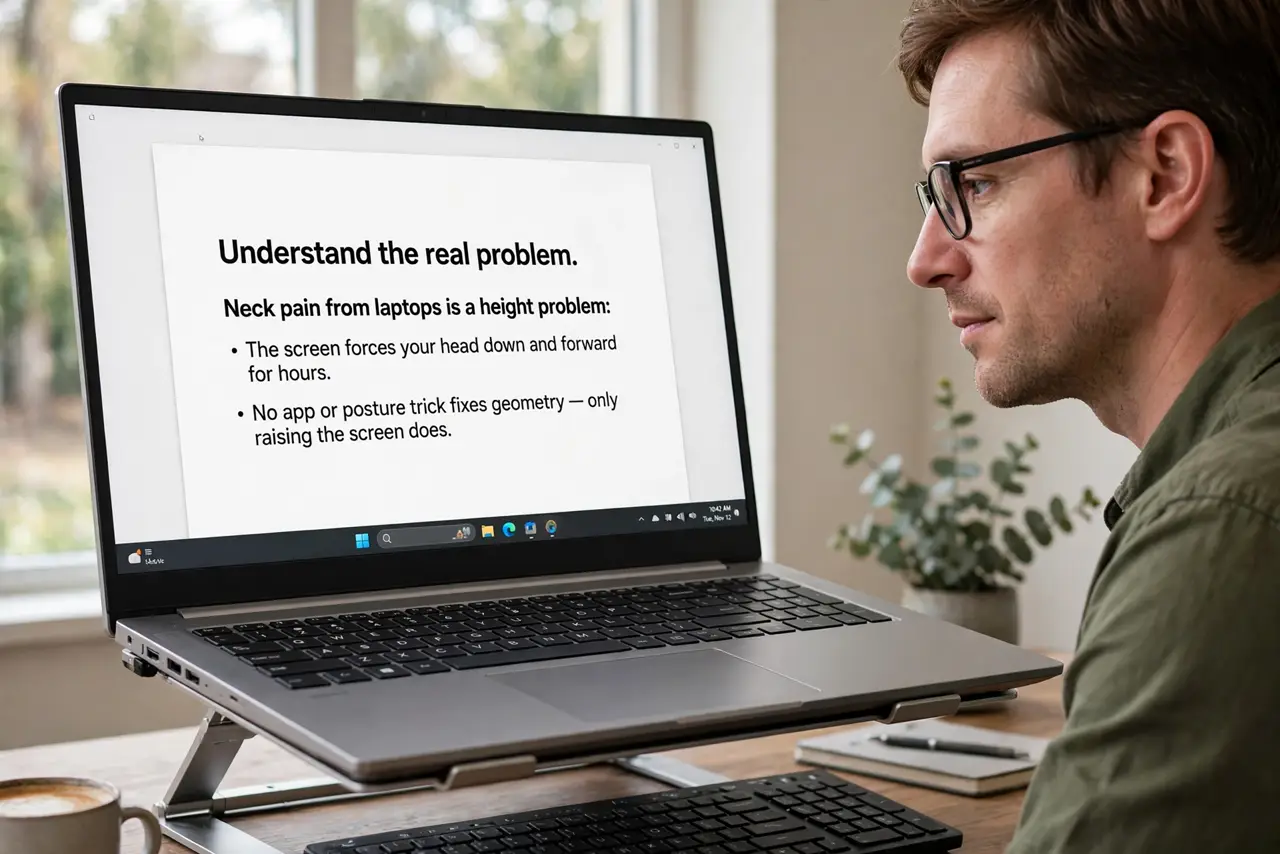
- Understand the real problem. Neck pain from laptops is a height problem: the screen forces your head down and forward for hours. No app or posture trick fixes geometry — only raising the screen does.
- Pick a sturdy adjustable stand. Adjustability matters more than looks. The stand should hold your laptop at eye level without wobbling when you type — test stability in reviews before buying.
- Add an external keyboard and mouse. This is non-negotiable: typing on a raised laptop recreates the strain higher up. A basic external set costs little and completes the setup.
- Set the height right. The top of the screen should sit at or just below eye level, about an arms length away. If you are tilting your head down, go higher.
- Enjoy the cooling bonus. Raised laptops breathe better — the cooling benefits and extra airflow are real, though a stand is no substitute for a cooling pad on a chronically hot machine.
- Keep a travel option. A folding portable stand weighs almost nothing and saves your neck in cafes and hotels. The ergonomic habit should travel with the laptop.
What NOT to do
- Do not type on the laptop keyboard while it sits on the stand. Raised typing wrecks wrists — external keyboard always.
- Do not buy the flimsiest stand. A wobbling screen is worse than no stand; stability first.
- Do not set the screen too high. Craning upward trades neck pain for a different neck pain.
- Do not expect a stand to fix a bad chair. Ergonomics is a system — screen height, chair, and desk all matter.
Frequently asked questions
Do laptop stands really help neck pain?
Yes, when paired with an external keyboard — the mechanism is simple geometry. Most people feel relief within days, not weeks.
Can I just stack books instead?
Temporarily, yes — it proves the concept. A real stand wins on stability, adjustability, and airflow.
What about standing desks?
A stand on a standing desk works great. The rule stays the same: screen at eye level, external keyboard at elbow height.