What Is Activation Lock?
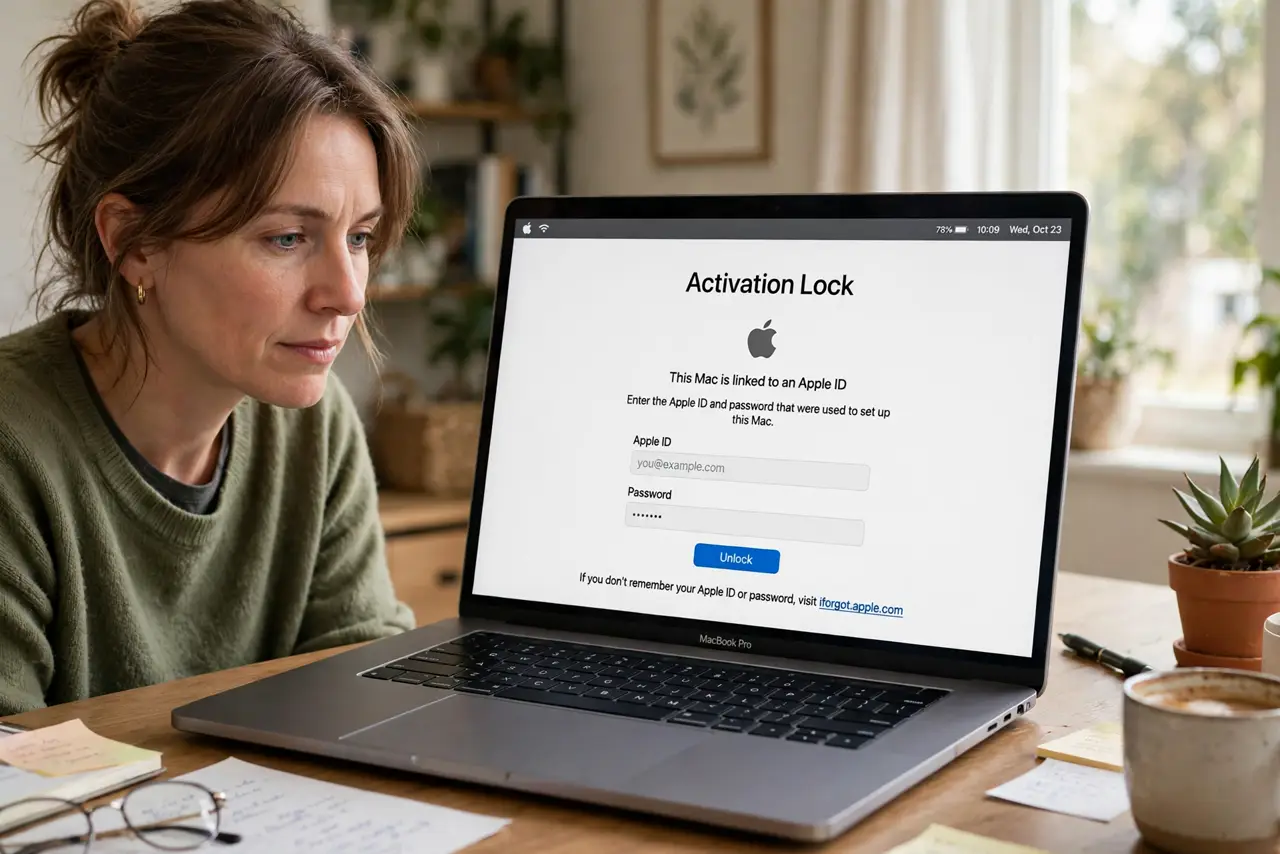
Your Mac is stolen — but the thief cannot wipe it and sell it, because Activation Lock ties the machine to your Apple ID. It is the reason a locked Mac is a brick to anyone but you, and the reason sellers must turn it off before handing the machine over. Understand it before you buy used or sell yours. See used Mac activation and erasing right.
TL;DR / Quick Fix
Quick fix: Activation Lock ties your Mac to your Apple ID — a thief cannot wipe and reuse it without your password. It turns on automatically with Find My Mac. Before selling, sign out and turn it off yourself, or the buyer gets an expensive brick.
Follow these steps
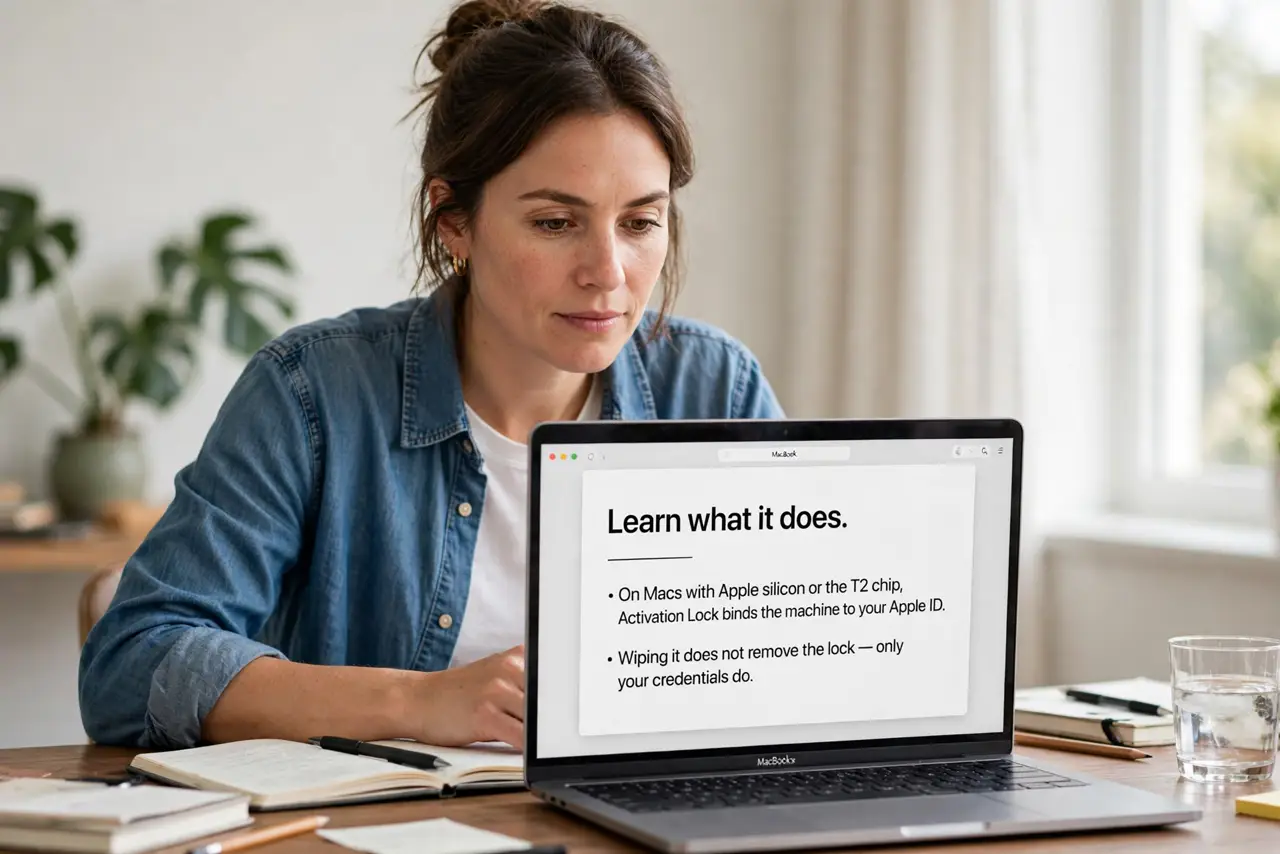
- Learn what it does. On Macs with Apple silicon or the T2 chip, Activation Lock binds the machine to your Apple ID. Wiping it does not remove the lock — only your credentials do.
- Know it enables itself. Turning on Find My Mac enables Activation Lock automatically. Most owners are protected without ever touching a setting.
- Check before buying used. Ask the seller to show the Mac fully erased and at the setup screen with no Apple ID attached. A locked used Mac is unusable — walk away.
- Turn it off before selling. Sign out of iCloud completely and erase the Mac yourself. The buyer should see a clean setup screen, never your lock.
- Keep your Apple ID secure. The lock is only as strong as your Apple ID. A strong password plus two-factor authentication keeps the keys yours.
- Know the recovery path. If you forget the credentials, Apple's account recovery is the only way back. There is no backdoor — which is exactly the point.
What NOT to do
- Do not sell a Mac still signed in. The buyer inherits your lock and your problem — sign out and erase first.
- Do not buy a locked used Mac. No deal is good enough to overcome an Apple ID you do not own.
- Do not forget to disable Find My before erasing. Erasing without signing out can leave the lock in place.
- Do not share your Apple ID password with buyers. They never need it — a properly prepared Mac asks for theirs.
Frequently asked questions
How do I know if Activation Lock is on?
Check Settings, Apple ID — with Find My Mac enabled, the lock is active. That is the whole check.
Can Apple remove it for me?
Only with proof of purchase in specific cases. Apple will not unlock a Mac just because you ask nicely.
Does it protect my data too?
It prevents reuse, and FileVault encryption protects the data. Enable both for the full shield.