Prep Mac for Trade-In
Trading in your Mac for credit toward a new one is satisfying — until a forgotten login or leftover data torpedoes the value or your privacy. Proper prep takes twenty minutes: back up, sign out, erase, and polish. The trade-in counter rewards the prepared. Follow the erase walkthrough and the iPhone trade-in cousin guide.
TL;DR / Quick Fix
Quick fix: before trading in your Mac, back it up, sign out of iCloud, erase it properly, and remove it from your Apple ID devices. Clean it physically too — a wiped, polished Mac photographs better and avoids trade-in value disputes. Preparation protects your data and your payout.
Follow these steps
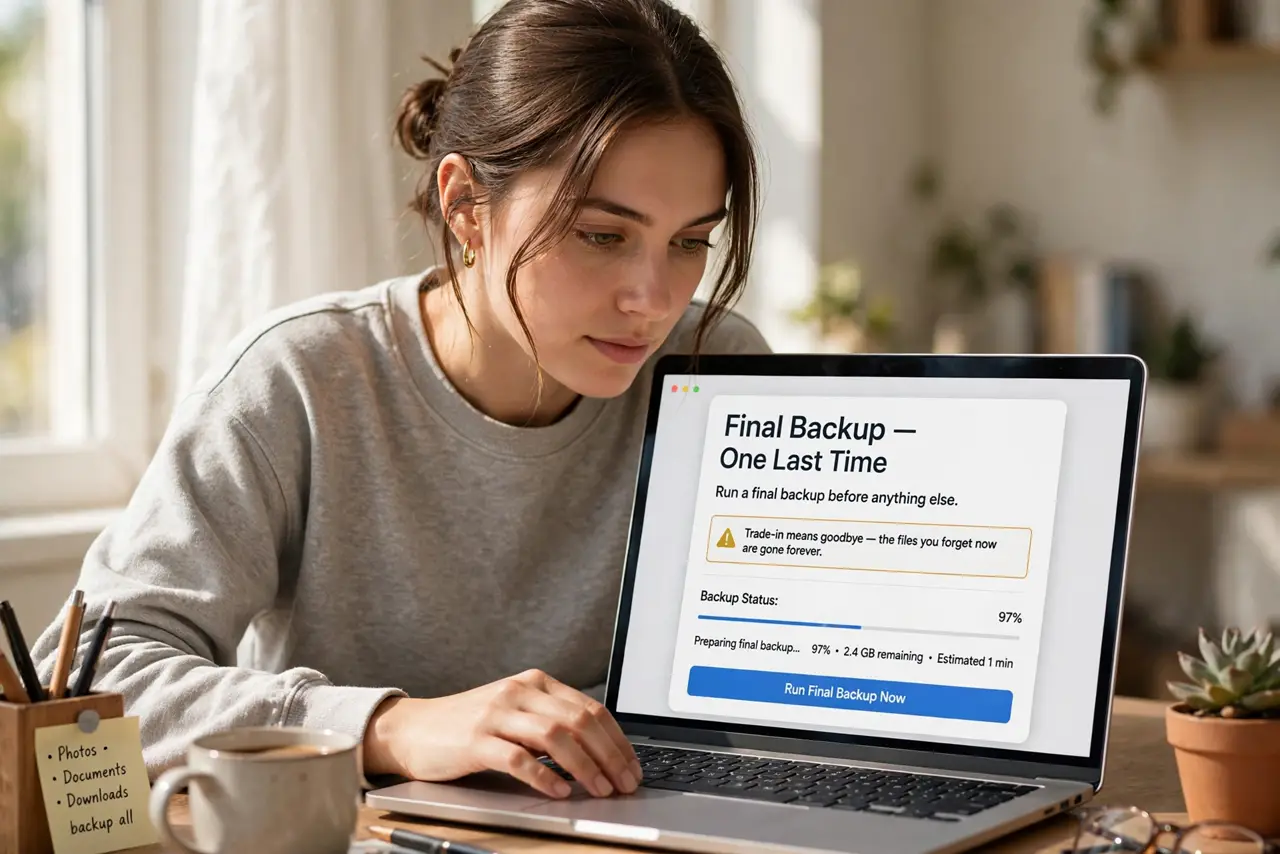
- Back up one last time. Run a final backup before anything else. Trade-in means goodbye — the files you forget now are gone forever.
- Sign out of iCloud. Sign out completely so Activation Lock releases. A Mac still tied to your Apple ID is worthless to the trade-in program.
- Erase it properly. Use the full erase process — see the erase guide. A quick user deletion is not enough for a trade-in.
- Remove it from your devices. In your Apple ID settings, remove the Mac from your trusted devices list. Clean breaks on both sides.
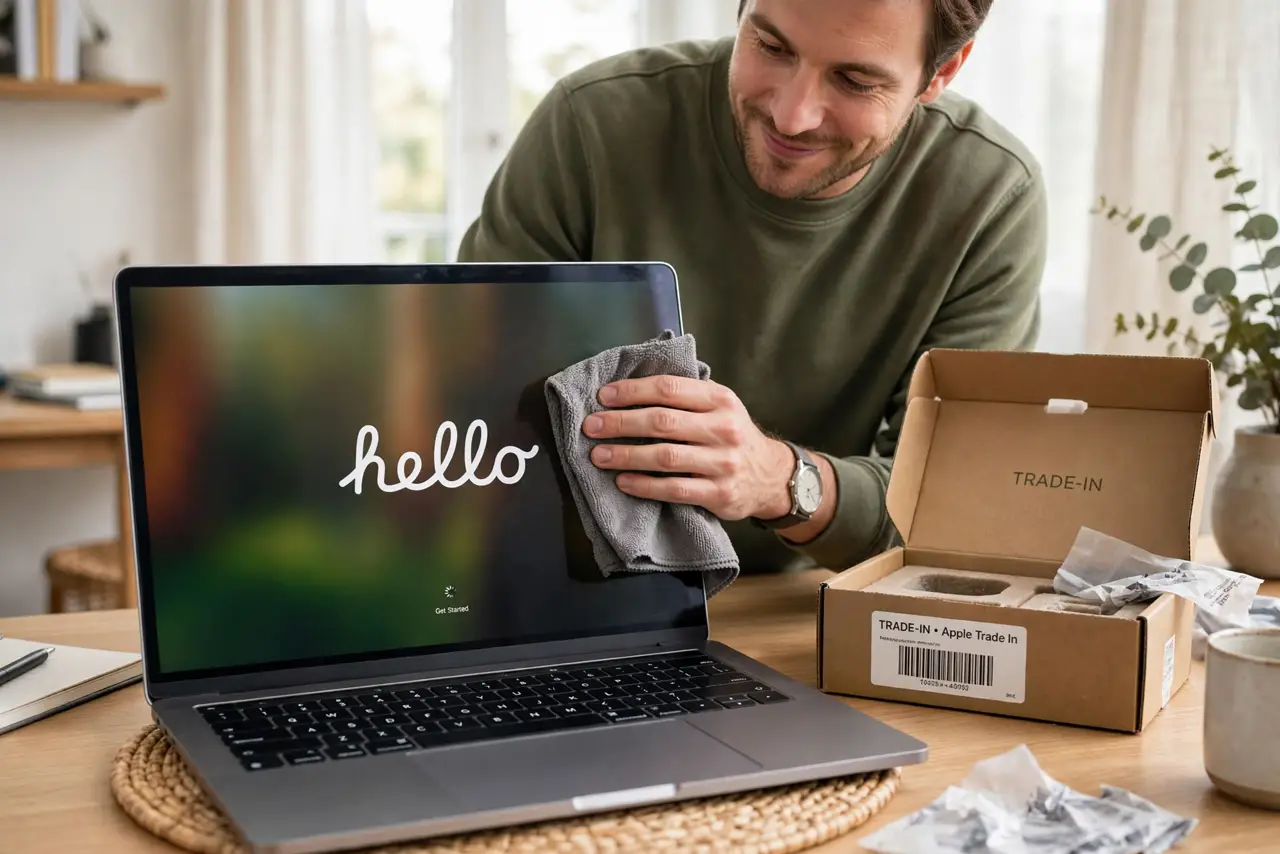
- Clean it physically. Wipe the screen, keyboard, and case. A polished Mac photographs better and sidesteps condition disputes at the counter.
- Gather accessories. Include the charger and box if you have them. Complete sets sometimes fetch better values — and always feel more professional.
What NOT to do
- Do not trade it in signed in. An iCloud-locked Mac gets rejected or valued at zero — sign out first.
- Do not forget the backup. Trade-in day is not the day to discover the one file that lived only on that Mac.
- Do not skip the physical clean. Grime suggests neglect and invites a lower condition grade.
- Do not leave stickers on it. Residue and skins can count as damage — peel them and clean the adhesive.
Frequently asked questions
How much is my Mac worth?
It depends on model, age, and condition — check the trade-in estimator before you go so you know a fair offer.
Can I trade in a damaged Mac?
Often yes, at reduced value. Be honest about the condition; surprises at the counter waste everyone's time.
What happens to my data?
The trade-in process wipes the drive, but your own erase beforehand is the guarantee. Never rely on the next handler.