Erase Your Mac Right
Selling or giving away your Mac without erasing it properly hands a stranger your photos, passwords, and Apple ID lock. Doing it right takes minutes on modern Macs — one menu option wipes everything and signs you out. Do it wrong and the buyer gets your problems. Understand Activation Lock and the trade-in prep checklist first.
TL;DR / Quick Fix
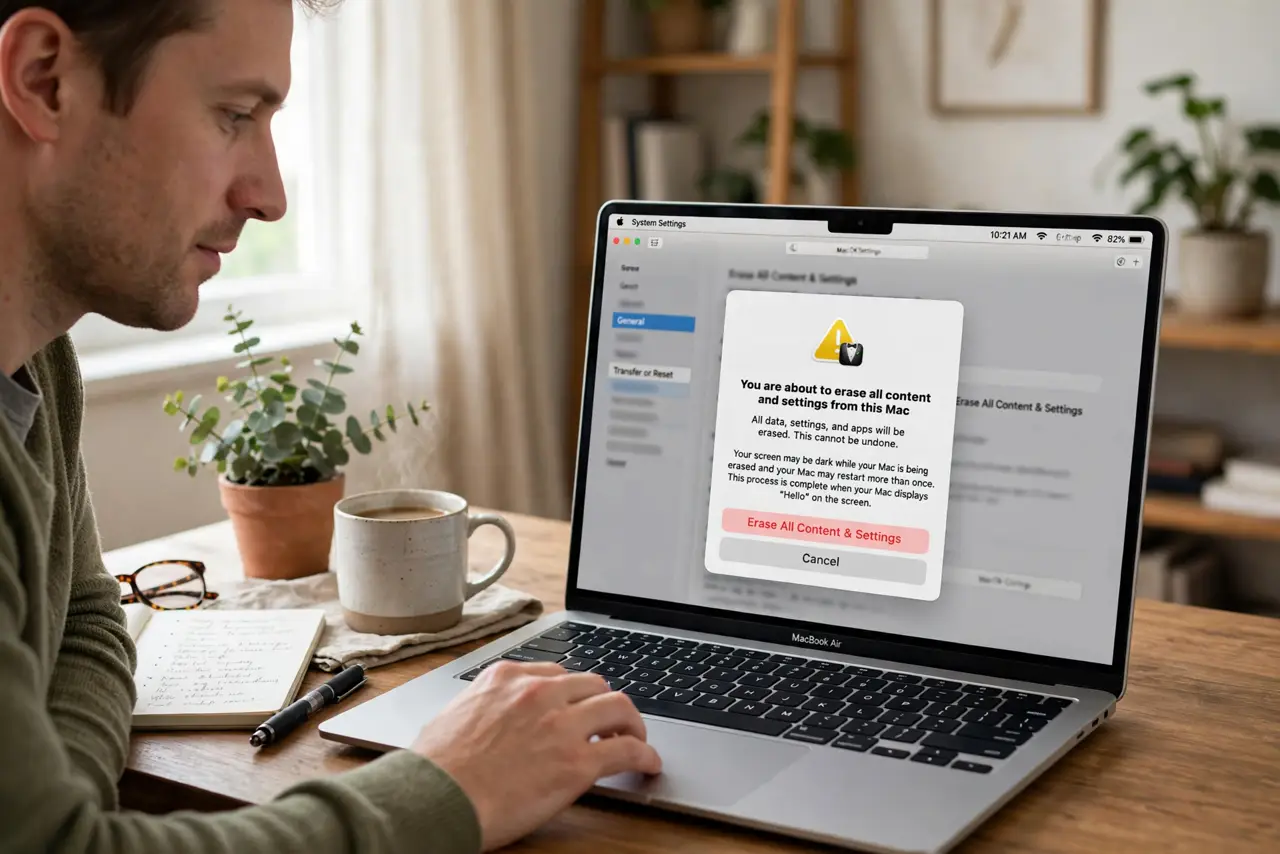
Quick fix: use Erase All Content and Settings on modern Macs — it wipes your data and signs you out of everything in minutes. On older Macs, erase from Recovery instead. Either way, back up first and deauthorize the machine, so the next owner starts truly fresh.
Follow these steps
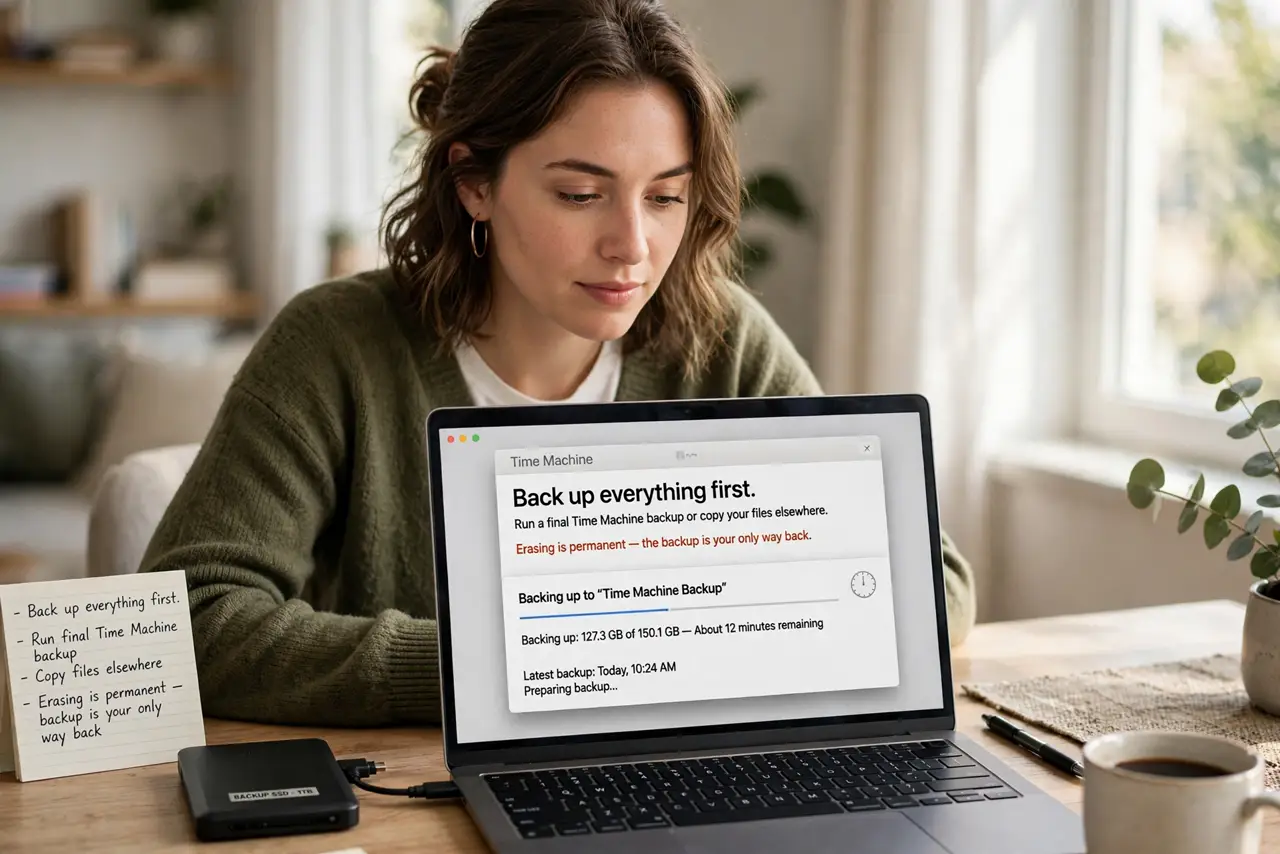
- Back up everything first. Run a final Time Machine backup or copy your files elsewhere. Erasing is permanent — the backup is your only way back.
- Sign out of everything. Sign out of iCloud, iMessage, and any other accounts. On modern Macs the erase option handles most of this, but verify.
- Deauthorize the machine. Remove the Mac from your Apple ID's trusted devices and deauthorize it in music and media apps. Old authorizations haunt new owners.
- Use Erase All Content and Settings. On Apple silicon and recent Intel Macs: Settings, General, Transfer or Reset, Erase All Content and Settings. Minutes, done right.
- Older Macs: erase from Recovery. Restart into Recovery, open Disk Utility, erase the drive, then reinstall macOS. Slower, but equally thorough.
- Verify the clean setup screen. After erasing, the Mac should boot to the hello setup screen with no trace of you. That is the handoff-ready state.
What NOT to do
- Do not sell it signed into iCloud. The buyer inherits your Activation Lock and cannot use the Mac.
- Do not skip the backup. You will remember one crucial file the day after the sale — back up first.
- Do not just delete your user account. Files linger in odd corners; a full erase is the only clean handoff.
- Do not forget external drives. If you used external storage with personal data, wipe or keep those too.
Frequently asked questions
How long does erasing take?
Minutes on modern Macs with the dedicated erase option; longer on older ones going through Recovery and reinstall.
Will erasing remove Activation Lock?
Signing out of iCloud before erasing releases the lock. Erasing while signed in can leave it attached.
Should I remove the Mac from Find My?
Yes — signing out of iCloud handles it. A Mac still in your Find My list confuses the new owner's setup.