AirDrop iPhone to Mac?
AirDrop is the magic trick of the Apple ecosystem — photos, videos, and files fly from your iPhone to your Mac with no cables, no emailing yourself, no cloud upload. When it works it feels effortless; when it does not, it fails silently. Here is the setup that makes it reliable and the fixes for when devices cannot see each other.
TL;DR / Quick Fix
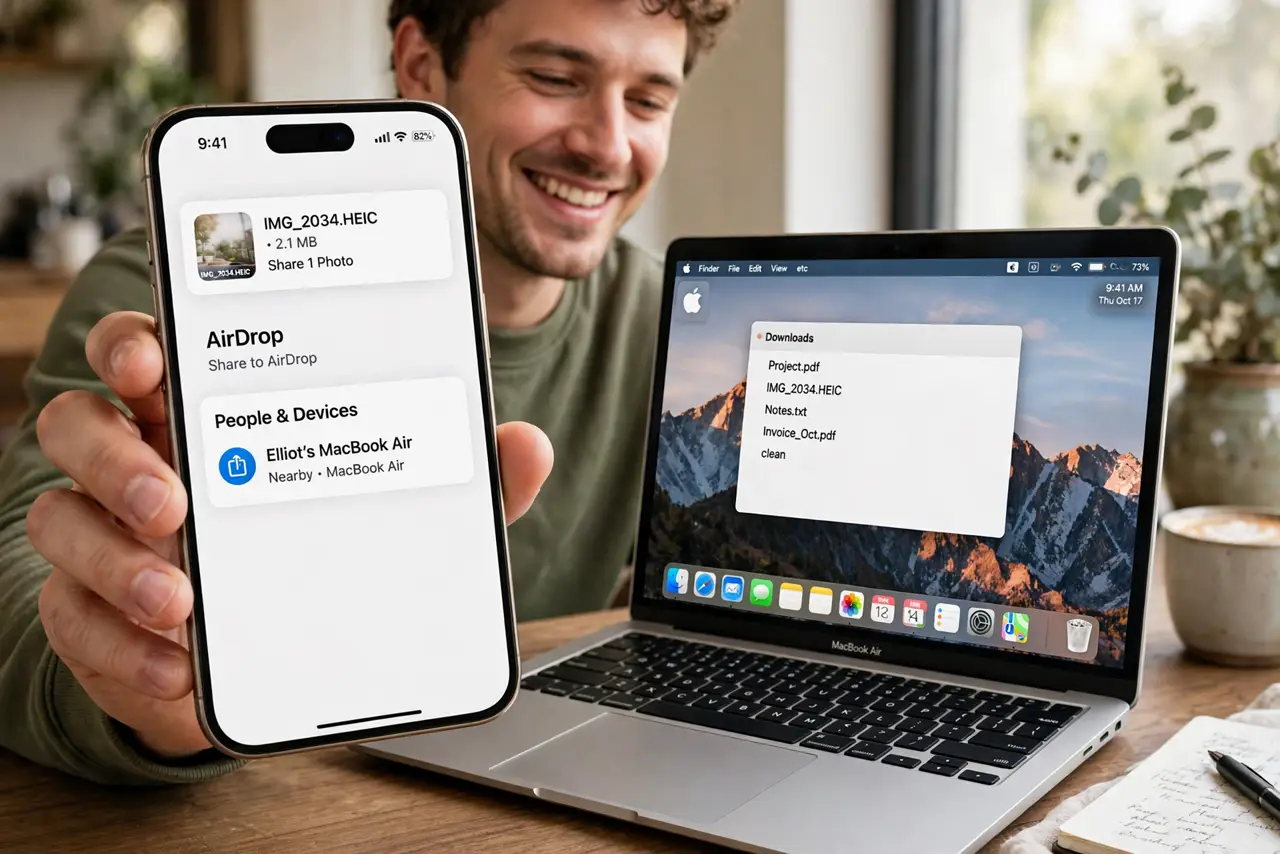
Quick fix: to AirDrop from iPhone to Mac, turn on Wi-Fi and Bluetooth on both, open the file, tap Share, tap AirDrop, and choose your Mac. If the Mac does not appear, set AirDrop to Everyone for 10 Minutes on both devices and bring them close together.
Follow these steps
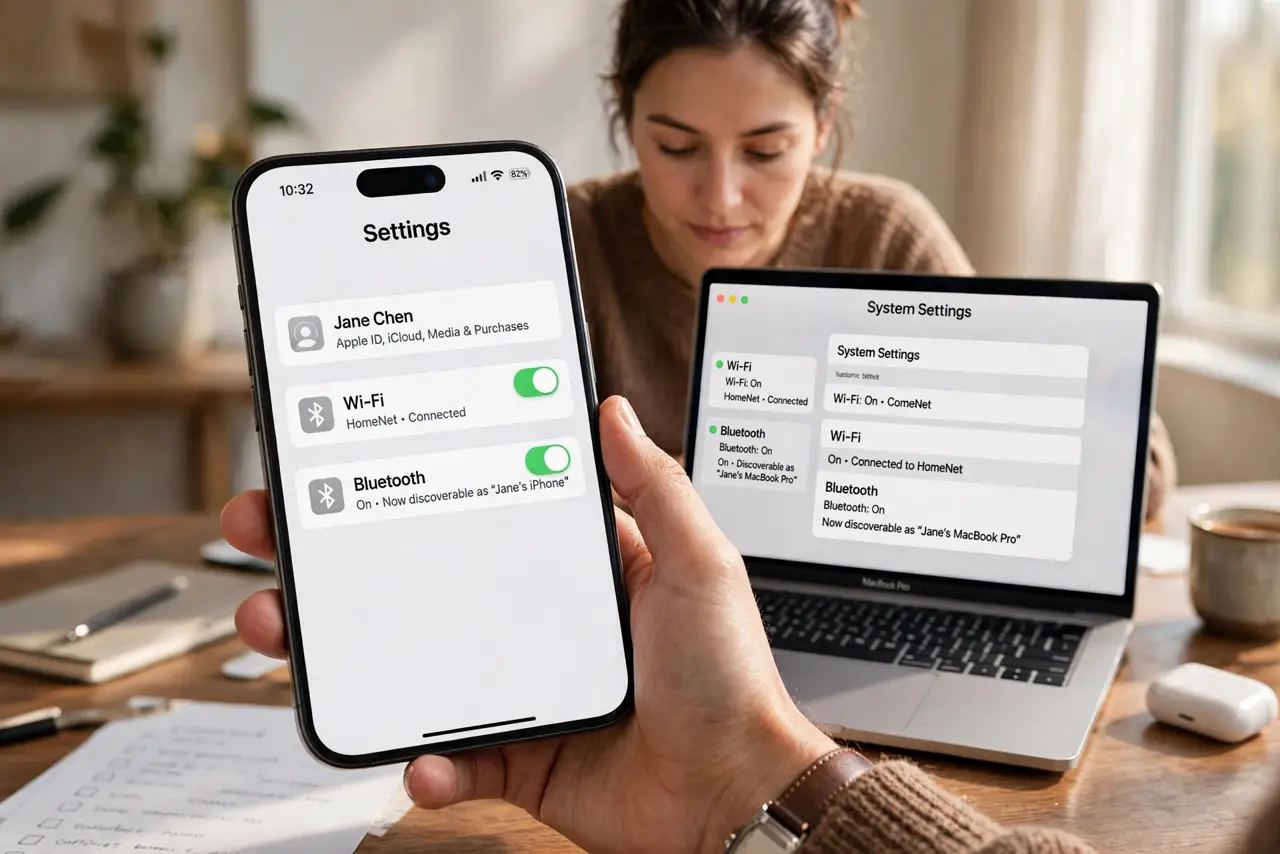
- Turn on the right radios. AirDrop needs Wi-Fi and Bluetooth on — on both devices. They do not need to join the same network, but the radios must be active, and Personal Hotspot must be off.
- Share from the iPhone. Open the photo, file, or link, tap the Share button, tap AirDrop, and wait for your Mac's name to appear. Tap it — the transfer starts immediately.
- Accept on the Mac. The file lands in Downloads by default, with a notification asking to accept or decline. Photos can also be set to open directly in Photos from AirDrop settings.
- Fix the invisible-Mac problem. If the Mac never appears, open Finder > AirDrop (or Control Center) and set 'Allow me to be discovered by' to Everyone for 10 Minutes. See device-not-found fixes if it persists.
- Check the Contacts Only trap. With discovery set to Contacts Only, mismatched contact details silently block transfers — a classic gotcha covered in the contacts-only guide. Everyone-for-10-minutes sidesteps it.
- Bring the devices close. AirDrop uses Bluetooth discovery plus Wi-Fi Direct transfer — it works best within about 9 meters with a clear path. Across the house is too far.
What NOT to do
- Do not leave AirDrop on Everyone permanently. Strangers can send you things — use the 10-minute window, then switch back.
- Do not try it with Personal Hotspot on. The hotspot hogs the Wi-Fi radio and AirDrop silently fails.
- Do not forget both devices need relatively recent software. Ancient iOS or macOS versions speak incompatible AirDrop dialects.
- Do not send huge video files and walk away. Big transfers need the devices to stay awake and nearby until done.
Frequently asked questions
Why is my Mac not showing up in AirDrop?
Usually discovery set to Contacts Only with a contact mismatch, Bluetooth/Wi-Fi off, or Personal Hotspot on. Everyone-for-10-minutes fixes most cases.
Where do AirDropped files go on Mac?
Downloads folder by default. You can change the destination in Finder > AirDrop settings, or route photos to the Photos app.
Is AirDrop safe from strangers?
With Contacts Only or Receiving Off, yes. Everyone mode accepts from anyone nearby — use the 10-minute option only when actively transferring.