AirPlay Asks for a Password? Why
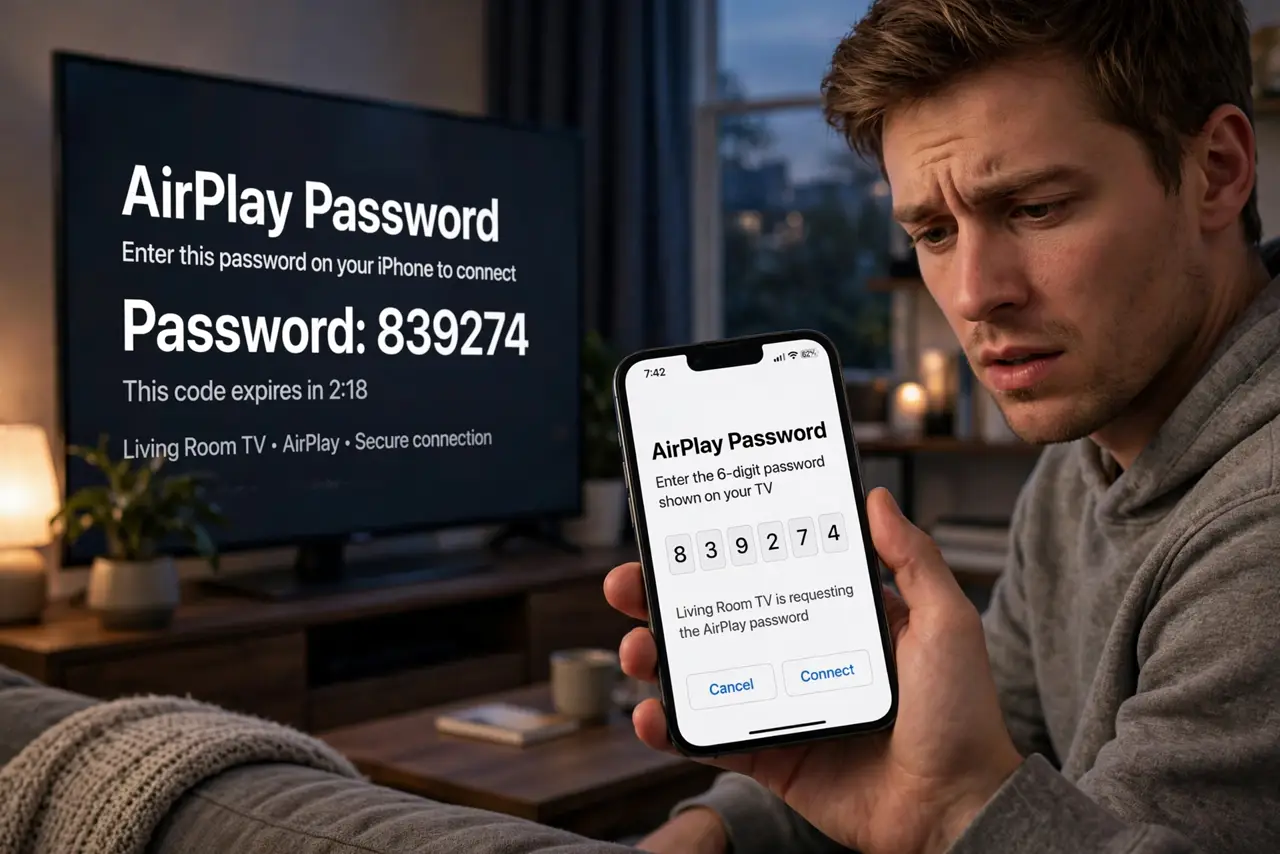
You tap the AirPlay button to beam video to the TV, and instead of playing it asks for a password nobody remembers setting. The prompt comes from the receiving device's settings — not from your Mac — and the fix is on that end. Here is where the password lives and how to tame it.
TL;DR / Quick Fix
Quick fix: the prompt comes from the receiver's settings — on the Mac open System Settings > General > AirPlay & Handoff and check the password requirement. Set Allow AirPlay for to Current user to skip it on your own devices. Enter the on-screen code, never your Apple ID password.
Follow these steps
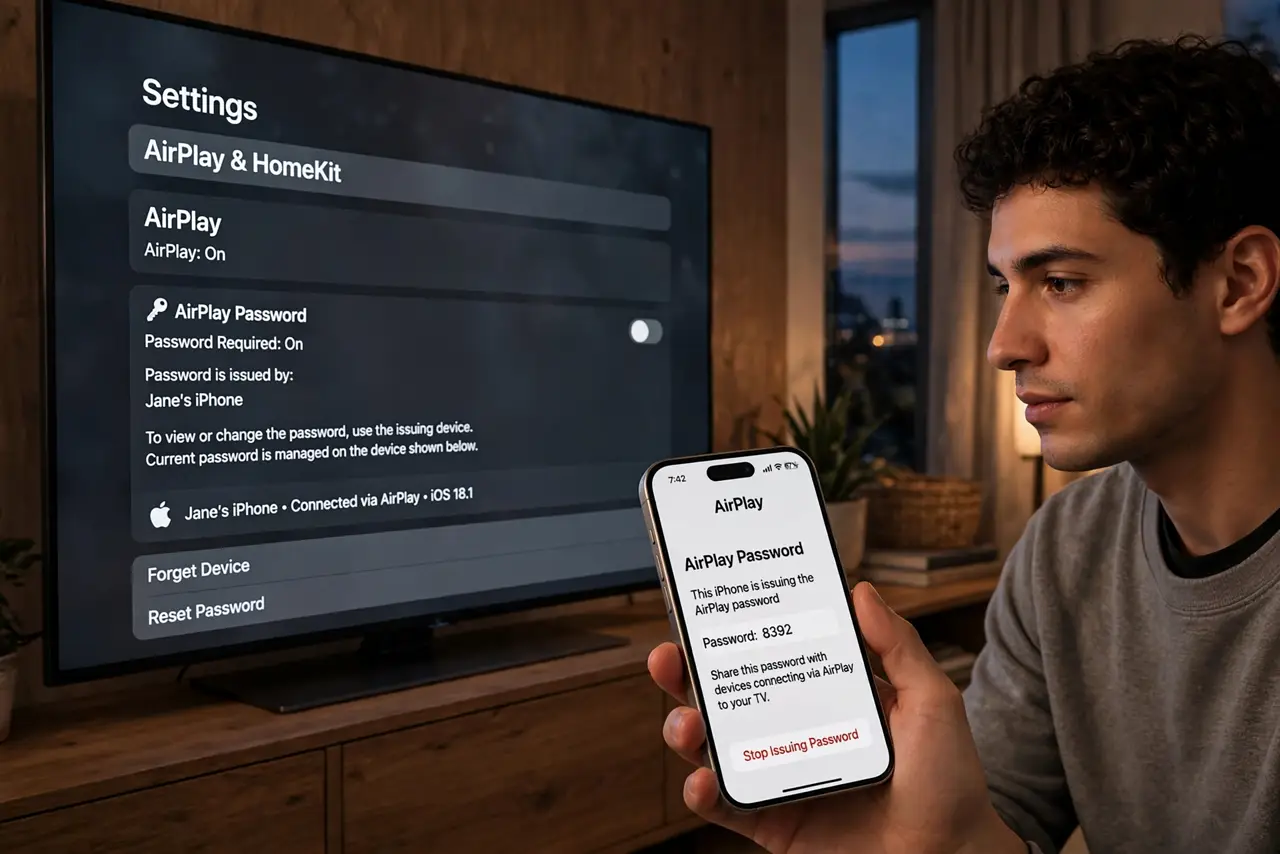
- Understand whose password it is. The prompt is issued by the receiving device — the TV, Apple TV, or other Mac. Your Mac never sets this password; it only asks on the receiver's behalf.
- Check the Mac receiver settings. On the receiving Mac: System Settings > General > AirPlay & Handoff. The Allow AirPlay for dropdown and the password requirement live here.
- Loosen access for your own devices. Set Allow AirPlay for to Current user. Your own signed-in devices then connect without any code or password.
- Enter the on-screen code, not a password. Many prompts show a code on the TV — type that code. It is not your Apple ID password and not your Wi-Fi password.
- Check the TV's own settings. Smart TVs with AirPlay have their own AirPlay settings menu with a require-code option. A set-and-forgotten code is the classic culprit.
- Confirm the same network. AirPlay needs sender and receiver on the same network. If the receiver is not listed at all, fix discovery first — and a black TV screen is a different symptom.
What NOT to do
- Do not type your Apple ID password into the AirPlay prompt. It wants the receiver's code or password — never your account credentials.
- Do not disable the password on a shared TV lightly. In an office or Airbnb, the code keeps strangers from hijacking the screen.
- Do not confuse the code with Wi-Fi. Being on the right network is required, but the code is a separate AirPlay-layer check.
- Do not factory-reset the TV over this. The code lives in one settings menu — resetting is the nuclear option for a ten-second fix.
Frequently asked questions
Why does AirPlay ask for a password I never set?
Someone enabled the require-code option on the receiver, often during setup. The setting persists quietly until a new device connects.
Is the on-screen code the same every time?
Usually it changes per session for security. A fixed password can be set instead in the receiver's AirPlay settings.
Can I AirPlay without any code at home?
Yes — set the receiver to allow the current user or everyone on the same network without a code. Keep the code on for shared spaces.