A Family Purchase Is Hidden in the App Store
A family member bought an app, but you cannot find it in your purchases. Hidden purchases, a different Apple ID, or a sharing setting are the usual reasons — and each has a plain check.
TL;DR / Quick Fix
Quick fix: open the App Store, check your account and Hidden Purchases, and confirm Family Sharing is on for that member. If the app is hidden, unhide it, then download it again from the shared purchases list and avoid paying twice for an app your family already owns.
Follow these steps
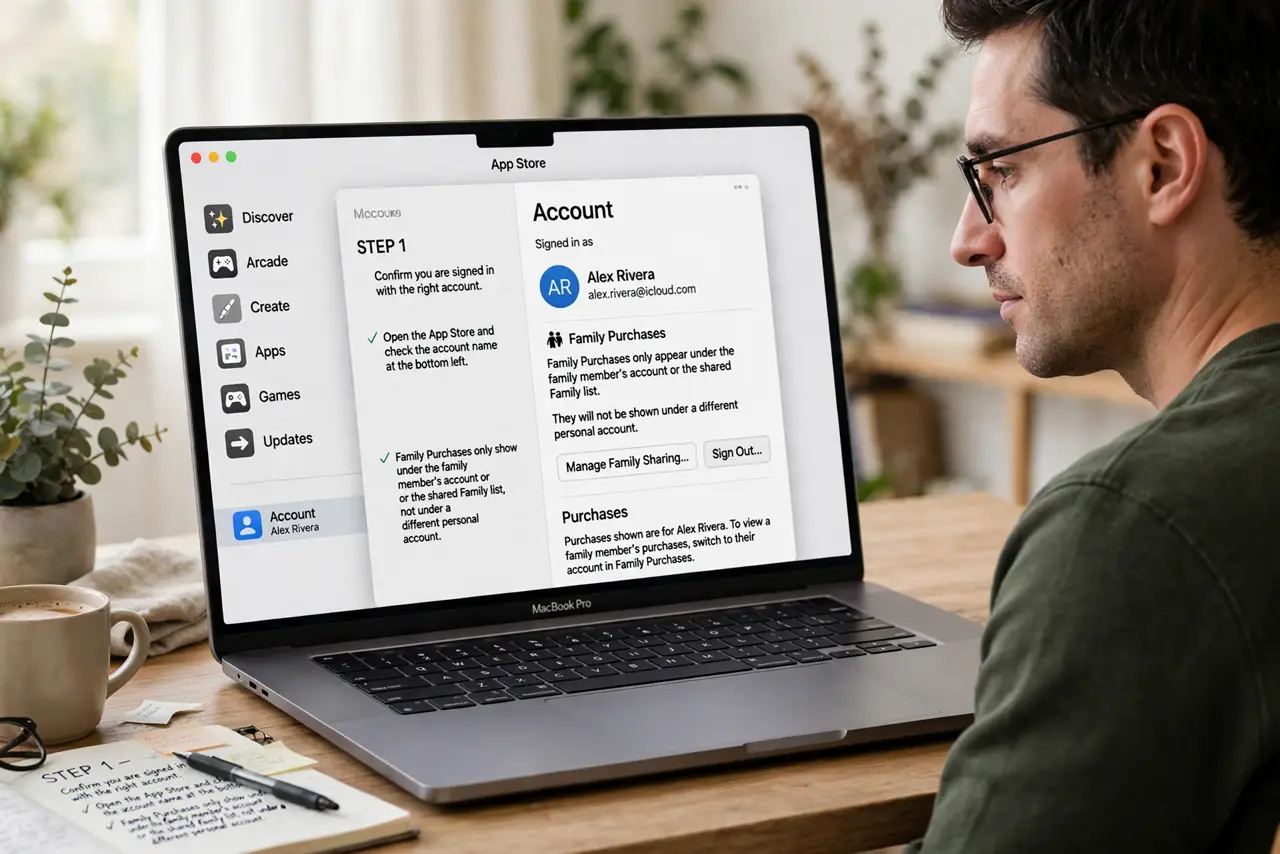
- Confirm you are signed in with the right account. Open the App Store and check the account name. Family purchases only show under the family member's account or the shared family list, not under a different personal account.
- Look in Hidden Purchases. In the App Store, open your account settings and choose Hidden Purchases. An app bought and then hidden will sit there, and you can unhide it from that list.
- Check Family Sharing purchase sharing. Open System Settings, then Family, and confirm Purchase Sharing is on. If sharing is off, family members cannot see each other's eligible purchases at all.
- Ask the buyer to check their purchase list. The family member who bought the app should open their own purchase history. If the app is not there, it may have been bought with a different account or never completed.
- Download from the shared list, not by buying again. Once the app appears in shared purchases, download it from there. Buying it again charges you a second time for an app the family already owns.
- Check whether the app allows family sharing. Some apps and subscriptions cannot be shared, even with Purchase Sharing on. The app's store page says whether Family Sharing applies to it.
What NOT to do
- Do not buy the app again before checking Hidden Purchases and the shared list. A second purchase is hard to undo once the charge is made.
- Do not sign out of every Apple ID and sign back in at random. Note which account bought the app first, so you check the right purchase list.
- Do not assume a missing app means it was deleted. A hidden purchase is still owned, and unhiding it brings it back without paying again.
- Do not share your Apple ID password with family to find a purchase. Family Sharing is built for this, and sharing a password puts the whole account at risk.
Frequently asked questions
Why can I not see a family member's purchase?
It may be hidden, Purchase Sharing may be off, or the app may not allow family sharing at all.
What does unhiding a purchase do?
It returns the app to the normal purchase list, so you can download it again without paying a second time.
Can every app be shared with family?
No. Some apps and subscriptions exclude Family Sharing, and the store page states whether sharing applies.