Mac App Update Loop? Break the Cycle Safely
The same app update keeps appearing, installs, then appears again, and nothing ever settles. The update state is stuck, not the app itself. Clear that state step by step instead of updating forever.

TL;DR / Quick Fix
Quick fix: pause the update in the App Store, restart the Mac, then try the update once more. If the loop returns, delete the app and reinstall it fresh from the App Store. Then test the fix for a full day before changing anything else.
Follow these steps
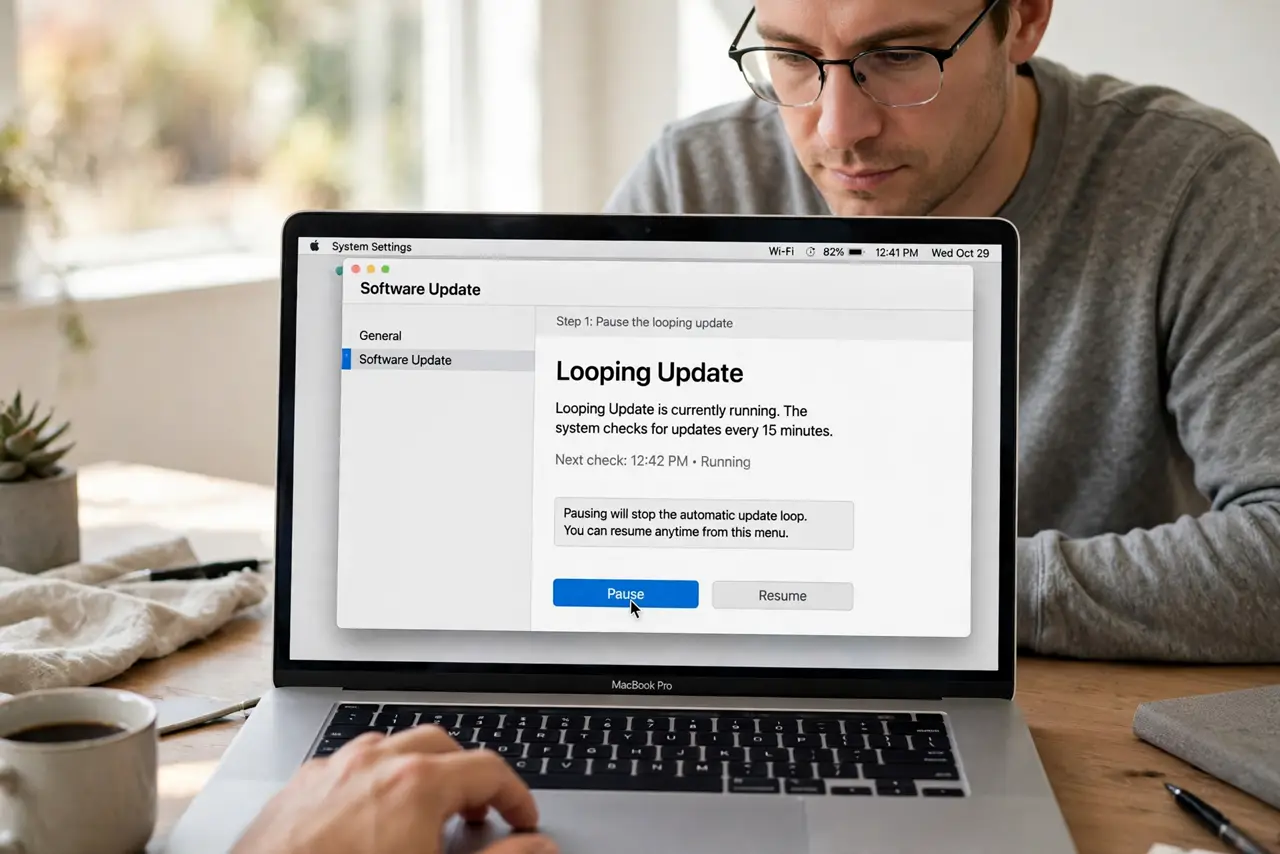
- Pause the looping update. Open the App Store, find the updating app, and pause it. Pausing stops the loop long enough to clear the stuck state.
- Restart the Mac. Restart the Mac fully, then reopen the App Store. A restart clears temporary update state that can keep an update repeating.
- Try the update once more. Resume or start the update a single time and let it finish. Watch whether the app version actually changes after it completes.
- Check the app version. Open the app and check its version, or check the App Store page for the installed version. If the version did not change, the update never applied.
- Delete and reinstall the app. If the loop persists, delete the app from Applications, then reinstall it from the App Store. This gives you a clean copy at the current version.
- Check storage before reinstalling. Confirm enough free space for the fresh install. A nearly full disk can interrupt an install and restart the loop.
What NOT to do
- Do not keep clicking Update dozens of times. Repeated updates do not clear a stuck state and can queue more failed attempts.
- Do not delete app data along with the app unless you have a backup. Some apps store local files that a plain reinstall will not restore.
- Do not install the app from an unknown website to escape the loop. Stay with the App Store copy you already own.
- Do not ignore the version check. If the version never changes, the update is not applying, no matter how many times it claims success.
Frequently asked questions
Why does the same update keep appearing?
The update state is stuck, so the App Store keeps offering an update that never registers as installed.
Will reinstalling lose my files?
For most App Store apps, your documents stay separate from the app, but back up local files first to be safe.
What if the loop returns after reinstall?
Check storage and restart the Mac, then try the App Store update once more before assuming the app itself is broken.