Mac Audio Balance Shifted Left? Center It Again
All your Mac audio leans left, and the right side sounds faint or missing. That is almost always the balance setting, not a broken speaker. Recenter it, check mono audio, and test each output.
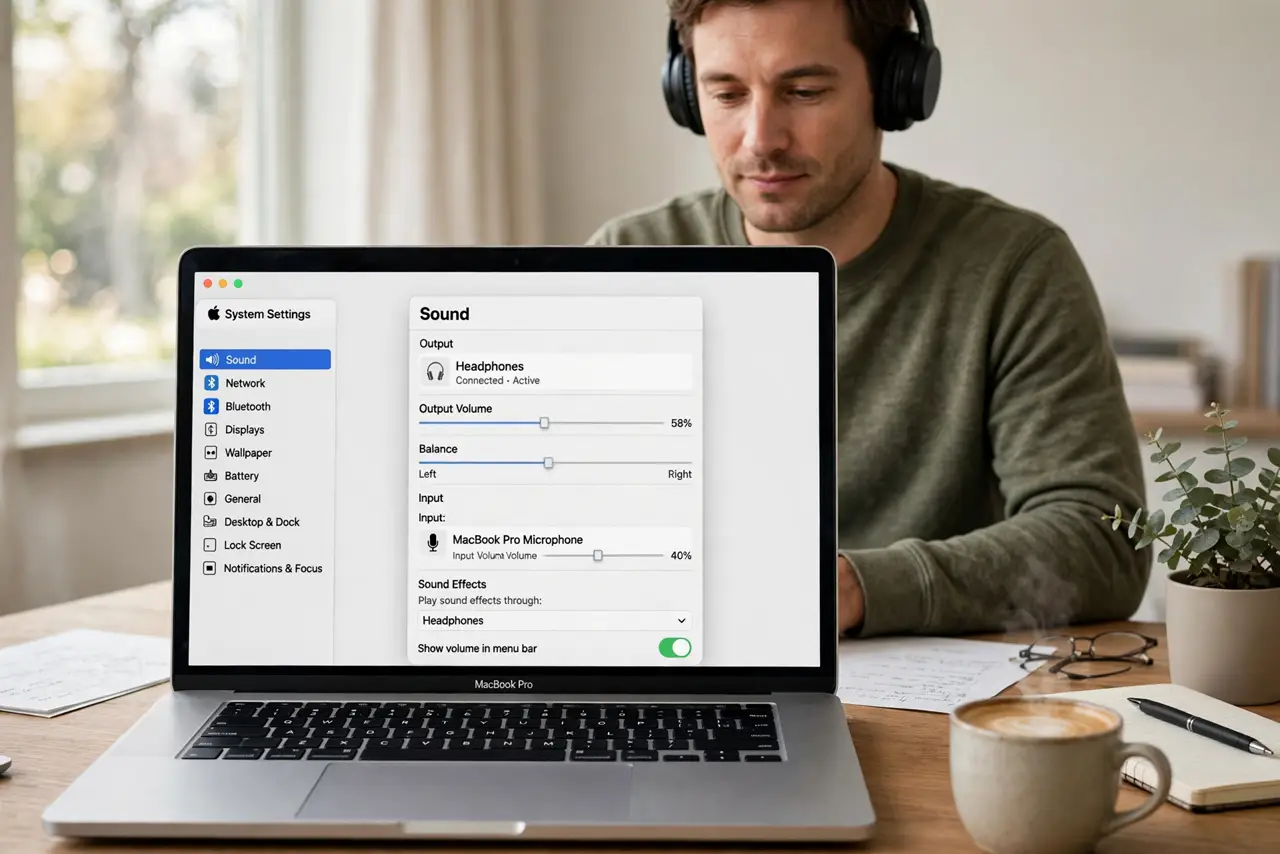
TL;DR / Quick Fix
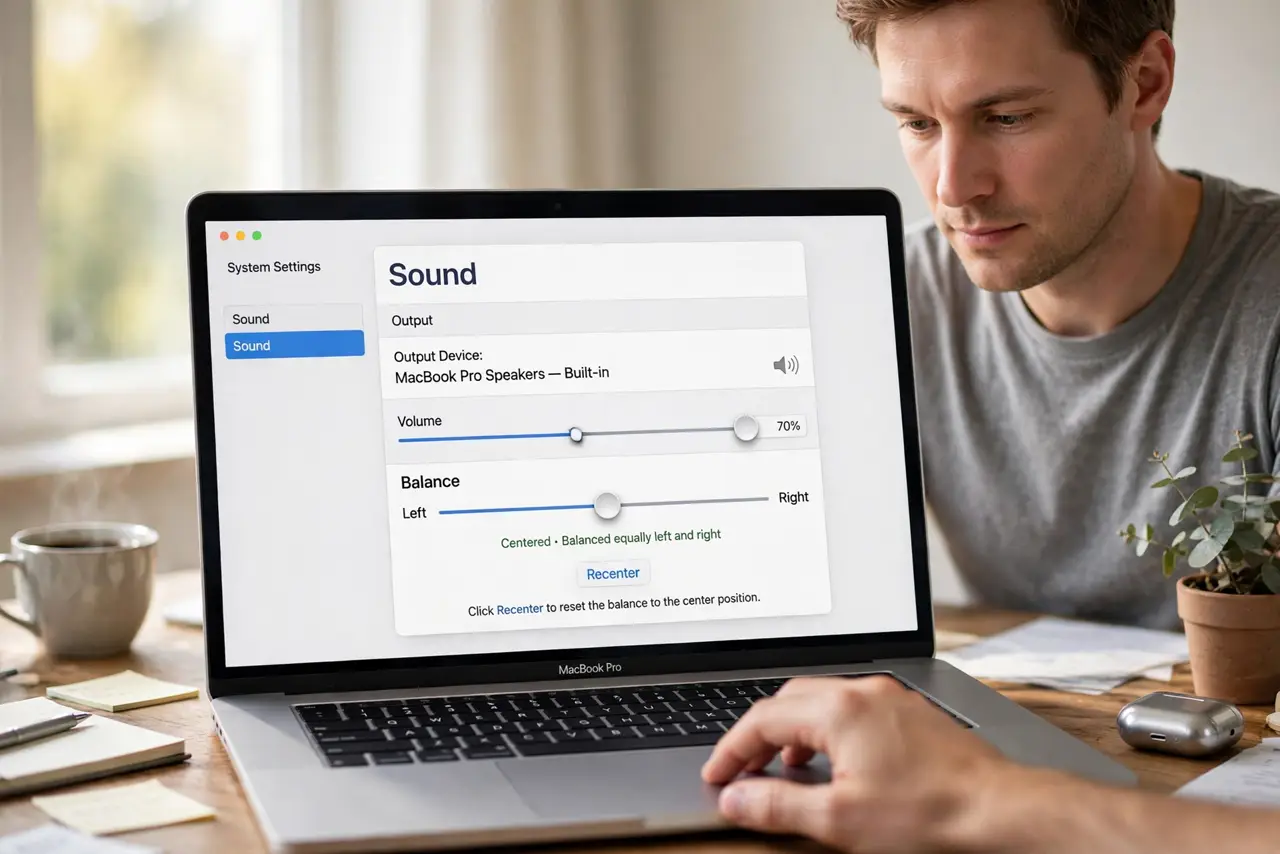
Quick fix: open System Settings, then Sound, then Output, and drag the balance slider to the exact center. Test built-in speakers and headphones separately to confirm both sides now match. Then test the fix for a full day before changing anything else.
Follow these steps
- Recenter the balance slider. Open System Settings, then Sound, then Output, and drag the balance slider to the center. Play audio and confirm both sides sound even.
- Check mono audio settings. Open System Settings, then Accessibility, then Audio, and check whether Play stereo audio as mono is on. Mono changes how balance sounds, so note its state.
- Test built-in speakers. Play audio through the built-in speakers and listen for even volume. If built-in audio is even, the shift is in an external device or cable.
- Test headphones. Plug in headphones and play the same audio. Even headphone audio with uneven speaker audio points to the speaker setup, not the Mac.
- Check the app balance. Some music and video apps have their own balance controls. Check the app you use most, and reset its balance if it differs from the system.
- Restart and retest. Quit the audio app, reopen it, and test again. If balance shifts again on its own, note which app was open when it moved.
What NOT to do
- Do not buy new speakers for a shifted balance. The balance slider alone explains most left-leaning audio.
- Do not push volume up on the quiet side only. That masks the imbalance instead of fixing it, and it strains the louder side.
- Do not change accessibility audio settings at random. Note each setting before you change it, so you can restore it.
- Do not assume one bad song means broken audio. Test several songs, since a single recording can itself be mixed unevenly.
Frequently asked questions
What moves the balance slider by itself?
Sometimes an app or an accessibility shortcut moves it. Note which app was open when the shift appeared.
Why does only one app sound left-heavy?
That app may have its own balance setting. Reset the app balance and test the same audio in another app.
Is mono audio the same as balance?
No. Mono mixes both channels together, while balance controls how much goes left or right. Check both settings.