An Automator Workflow Saves to Nowhere
A workflow that seems to save nowhere usually saved somewhere unexpected, or ran without producing a file you can see. The work is often recoverable once you check the save location and the workflow's last action.
TL;DR / Quick Fix
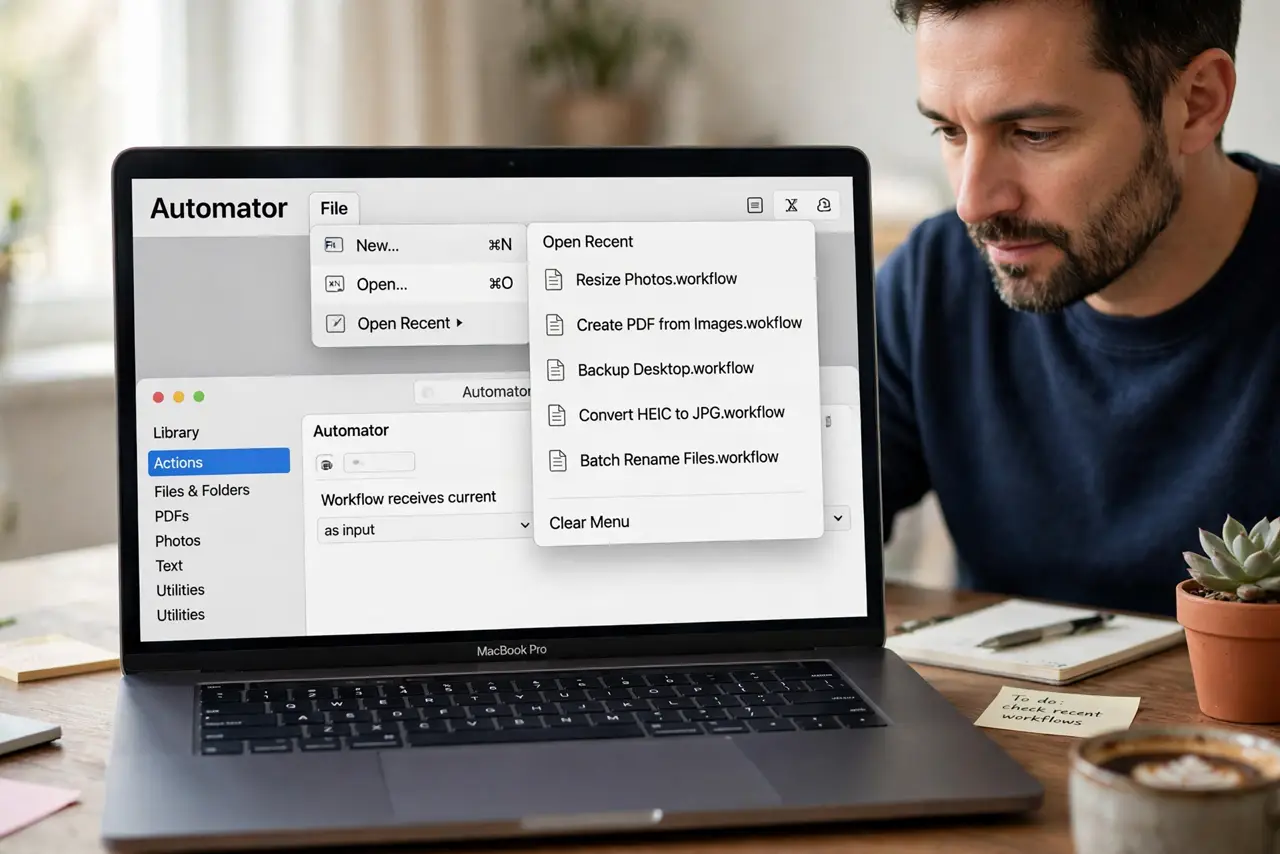
Quick fix: open Automator, use File and Open Recent to find the workflow, and check the folder it was saved in. Then run it again while watching its final action, so you can see exactly where its output goes. Test the fix, then keep the setting that works.
Follow these steps
- Check Open Recent. Open Automator and look under File, then Open Recent. A workflow you saved is usually listed there even when you cannot remember the folder you chose.
- Search by workflow name. Use Finder or Spotlight to search for the workflow name. If it saved at all, a name search finds the file even if the folder was unusual.
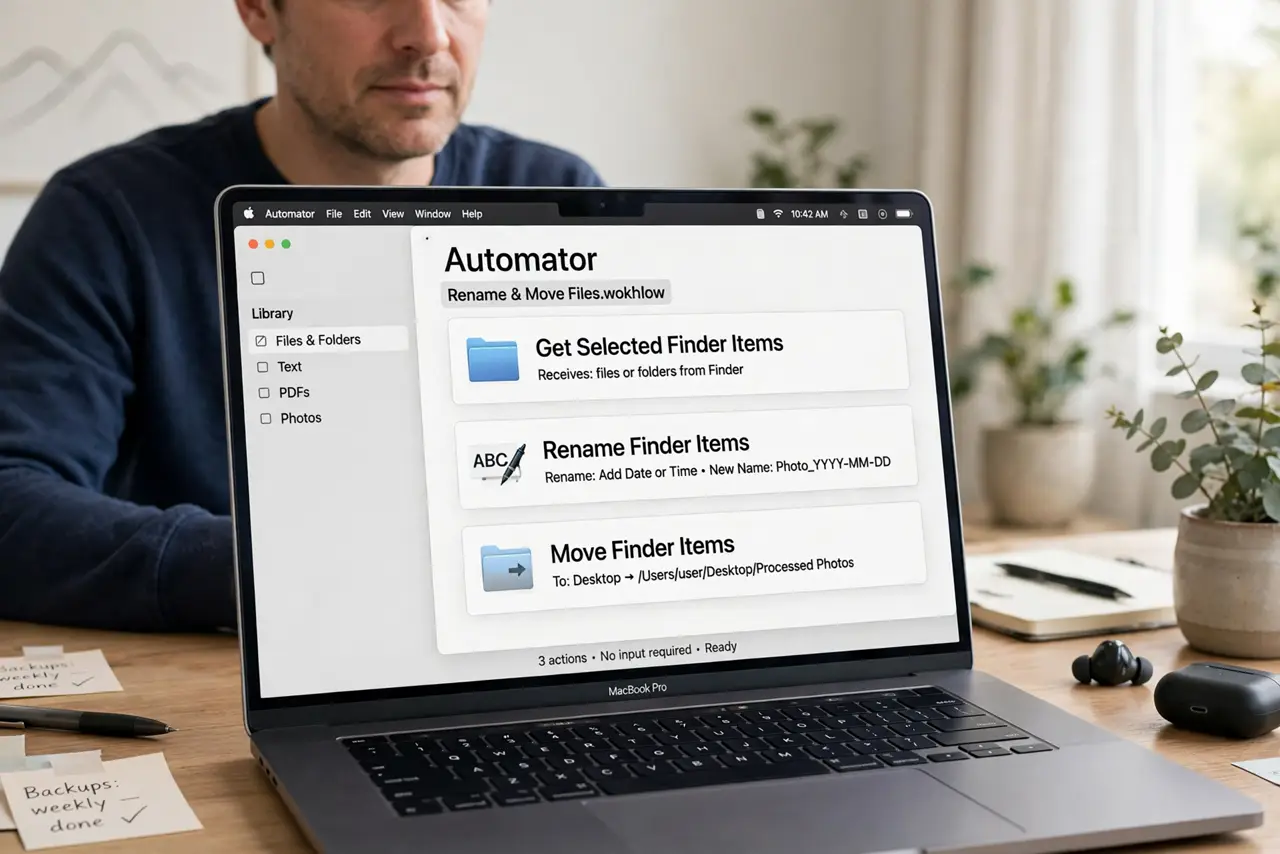
- Read the last action. Open the workflow and read its final action carefully. Some workflows display a result instead of saving a file, so nowhere to save is actually the intended behavior.
- Check the output folder. If the workflow does save a file, open the action that sets the output and note its folder. Then open that folder in Finder and look for the new file.
- Save a copy deliberately. Use Save As and choose a folder you will remember, such as Documents, with a clear name. A deliberate save replaces a mystery location with a known one.
- Run it and watch. Run the workflow once from Automator and watch each action complete. Seeing the output appear confirms the save path works before you rely on it again.
What NOT to do
- Do not run a workflow repeatedly hoping output appears. Each run can create duplicates or overwrite files, and it never fixes a wrong save folder.
- Do not assume the workflow is lost because it is not on the desktop. Check Open Recent and search by name before rebuilding it from scratch.
- Do not save workflows with vague names like Untitled. A clear name is what makes the file findable later.
- Do not let a workflow overwrite files silently. Check its output action first, so you know exactly what it will replace.
Frequently asked questions
Where did my Automator workflow save?
Check File, then Open Recent in Automator, or search Finder by the workflow name. It usually saved in a folder you did not expect.
Why does my workflow produce no file?
Its final action may only display a result, or its output folder may be somewhere you have not looked yet.
How do I save it in a known place?
Use Save As, pick a folder like Documents, and give it a clear name you can search for later.