A Shortcuts Automation Never Runs on Mac
An automation that never runs usually has a trigger that never fires, or a step that waits for confirmation you never see. The shortcut itself may be fine; the automation around it is where the failure lives.
TL;DR / Quick Fix
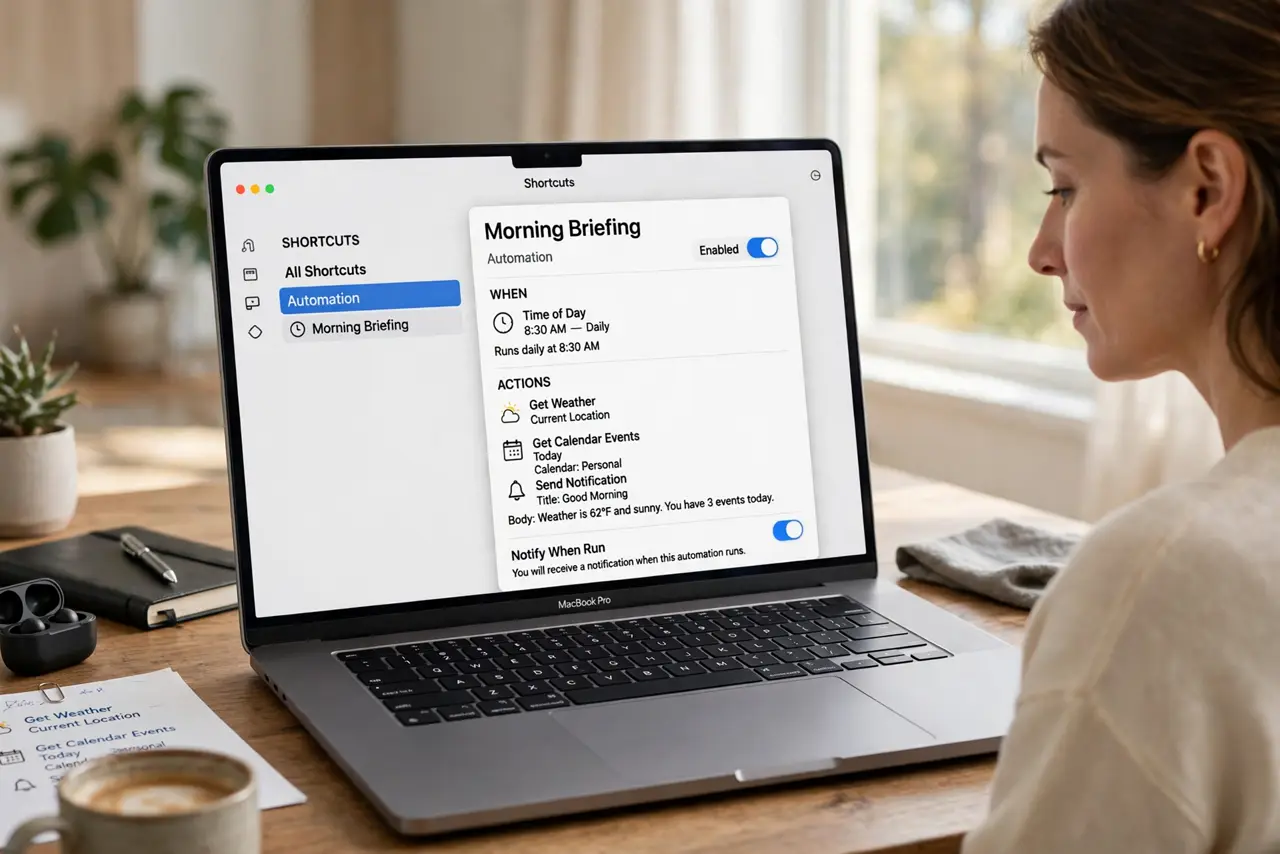
Quick fix: open Shortcuts, open the automation, and check its trigger and every action for a confirmation prompt. Run the shortcut by hand first, then test the trigger alone, and remove any Ask Before Running block that silently stops it.
Follow these steps
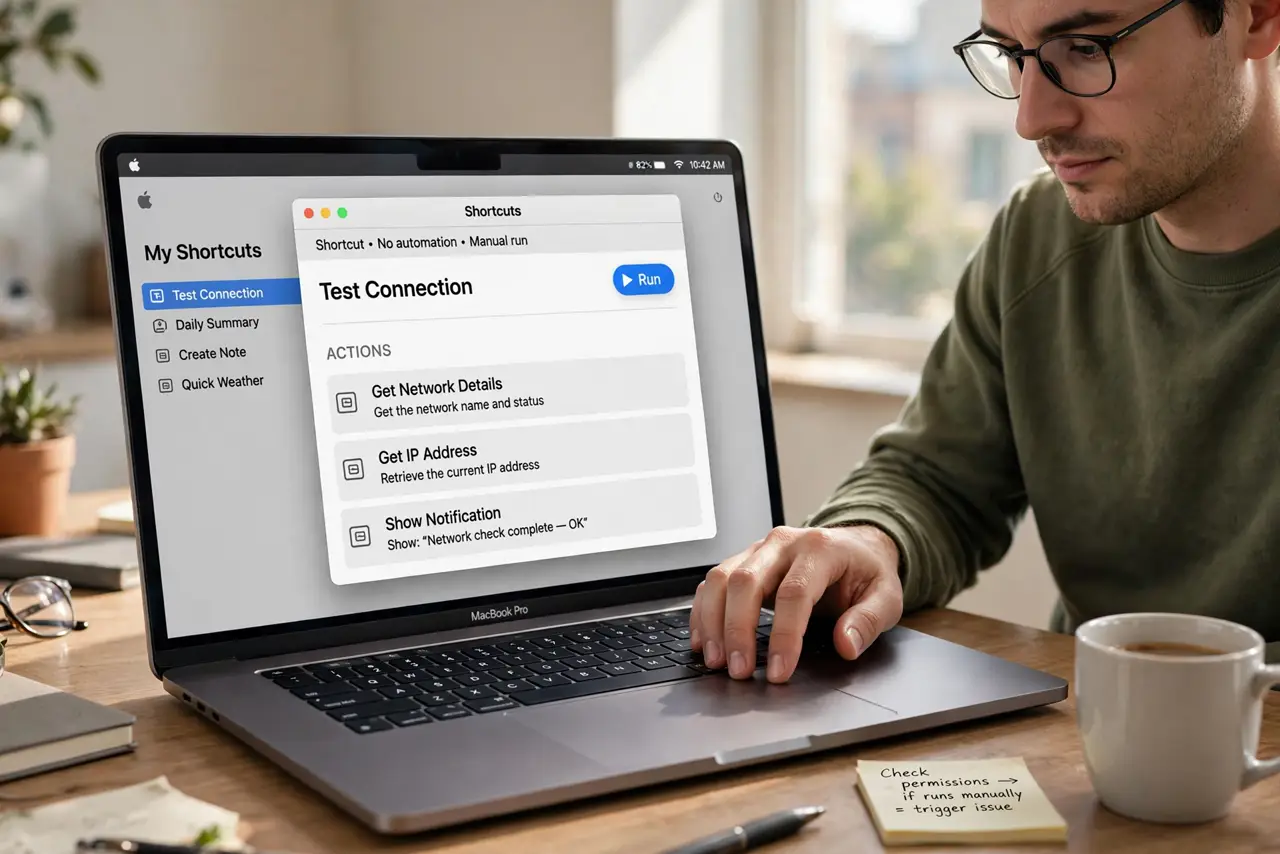
- Run the shortcut by hand. Open the shortcut itself and run it manually. If it works by hand, the actions are fine and the problem is the automation trigger or its permissions.
- Check the trigger closely. Open the automation and read its trigger exactly: time, app, or event. A trigger set for the wrong time, app, or condition will simply never fire.
- Check confirmation settings. Look for any step that asks before running, and for an Ask Before Running option on the automation. A hidden confirmation prompt stops an automation cold.
- Check app permissions. Confirm the shortcut has permission for every app and feature it touches. A denied permission makes one action fail, which can halt the whole automation.
- Simplify to one action. Temporarily reduce the automation to a single simple action, like showing a notification. If that fires, add actions back one at a time to find the breaker.
- Test the trigger in real life. Trigger it the way it should fire in daily use, not just in the editor. A trigger that works in testing but not in real conditions has a condition you missed.
What NOT to do
- Do not rebuild the whole shortcut before testing the trigger. A working shortcut with a dead trigger looks broken, but rebuilding it changes nothing.
- Do not grant every permission blindly to make it run. Grant only what the shortcut actually needs, and check which permission the failing action requires.
- Do not set an automation to run every minute while debugging. A tight loop that finally fires can spam notifications or actions before you can stop it.
- Do not assume the automation ran because nothing went wrong. Check for its result, such as a file or notification, since a silent failure looks like success.
Frequently asked questions
Why does my shortcut work but the automation never runs?
Because the trigger, a confirmation prompt, or a permission is blocking it. The shortcut actions can be perfect while the automation never starts.
What does Ask Before Running do?
It pauses the automation for your confirmation each time. If you never see or answer the prompt, the automation never completes.
How do I test an automation safely?
Simplify it to one harmless action, trigger it in real conditions, and confirm the result before restoring the full actions.