Bluetooth Mouse Lags on Mac? Fix It
Your Bluetooth mouse stutters across the screen — the cursor jumps, freezes for a heartbeat, then leaps. The mouse is usually fine; the Bluetooth signal is crowded, weak, or interrupted by interference. This guide smooths the cursor without buying a new mouse.
TL;DR / Quick Fix
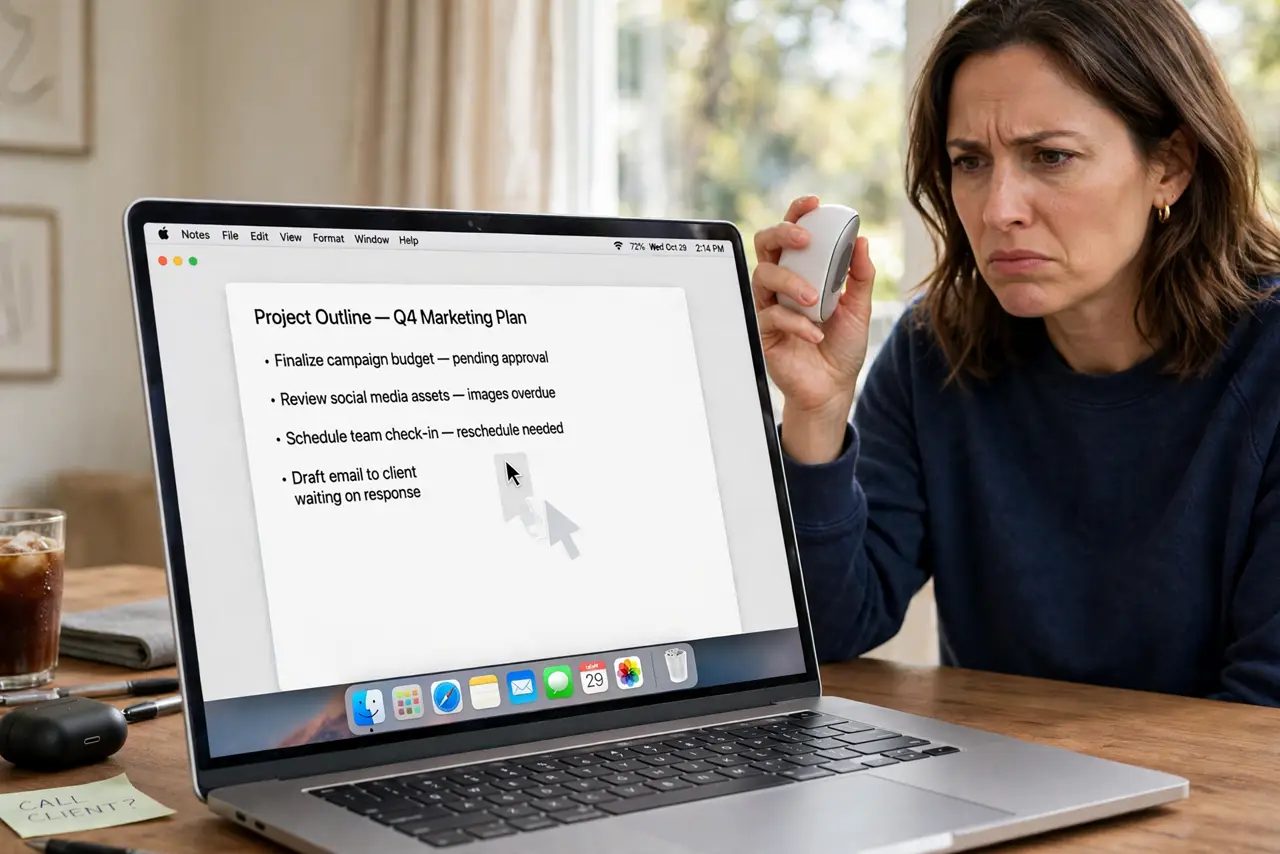
Quick fix: put in fresh batteries first — weak batteries cause this exact stutter. Then move USB 3 drives and dongles away from the Mac, since USB 3 interferes with Bluetooth. Re-pair the mouse and test on a plain mousepad.
Follow these steps
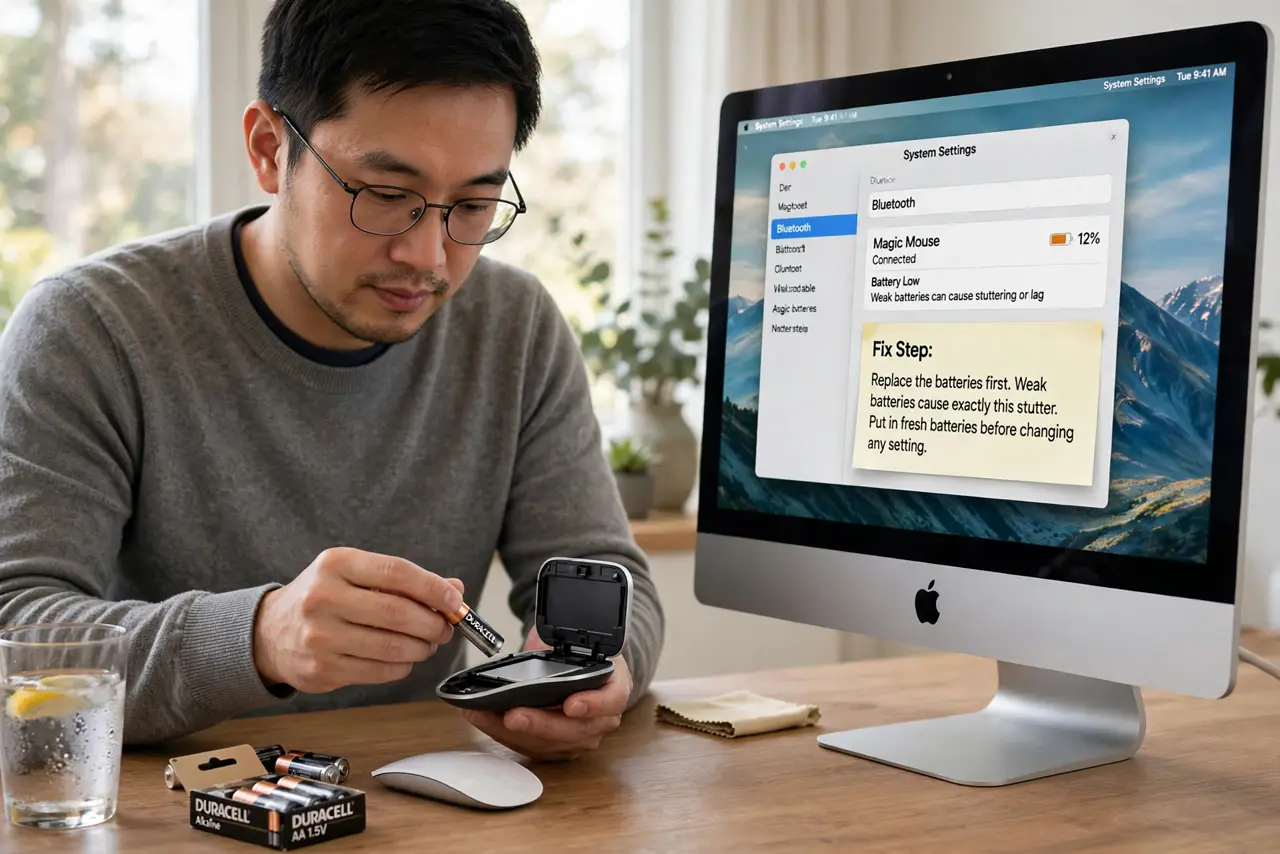
- Replace the batteries first. Weak batteries cause exactly this stutter. Put in fresh batteries before changing any setting — the simplest cause is the most common.
- Move USB 3 devices away. USB 3 drives, hubs, and dongles radiate interference in the Bluetooth band. Move them to the far side of the Mac or use a shielded cable.
- Re-pair the mouse. Remove the mouse in System Settings > Bluetooth, then pair it again fresh. A stale pairing with corrupted settings stutters no matter how good the signal is.
- Reduce Bluetooth crowding. Disconnect Bluetooth audio devices you are not using. Each active connection shares the same radio and adds lag.
- Check the surface. Dark glossy surfaces and glass confuse optical sensors, which looks like Bluetooth lag. Test on a plain mousepad to separate sensor trouble from signal trouble.
- Reset the Bluetooth module. Hold Shift + Option, click the Bluetooth menu bar icon, and reset the module. Re-pair the mouse afterward and test the cursor.
What NOT to do
- Do not buy a new mouse first. Signal interference and weak batteries cause this on brand-new mice too.
- Do not put the USB receiver behind the Mac. A receiver buried behind a metal computer body gets the worst signal in the room.
- Do not ignore the low-battery warning. Bluetooth mice stutter for weeks on dying batteries before they finally disconnect.
- Do not reset the Bluetooth module casually every day. It drops all pairings, so use it as a last resort, not a habit.
Frequently asked questions
Why does my Bluetooth mouse lag but the trackpad doesn't?
The trackpad is wired internally; the mouse fights for Bluetooth airtime against interference the trackpad never sees.
Can Wi-Fi interfere with a Bluetooth mouse?
Yes, especially on the 2.4 GHz band. USB 3 interference is the bigger culprit, but a crowded 2.4 GHz network adds to it.
Will a wired mouse fix it permanently?
Yes, trivially — but the steps above fix Bluetooth lag in most cases without giving up wireless.