Birthdays Missing From Calendar? Fix It
Your contacts have birthdays — you typed them in yourself — but Calendar shows a blank year. The Birthdays calendar is a special feed drawn from your contacts, and it has its own on/off switch plus a sync dependency. Two checks bring every birthday back.
TL;DR / Quick Fix
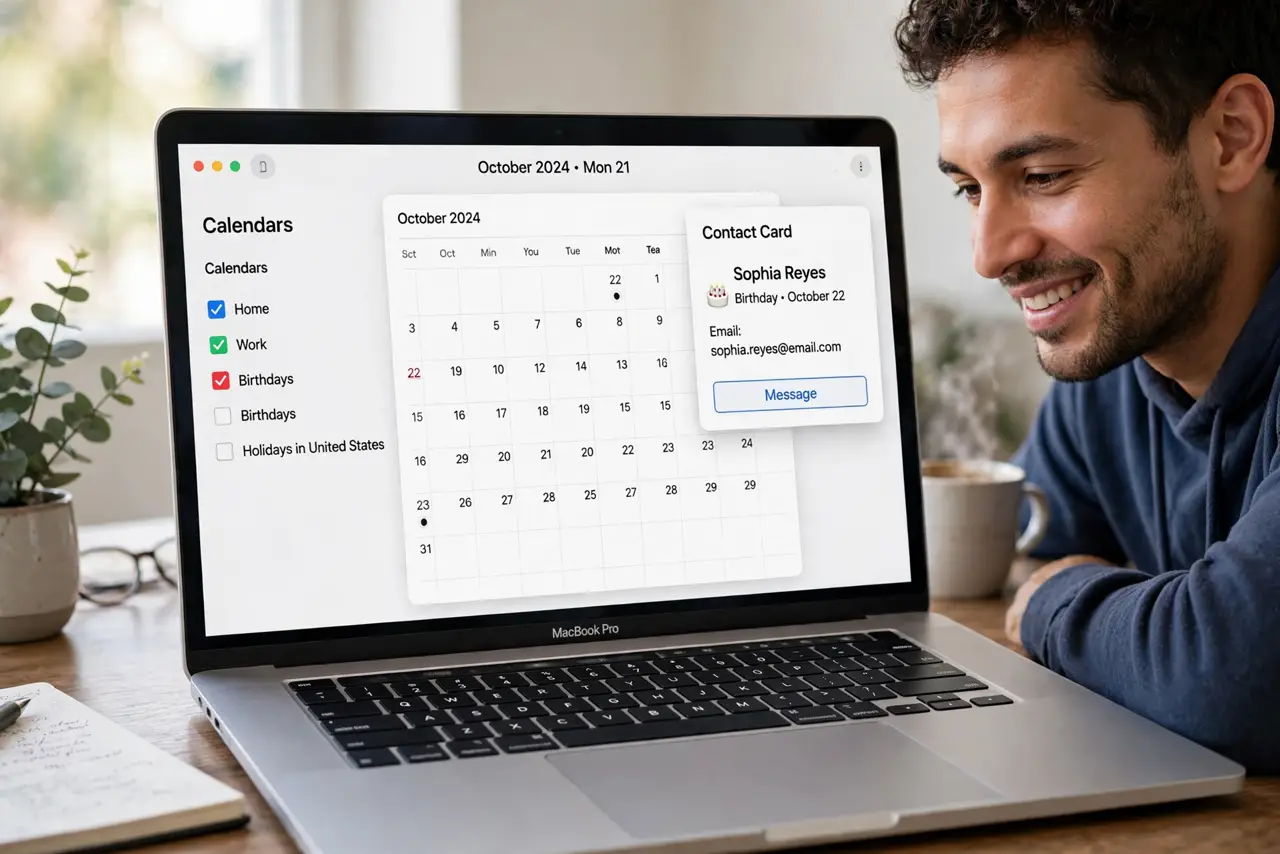
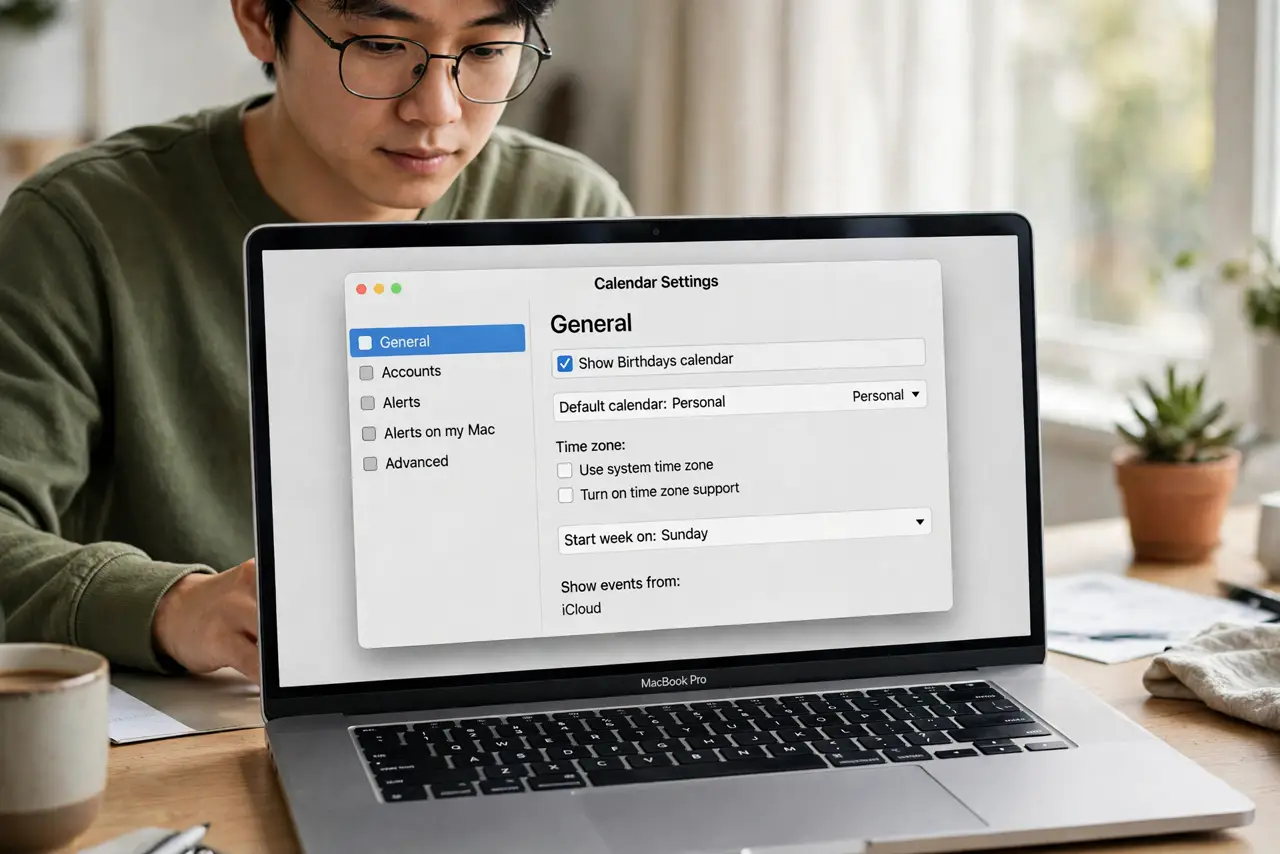
Quick fix: in Calendar, open Settings > General and make sure Show Birthdays calendar is checked. Birthdays come from Contacts — open a contact and confirm the birthday field is filled. If contacts sync via iCloud, make sure Contacts syncing is on in System Settings > Apple ID > iCloud.
Follow these steps
- Check the Birthdays calendar switch. Calendar > Settings > General > Show Birthdays calendar. This one checkbox is the cause nine times out of ten.
- Confirm birthdays live in Contacts. Open Contacts, pick someone, and check the birthday field. Calendar cannot display what Contacts does not know — add missing birthdays here.
- Verify Contacts sync is on. System Settings > Apple ID > iCloud > make sure Contacts syncing is enabled. Birthdays from an unsynced account never reach the calendar.
- Refresh the calendars list. In Calendar, press Command-R or choose View > Refresh Calendars. A stale cache sometimes hides the Birthdays feed after a sync fix.
- Look in the calendars sidebar. The sidebar lists every calendar with checkboxes — Birthdays may simply be unchecked there even with the main setting on.
- Merge the [[duplicate contacts|mac-contacts-merge-duplicates]] first. Three cards for one person with the birthday on only one of them confuses the feed. Merge first, then check birthdays.
What NOT to do
- Do not add birthdays as manual events. The Birthdays feed updates itself from Contacts — manual events double up and go stale.
- Do not assume the birthday is wrong when it is missing. Missing means the feed or the contact field — wrong dates are a different fix.
- Do not delete and re-add the Birthdays calendar. It is a system feed, not a subscription — the checkbox is the entire control.
- Do not forget non-iCloud accounts. Birthdays in a Google-synced contact list need that account's contacts syncing too.
Frequently asked questions
Why do some birthdays show but not others?
The missing ones lack a birthday field in Contacts, or live in an account whose contacts are not syncing. Check the card.
Do birthdays sync to my iPhone?
Yes — the same Birthdays feed appears in the iPhone Calendar once Contacts sync through iCloud.
Can I get alerts for birthdays?
Not from the Birthdays feed directly — it has no alerts. Create a yearly repeating event if you need a reminder.