A Calendar Invite Arrives From a Stranger
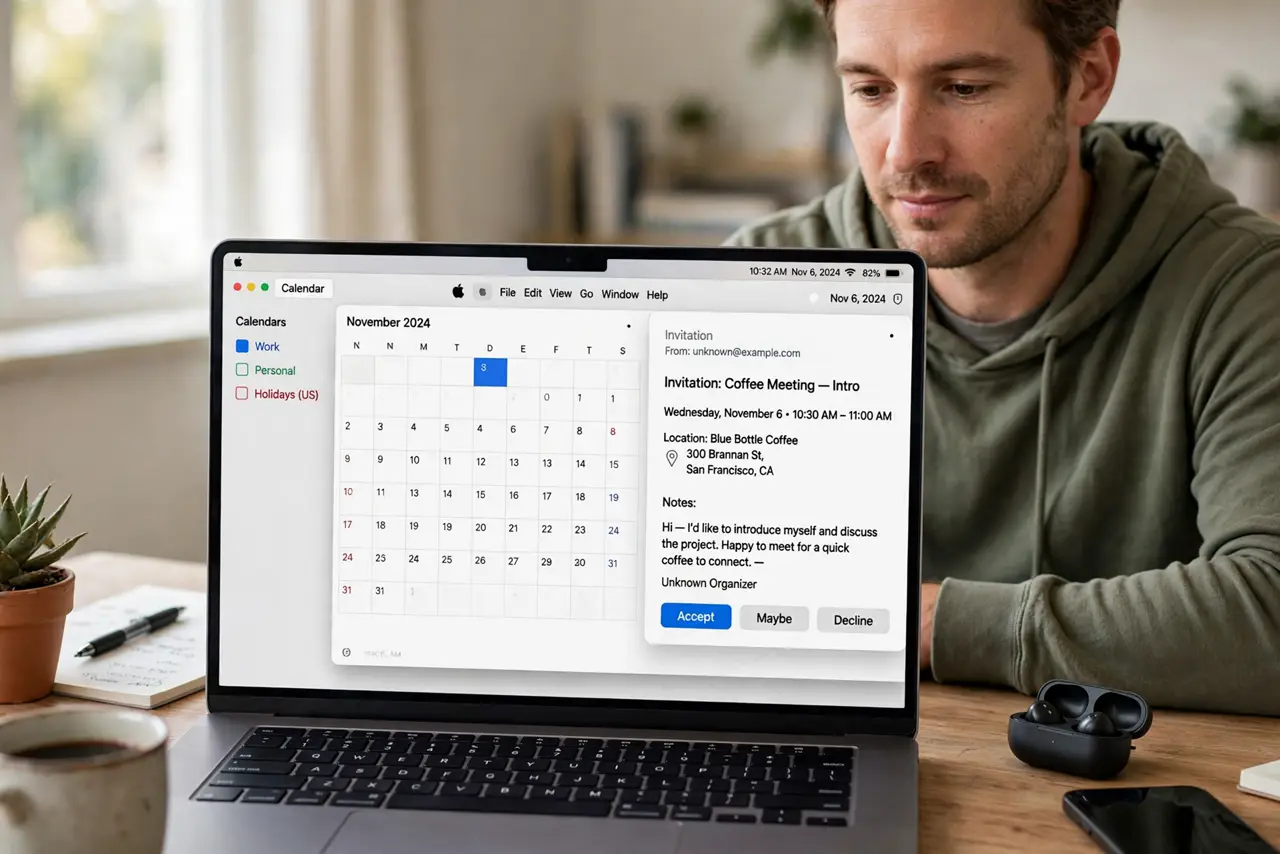
A calendar invite from a stranger is often spam: the invite itself is the message, designed to get you to click a link or accept an event you never wanted. Treat it as untrusted mail, not as a real appointment, until proven otherwise.
TL;DR / Quick Fix
Quick fix: do not click links inside the invite, and do not accept it just to clear it. Check whether you recognize the sender and the event, delete or report it if you do not, and check Calendar settings for automatic invite handling.
Follow these steps
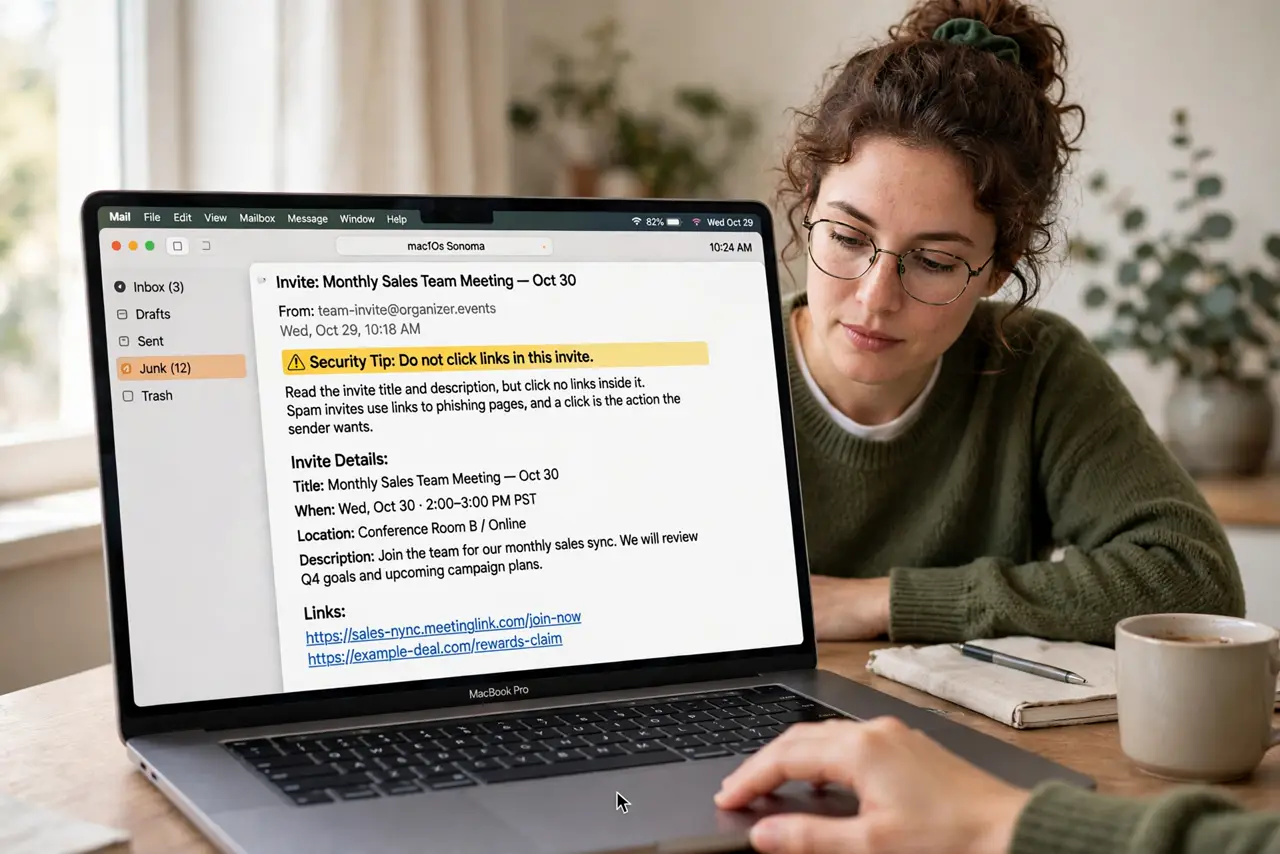
- Do not click links in it. Read the invite title and description, but click no links inside it. Spam invites use links to phishing pages, and a click is the action the sender wants.
- Check the sender. Look at the sender address carefully, including spelling. A stranger, a misspelled brand, or a free-mail address for a supposed business invite are all warning signs.
- Check for a real connection. Ask whether you have any reason to expect this event: a booking, a meeting, or a ticket. An invite with no connection to your life is almost certainly spam.
- Decline or delete it. Decline the invite or delete it without accepting. Declining clears it from your calendar without confirming anything to the sender.
- Report it as junk. If your calendar or mail app offers a report option, use it. Reporting helps filter similar spam invites for you and for other people.
- Check automatic invites. Open Calendar settings and confirm how invites from unknown senders are handled. Turning off automatic adding keeps future spam invites out of your calendar entirely.
What NOT to do
- Do not accept a strange invite to make it go away. Accepting confirms your calendar is active and can invite more spam, not less.
- Do not click unsubscribe links in a spam invite. Like phishing links, they can confirm your address is active to the sender.
- Do not forward the invite to others to ask about it. Forwarding spreads the spam link, so describe it in words instead if you must ask someone.
- Do not add the sender to contacts to stop the invites. Contacts do not block spam invites, and they give the sender a trusted-looking entry in your address book.
Frequently asked questions
Is a calendar invite from a stranger dangerous?
It can be. Spam invites carry phishing links, and accepting or clicking confirms your calendar is active to the sender.
Should I accept it to delete it?
No. Decline or delete it without accepting. Accepting is the action spam senders want, since it confirms engagement.
How do I stop future spam invites?
Decline and report them, and check Calendar settings to stop unknown invites being added to your calendar automatically.