The Control Center Wi-Fi Toggle Is Missing
When the Wi-Fi toggle vanishes from Control Center, Wi-Fi itself is usually still fine. The toggle is a Control Center module that can be hidden by settings, or Wi-Fi may be off in a way that hides the control you expect.
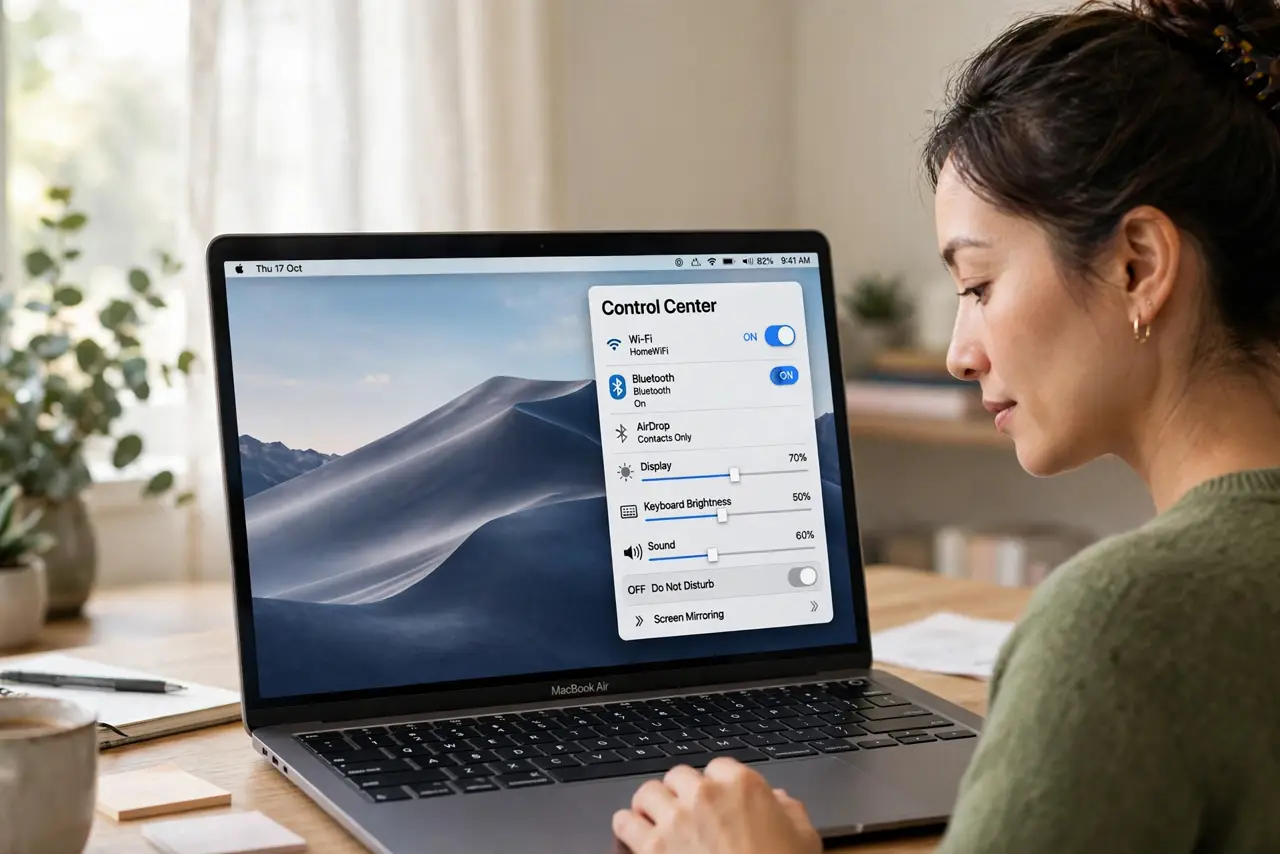
TL;DR / Quick Fix
Quick fix: open System Settings, then Control Center, and confirm Wi-Fi is set to show in Control Center or the menu bar. Then open System Settings, then Wi-Fi, and confirm Wi-Fi is turned on and connected. Test the fix, then keep the setting that works.
Follow these steps
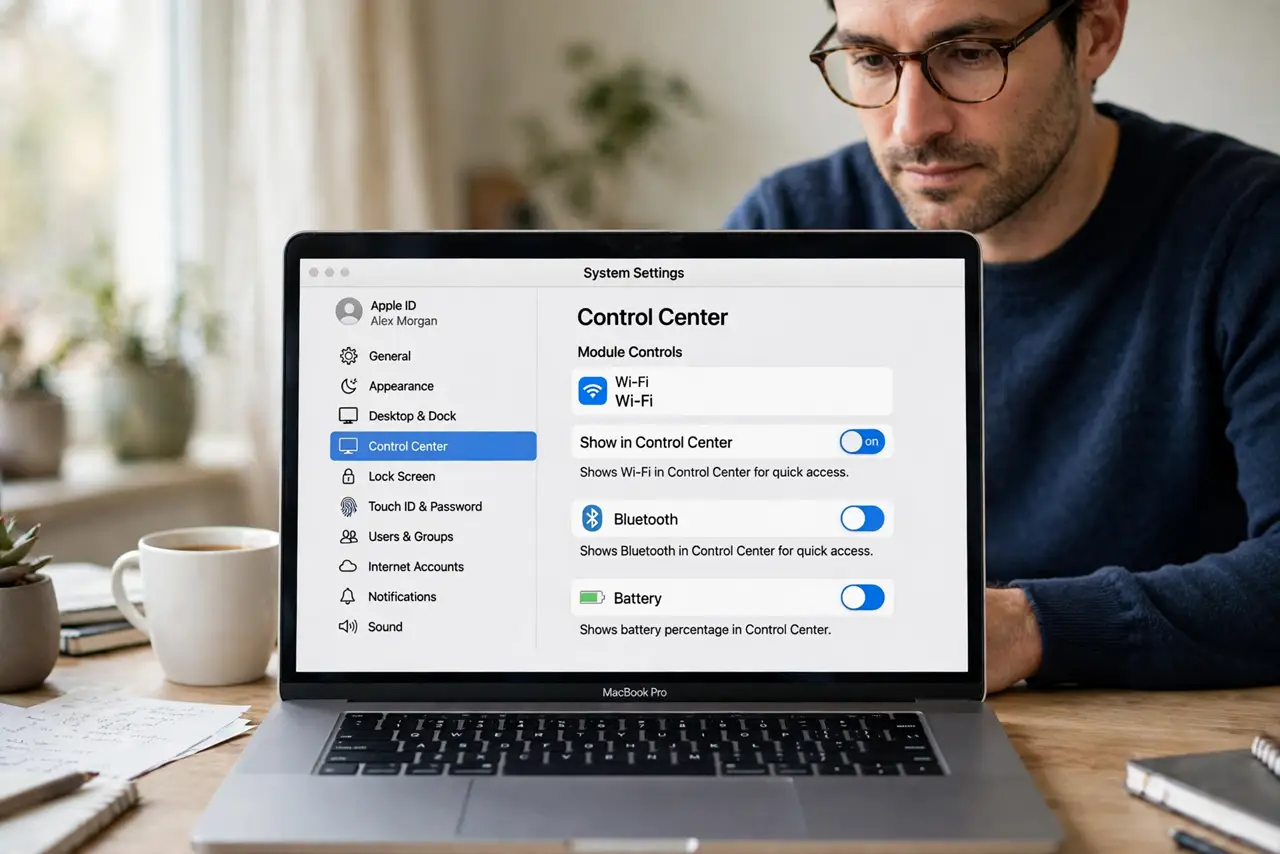
- Check Control Center settings. Open System Settings, then Control Center, and find the Wi-Fi module setting. Confirm it is set to show in Control Center, not hidden.
- Check the menu bar option. If you prefer the menu bar, set Wi-Fi to show there instead. One visible location is enough, and the toggle may simply have moved rather than vanished.
- Turn Wi-Fi on in settings. Open System Settings, then Wi-Fi, and confirm Wi-Fi is turned on. A Wi-Fi service that is off can make its toggle behave unexpectedly in Control Center.
- Restart Control Center. Sign out and back in, or restart the Mac, if the setting looks right but the toggle still does not appear. A stale Control Center can lag behind settings.
- Check for a second network service. Confirm you are looking at Wi-Fi and not another connection type. A Mac connected by cable can make wireless controls feel less prominent.
- Test the toggle once restored. Once the toggle appears, use it to turn Wi-Fi off and on once. A toggle that works after restore confirms the fix, not just the appearance.
What NOT to do
- Do not reinstall macOS because a toggle is hidden. A Control Center setting explains this symptom, and reinstalling is wildly disproportionate.
- Do not reset network settings as a first step. That deletes saved networks and passwords for a problem that is usually just a hidden module.
- Do not assume Wi-Fi hardware failed. If Wi-Fi works in settings, the hardware is fine and only the toggle display needs fixing.
- Do not install a network utility to replace the toggle. The built-in Control Center module returns with one setting change.
Frequently asked questions
Where did my Wi-Fi toggle go?
It was probably hidden in Control Center settings. Set Wi-Fi to show in Control Center or the menu bar to bring it back.
Is my Wi-Fi broken if the toggle is missing?
Usually not. If Wi-Fi connects in System Settings, only the toggle display is missing, not the connection.
Why does the toggle still not appear?
Control Center can lag behind a setting change. Signing out and back in, or restarting, usually refreshes it.