Dictation Needs Internet? Enable Offline Mode
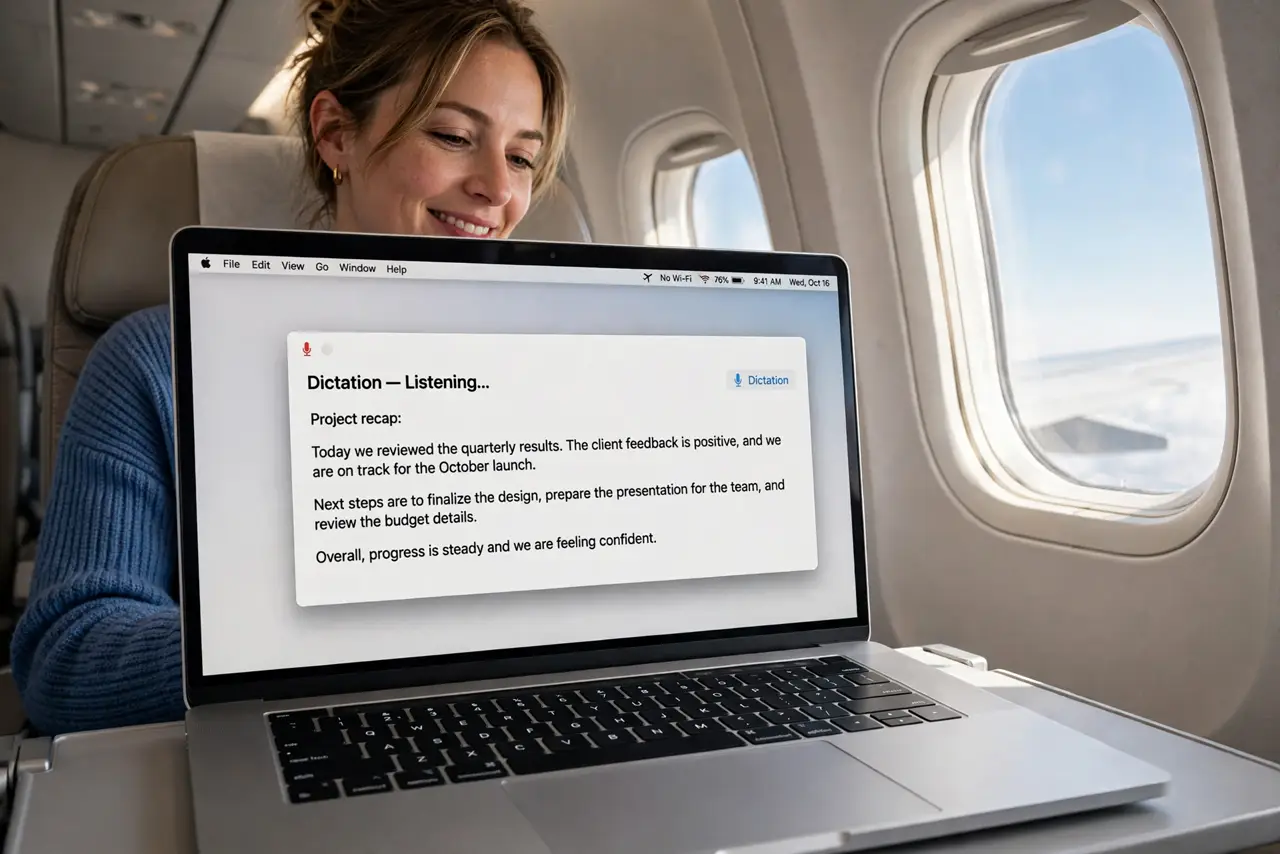
Dictation works at home but dies on a plane or in a dead zone, claiming it needs the internet. macOS can dictate offline, but only after you download the language pack. This guide enables on-device dictation so it works anywhere.
TL;DR / Quick Fix
Quick fix: open System Settings, go to Keyboard, then Dictation, and download your language first for on-device dictation. Turn on the offline option, test it with Wi-Fi fully off, and keep the language pack updated regularly for the best accuracy.
Follow these steps
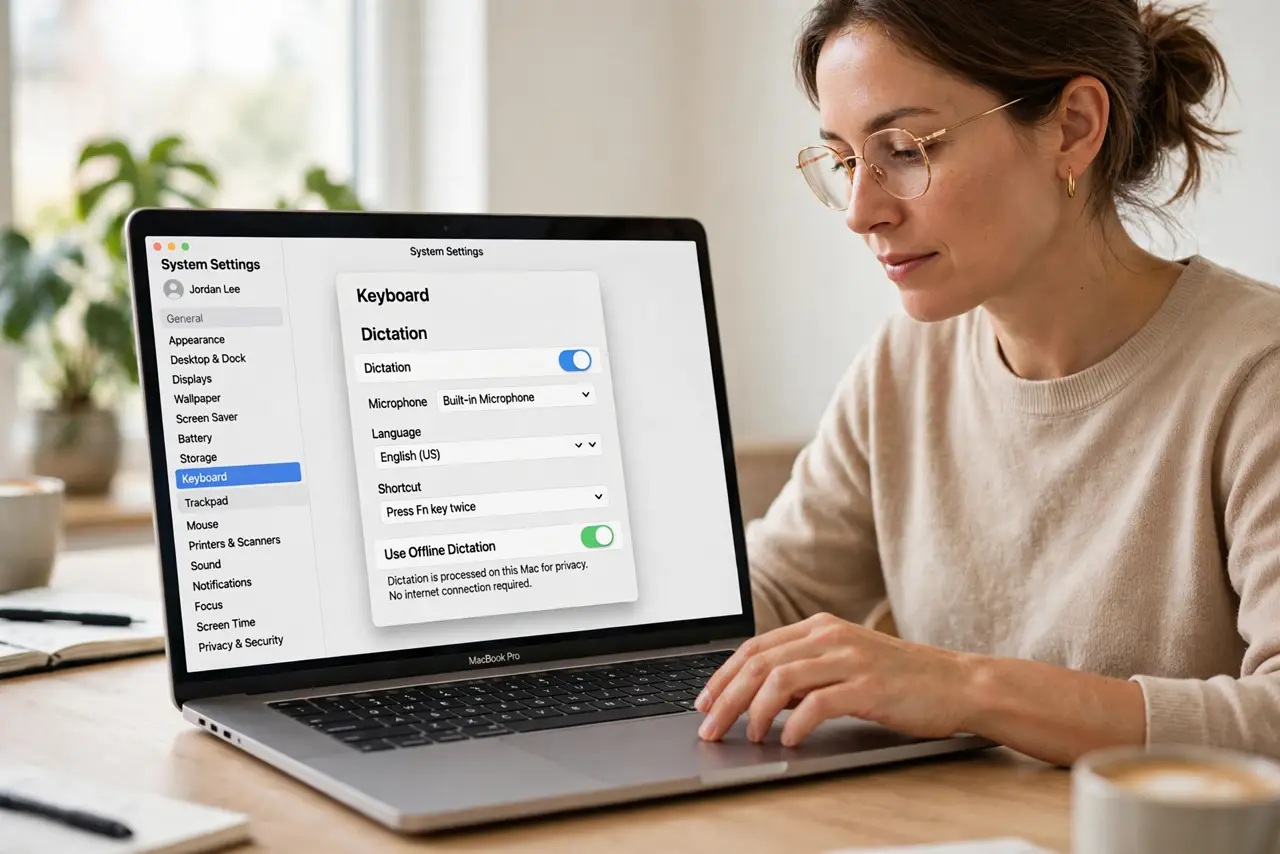
- Open the Dictation settings. Go to System Settings, then Keyboard, then Dictation. The offline capability hides behind the language download, not a simple toggle.
- Download your dictation language. Choose your language and download it for on-device use. Without the pack, every word travels to Apple's servers, which is why offline fails.
- Enable on-device dictation. Turn on the option to process dictation on the device. This keeps your words local and makes dictation work with zero connection.
- Test with Wi-Fi actually off. Turn Wi-Fi off and dictate a sentence. A real offline test beats assuming the setting worked; some languages still need the download to finish.
- Keep the language pack updated. macOS updates the on-device models over time. An outdated pack loses accuracy, so let updates install normally.
- Compare with iPhone dictation quirks. If the iPhone sends text too early instead, that is the separate iPhone dictation timing issue, not an offline problem.
What NOT to do
- Do not dictate sensitive text while online mode is on. Server-side dictation sends audio to Apple; offline mode keeps it on your Mac.
- Do not assume every language works offline. A few languages lack on-device models, so check the download list for yours.
- Do not delete the language pack to save space. Removing it silently reverts dictation to online-only, and the failure returns.
- Do not confuse dictation with Siri. They share the mic but have separate settings; fixing one does not fix the other.
Frequently asked questions
Why does dictation need internet?
Because without the downloaded language pack, macOS sends your speech to servers for processing. The pack enables local processing.
Is offline dictation less accurate?
Slightly for complex vocabulary, but for everyday speech it is excellent and keeps improving with updates.
Does offline dictation protect privacy?
Yes. Your voice never leaves the Mac, which is the main reason to enable it even with good internet.