Dictation Sends Before You Finish? Fix It
You are still talking and the iPhone already sent your half-finished dictation. The microphone stops listening during a short pause, assuming you are done. This guide shows how to keep it listening longer and how to fix dictation mistakes when it mishears you.
TL;DR / Quick Fix
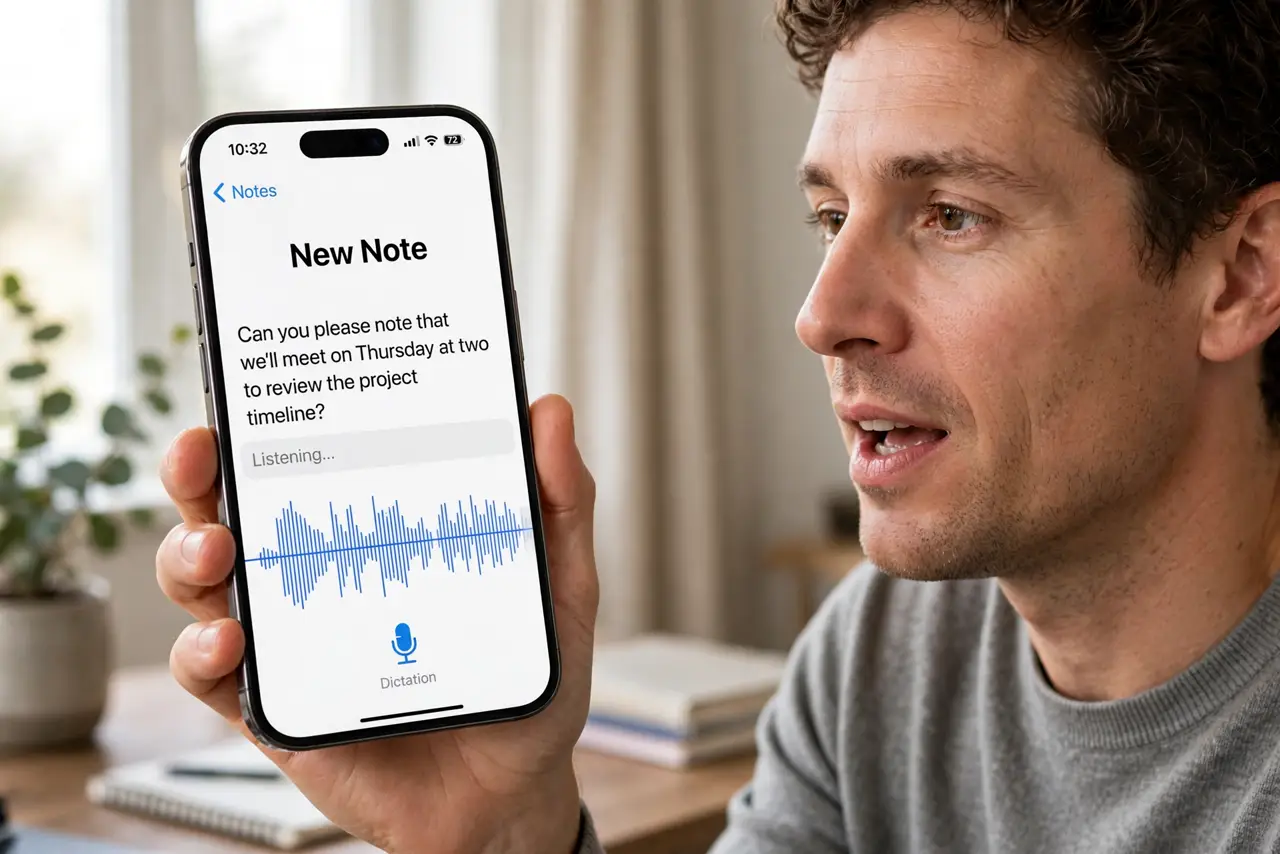
Quick fix: keep talking without long pauses and tap the microphone again the moment it stops early. Speak punctuation aloud — 'period,' 'comma' — instead of pausing for it. For longer messages, dictate in the Notes app where nothing sends until you say so, then copy the text over.
Follow these steps
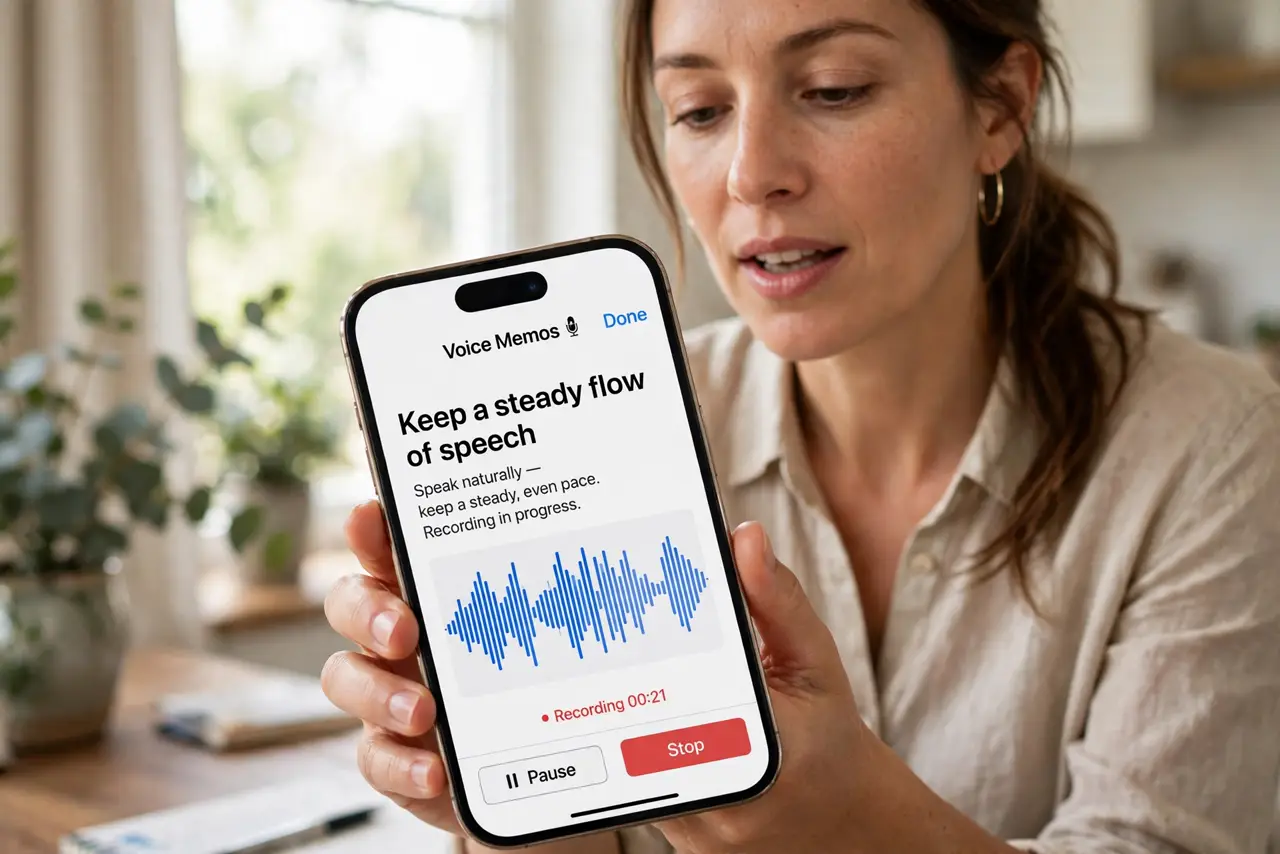
- Keep a steady flow of speech. Dictation stops after a pause of a second or two. Keep talking steadily — even filler words keep the microphone open while you think.
- Tap the mic to resume instantly. When dictation stops early, tap the microphone button again right away and continue. You do not lose what was already transcribed.
- Speak your punctuation. Say 'period,' 'comma,' and 'new paragraph' instead of pausing where punctuation goes. Pauses look like the end of your message to the recognizer.
- Dictate long texts in Notes first. For anything longer than a sentence or two, dictate in the Notes app. Nothing sends until you copy and paste, so an early stop costs you nothing.
- Check the microphone is clear. A muffled mic makes the recognizer think you stopped. Clear the mic holes of lint and speak at a normal volume — see muffled call audio if people also struggle to hear you.
- Update iOS for dictation fixes. Apple improves on-device dictation in updates. If early cutoffs started recently, an update may include the fix.
What NOT to do
- Do not dictate sensitive information in public. People around you hear everything, and the transcription sits in the message.
- Do not assume the transcription is correct. Always reread before sending — dictation mishears names and homophones regularly.
- Do not hold the phone far from your mouth. Distance makes the mic think you paused, causing exactly the early cutoff you want to avoid.
- Do not dictate while on speakerphone in noise. Background voices confuse the recognizer and end the session early.
Frequently asked questions
Why does iPhone dictation stop before I finish?
The recognizer treats a pause of a second or two as the end of your message. Steady speech and spoken punctuation keep it listening.
Can I make dictation listen longer?
There is no timer setting — the trick is continuous speech. For long messages, dictate in Notes where early stops do not send anything.
Why does dictation mishear so many words?
Accents, background noise, and speaking too fast all hurt accuracy. Slow down slightly and check the mic holes for lint.