Dictation Gets Every Punctuation Mark Wrong
Dictation gets punctuation wrong when you speak naturally and expect it to guess, or when you say punctuation words it does not recognize. Dictation needs explicit punctuation commands, spoken clearly, to place marks where you want them.

TL;DR / Quick Fix
Quick fix: say punctuation as commands, such as comma, period, and new paragraph, with a brief pause before and after each one. Then check that dictation language matches the language you are speaking, since a mismatch garbles both words and punctuation.
Follow these steps
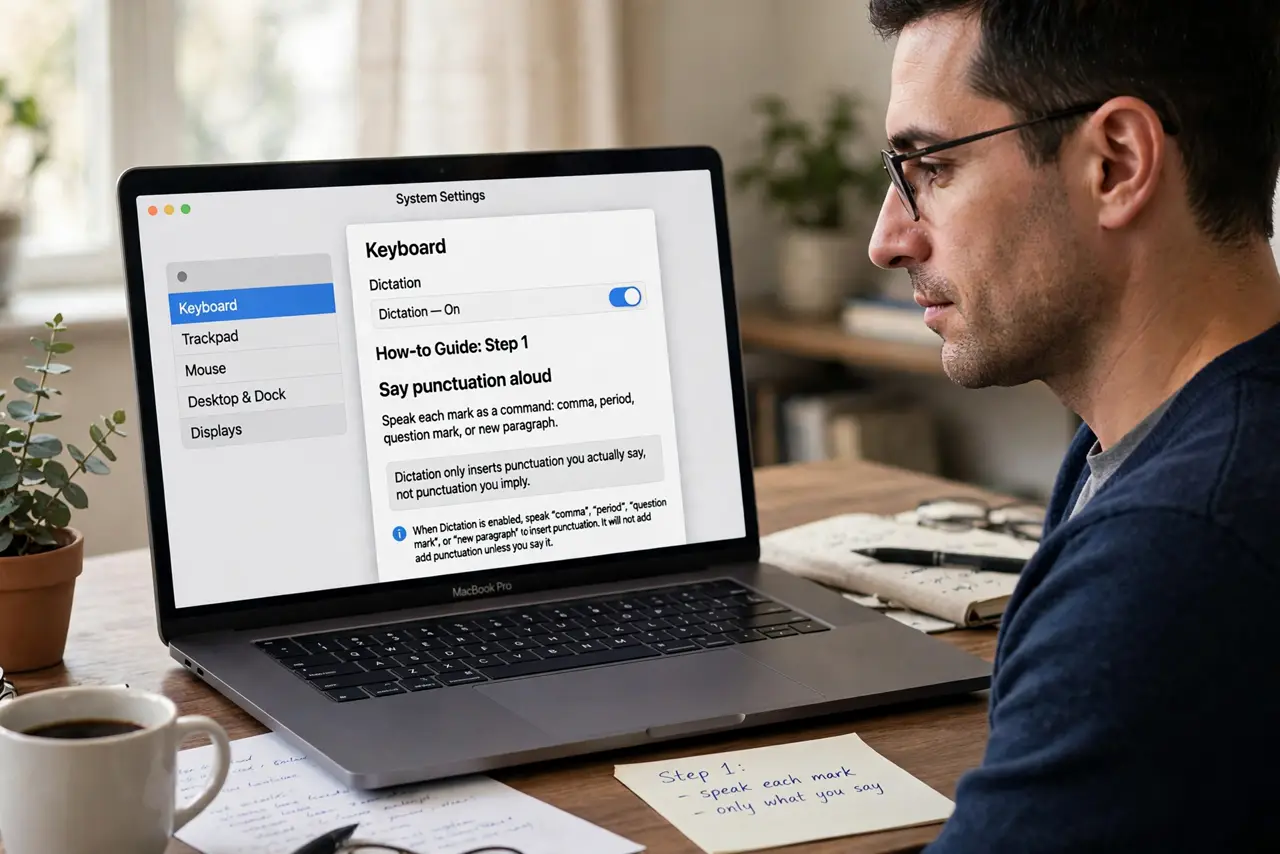
- Say punctuation aloud. Speak each mark as a command: comma, period, question mark, or new paragraph. Dictation only inserts punctuation you actually say, not punctuation you imply.
- Pause around commands. Pause briefly before and after each punctuation command. A pause separates the command from surrounding words, so it is heard as punctuation, not as a spoken word.
- Slow down slightly. Dictate a little slower than conversation speed. Rushed dictation merges words and punctuation commands into a stream the recognizer misreads.
- Check dictation language. Confirm the dictation language matches what you are speaking. A language mismatch makes both words and punctuation unreliable at once.
- Test one sentence. Dictate a single test sentence with a comma and a period, then read it back. A clean test sentence proves the method works before you dictate a whole document.
- Correct and continue. Fix misplaced marks as you go, and repeat the correct command for the next sentence. Dictation improves with consistent, clear commands, not with frustrated repetition.
What NOT to do
- Do not expect dictation to guess punctuation from pauses alone. Natural pauses hint at sentence ends, but explicit commands are what place marks reliably.
- Do not dictate a long document without testing punctuation first. A method error repeated for pages creates a cleanup job far larger than a one-sentence test.
- Do not switch languages mid-dictation without changing the setting. Mixed languages confuse recognition and produce wrong words as well as wrong punctuation.
- Do not mumble punctuation commands. A mumbled comma sounds like the word comma in your text, which is worse than no punctuation at all.
Frequently asked questions
Why does dictation miss my punctuation?
Because you did not say it as a command, or you said it too quickly for the recognizer to separate it from surrounding words.
What should I say for punctuation?
Say the mark as a command, such as comma, period, question mark, or new paragraph, with a brief pause around it.
Will slowing down help?
Yes. Slightly slower dictation with pauses around punctuation commands gives the recognizer clean input to work with.