Fix Mac Dictation Typing the Wrong Words
Dictation that types the wrong words is usually a language, microphone, or noise problem, not a sign that dictation is useless. Clear speech into the right microphone, in the right language, transforms accuracy. Test with short phrases first.
TL;DR / Quick Fix
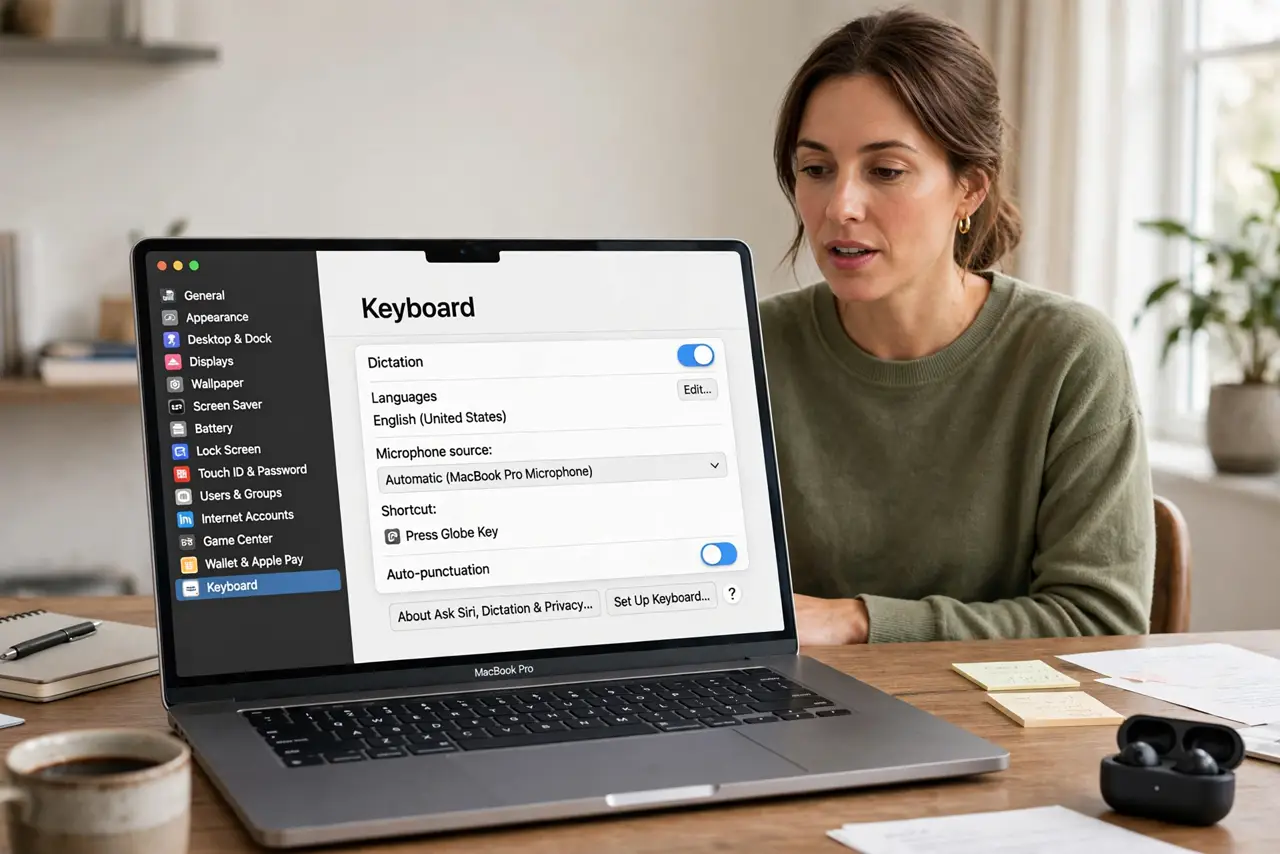
Quick fix: open System Settings, then Keyboard, then Dictation, and confirm the language matches what you speak. Then select the correct microphone in Sound Input, move to a quieter spot, and dictate one short sentence at a time to test accuracy.
Follow these steps
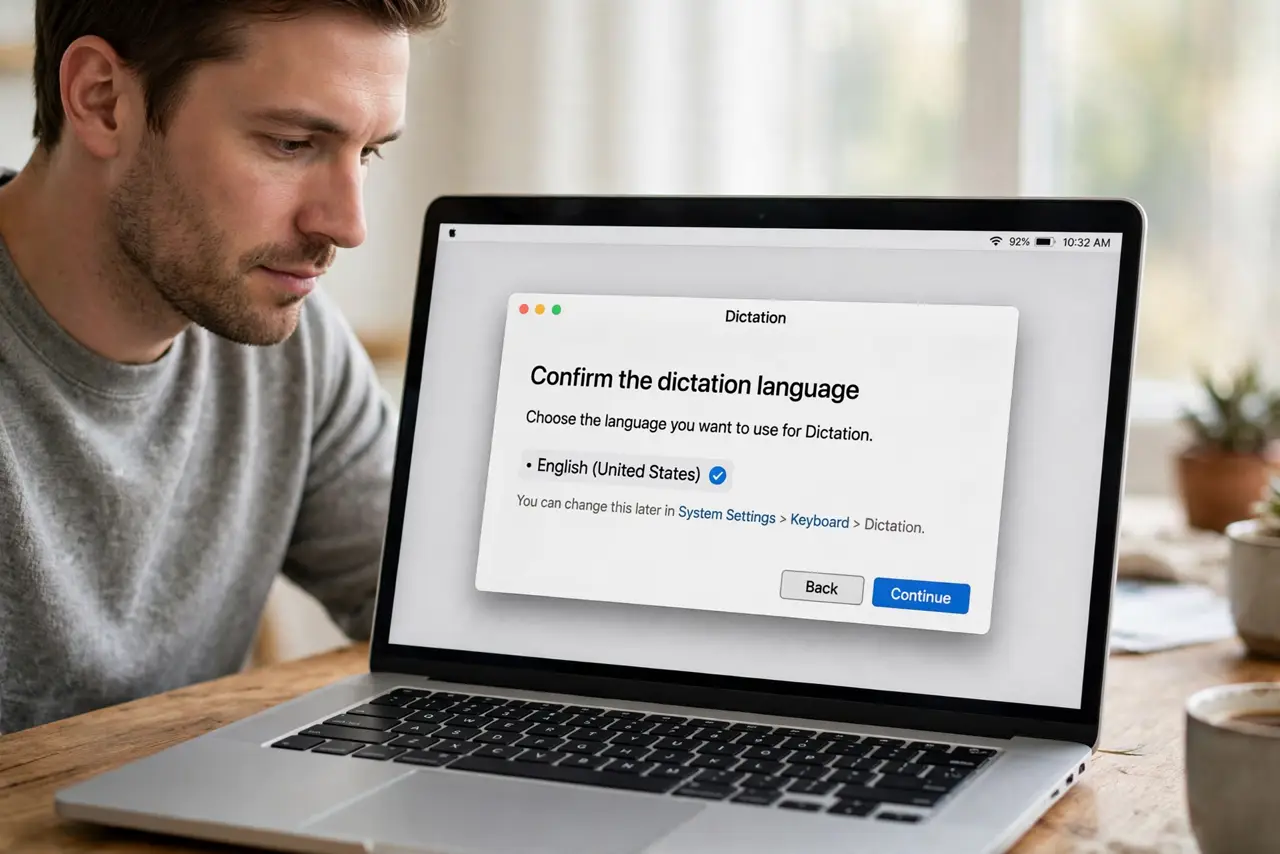
- Confirm the dictation language. Open System Settings, then Keyboard, then Dictation, and check the language. Dictation in the wrong language will confidently type wrong words.
- Select the correct microphone. Open System Settings, then Sound, then Input, and select the microphone closest to you. A distant or wrong microphone feeds dictation unclear audio.
- Reduce background noise. Move to a quieter room, close windows, and turn off nearby TV or music while dictating. Background speech is a common source of wrong words.
- Dictate in short phrases. Speak one short sentence at a time and pause between sentences. Long, fast streams of speech are harder for dictation to parse correctly.
- Speak punctuation clearly. Say punctuation words like period and comma where you want them. Dictation needs spoken punctuation, or sentences will run together and look wrong.
- Restart dictation and test again. Turn dictation off and on in Keyboard settings, then dictate the same test sentence. A fresh dictation session can clear a stuck language or microphone choice.
What NOT to do
- Do not dictate a long document in one breath. Long runs increase errors, so dictate in short, clear phrases and correct as you go.
- Do not use dictation in a noisy room and expect accuracy. Noise is the first thing to fix, before blaming the dictation software.
- Do not change language and microphone at once. Change one, test a sentence, then change the other, so you know which fixed it.
- Do not rely on dictation for passwords or exact codes. Type sensitive or exact text by hand, since a misheard word can cause a failed login.
Frequently asked questions
Why does dictation type similar but wrong words?
Unclear audio, background noise, or a wrong language setting makes dictation guess the closest matching words, which are often wrong.
Does speaking slowly help?
Speaking clearly in short phrases helps more than speaking very slowly. Natural, clear speech with pauses works best.
What if only names are wrong?
Names and uncommon words are harder for dictation. Spell them out or type them by hand after dictating the rest.