Click Without Pressing
Pressing to click hurts — arthritis, injury, or just a trackpad that fights you. macOS Dwell removes pressing entirely: hover the pointer over something, wait a beat, and it clicks by itself. It pairs beautifully with Mouse Keys for a fully press-free pointer.
TL;DR / Quick Fix
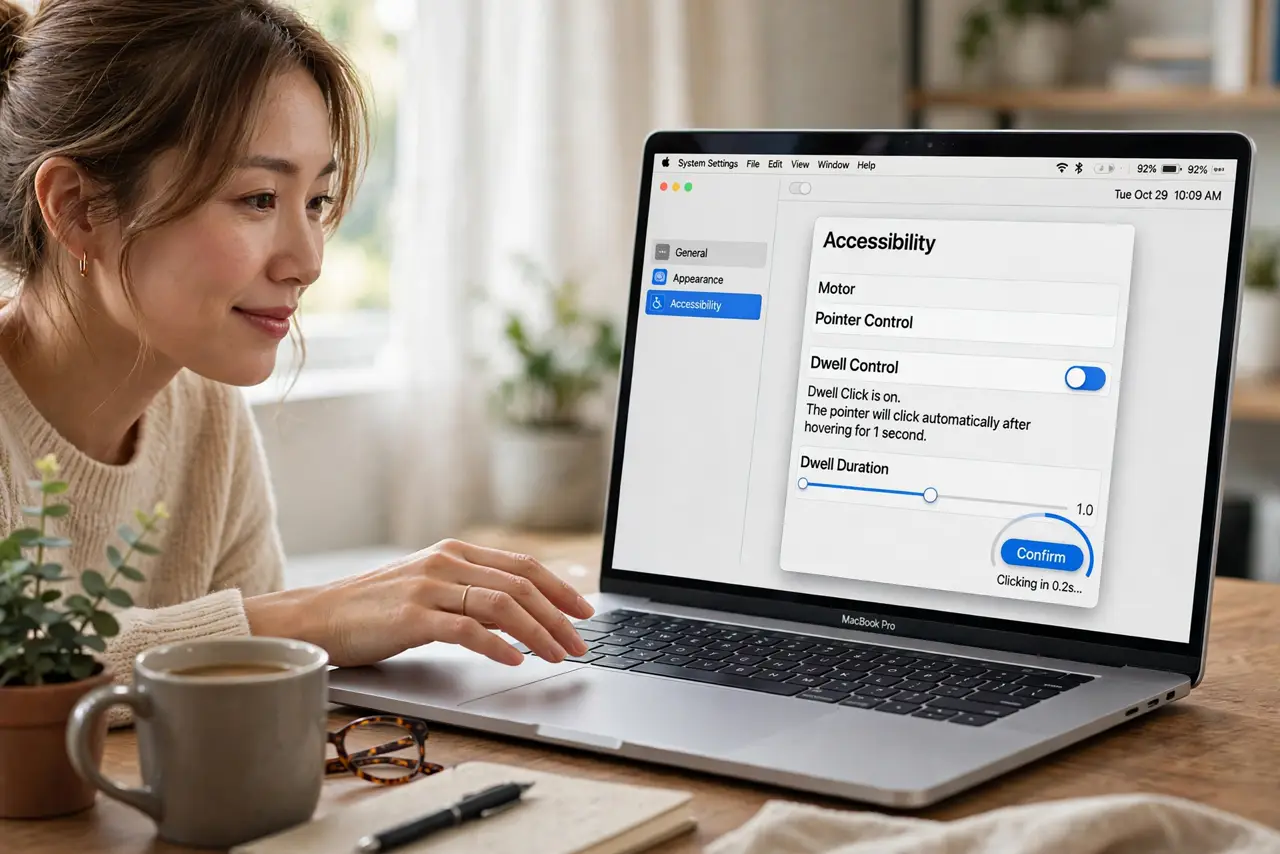
Quick fix: turn on Dwell in Settings > Accessibility > Pointer Control — hovering the pointer over something now clicks it after a short pause. Match the wait time to your steadiness, and use the on-screen menu for right or double clicks. No pressing required at all.
Follow these steps
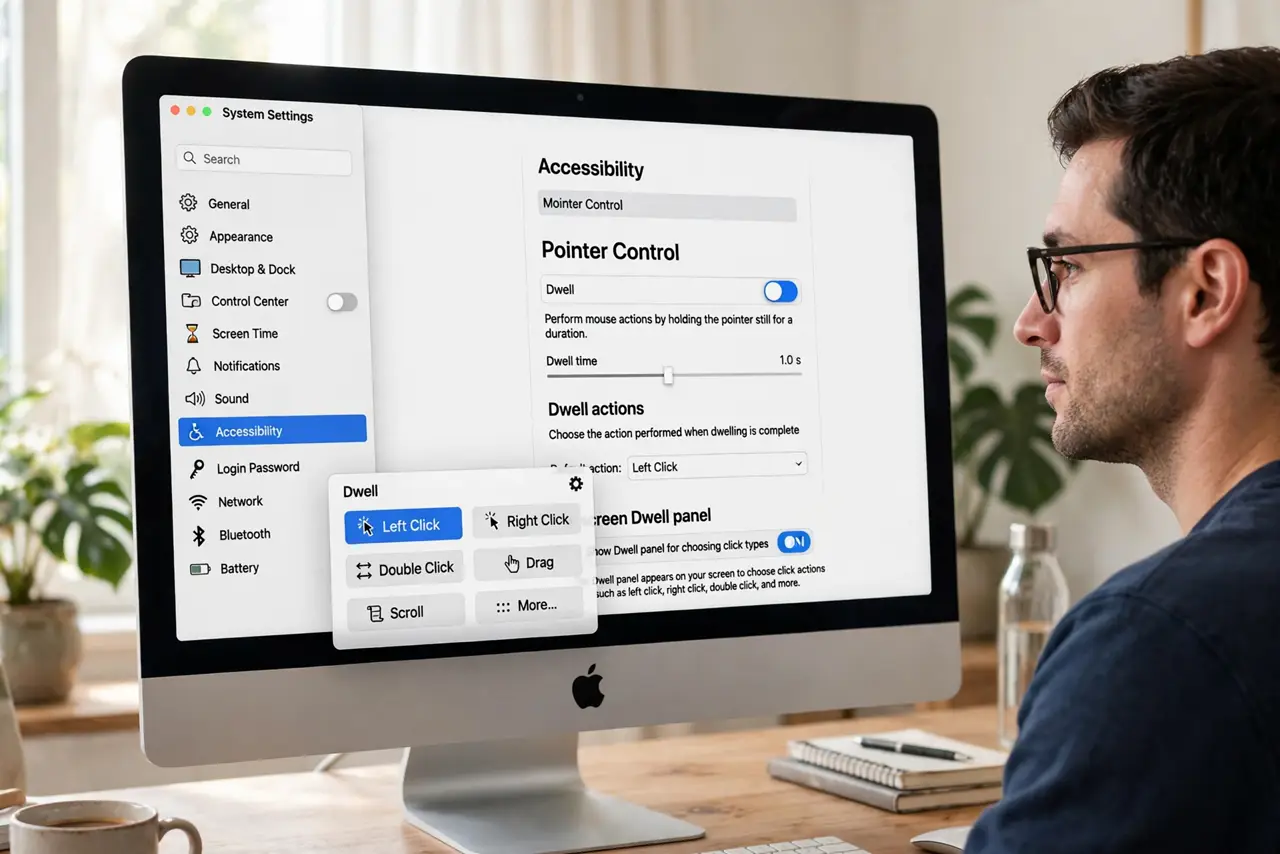
- Enable Dwell. Go to System Settings > Accessibility > Pointer Control and turn on Dwell. An on-screen panel appears for choosing click types.
- Set the dwell time. Adjust how long you must hover before the click fires. Start around one second — shorter is faster but triggers accidental clicks while reading.
- Use the click-type panel. The floating panel lets you switch between left click, right click, and double click. Park it at a screen edge where it stays out of the way.
- Hover to click. Move the pointer onto a button and hold still. The click fires automatically — no press, no tap, no force.
- Tune it over a day. Accidental clicks mean the time is too short; fatigue means it is too long. Real use, not the settings screen, reveals the right value.
- Combine with Mouse Keys. Dwell handles clicking; Mouse Keys handles moving. Together they replace nearly all trackpad pressing.
What NOT to do
- Do not set the dwell time too short at first. Hair-trigger clicking while reading is maddening — start conservative.
- Do not forget the panel when you need a right click. The click-type switcher is easy to overlook and essential.
- Do not use Dwell for fast gaming. It is an accessibility tool for deliberate control, not a competitive input method.
- Do not leave it on for other users unannounced. A shared Mac will confuse everyone — toggle it per user.
Frequently asked questions
Can I double-click with Dwell?
Yes — select double-click in the floating panel, then hover. It fires both clicks automatically.
Will it click while I am just reading?
Only if the pointer rests on something clickable past the dwell time. Park the pointer on empty space when reading.
Is this the same as tap-to-click?
No — tap-to-click still needs a physical tap. Dwell needs no touch at all, just hovering.