Disk Won't Eject? Fix It
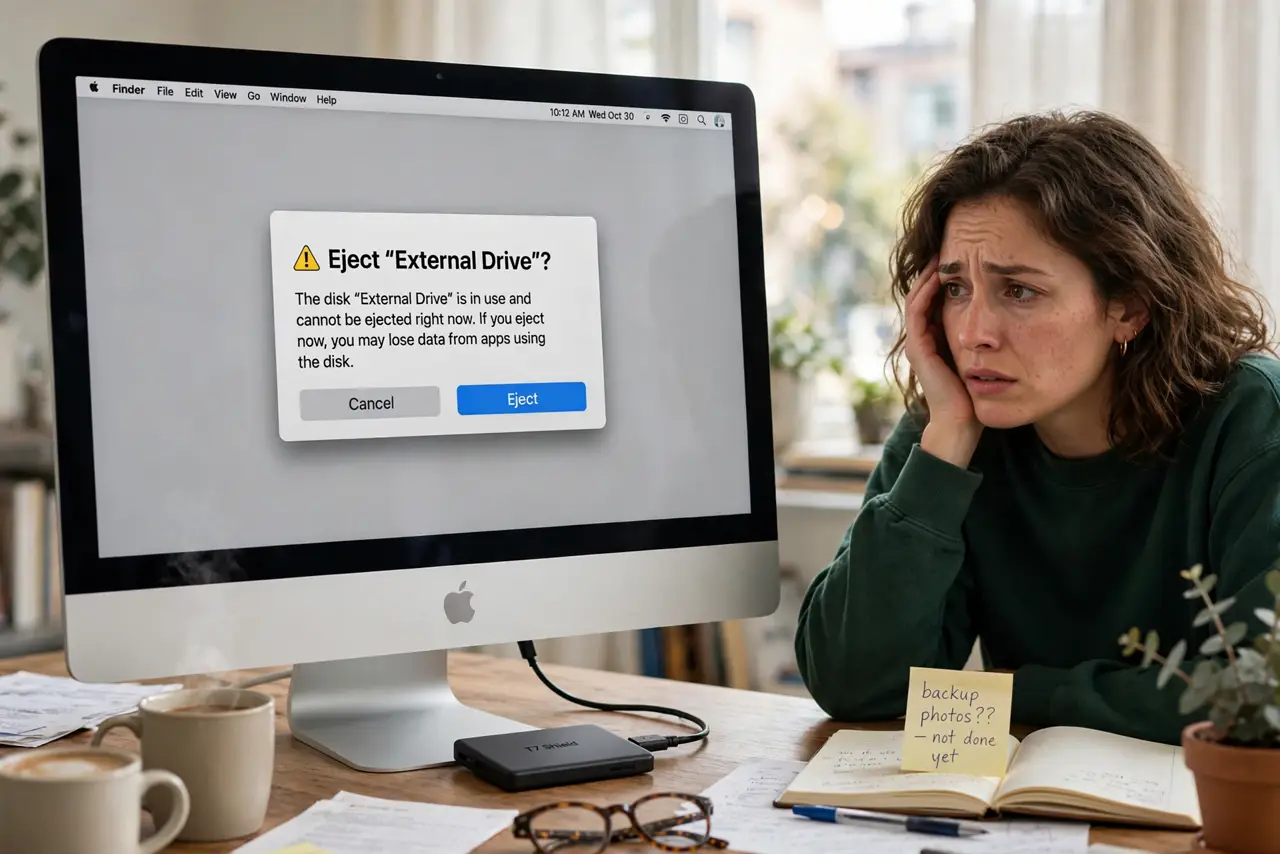
You click Eject and the disk just sits there — or worse, macOS warns the disk wasn't ejected properly every time. A stuck disk is almost always an app secretly holding a file open. Finding the holder beats yanking the cable, which risks corrupting the drive.
TL;DR / Quick Fix
Quick fix: close every app that might use the drive, then try ejecting again. If it still refuses, open Disk Utility and eject from there, or log out and back in. Never just pull the cable while the Mac insists the disk is busy.
Follow these steps
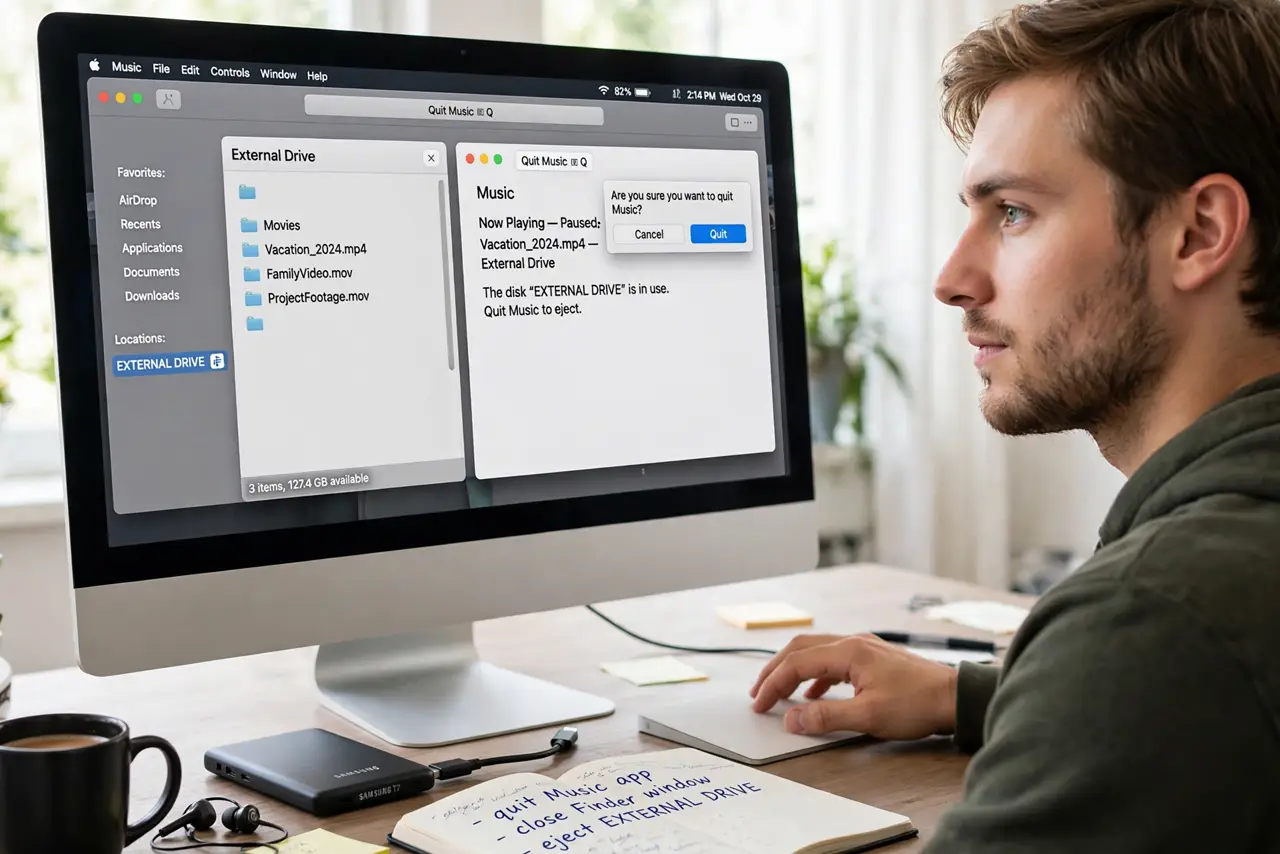
- Close the obvious apps. Quit anything that opened files from the drive — media players, editors, Finder windows showing it. Then try ejecting again.
- Check for background holders. Spotlight indexing, Time Machine, or a backup tool can hold the disk. Pause backups and wait a minute before retrying.
- Eject from Disk Utility. Open Disk Utility, select the drive, and click Eject. It sometimes succeeds where Finder's eject fails, and it shows clearer errors.
- Log out and back in. Logging out closes your apps' hidden file handles. Log back in and eject before reopening anything.
- Force-eject only as a last resort. If nothing works and you must unplug, shut the Mac down first — a powered-off unplug is far safer than yanking a live disk. Then run First Aid on the drive next time you connect it.
- Stop the surprise ejections too. If the drive ejects itself randomly instead of sticking, that's the opposite problem — see why an external drive ejects by itself.
What NOT to do
- Do not yank the cable while the Mac says the disk is in use. That's how file systems get corrupted — patience now saves recovery later.
- Do not disable Spotlight on the drive as a first step. Indexing finishes on its own; killing it permanently loses search on that drive.
- Do not force-eject during a Time Machine backup. Interrupting a backup mid-write is the fastest route to a damaged backup.
- Do not ignore repeated stuck ejects. A drive that always sticks may have filesystem errors — run First Aid rather than fighting it weekly.
Frequently asked questions
Why does macOS say the disk wasn't ejected properly?
The drive was disconnected while the Mac still had it mounted — files may have been mid-write. It's a warning, not a death sentence, but repeated occurrences risk corruption.
Which app is holding my disk?
Usually the last app that touched it — media players and backup tools are the classic culprits. Logging out clears them all at once when hunting one by one gets tedious.
Is it safe to unplug after shutdown?
Yes — with the Mac fully off, nothing holds the disk. It's the safest forced removal there is.