Hand Off a FaceTime Call?
You're on a FaceTime call on your iPhone, you sit down at your Mac, and you'd rather continue on the big screen — no hanging up, no calling back. FaceTime handoff moves the live call between your Apple devices seamlessly. It works over the same Wi-Fi, takes one tap, and feels like magic the first time.

TL;DR / Quick Fix
Quick fix: during the call, look for the handoff notification on your other device (same Apple ID, same Wi-Fi, Bluetooth on) and tap Switch or Join. The call moves over live — audio may dip for a second, then continues. It works iPhone to Mac, Mac to iPad, any direction.
Follow these steps
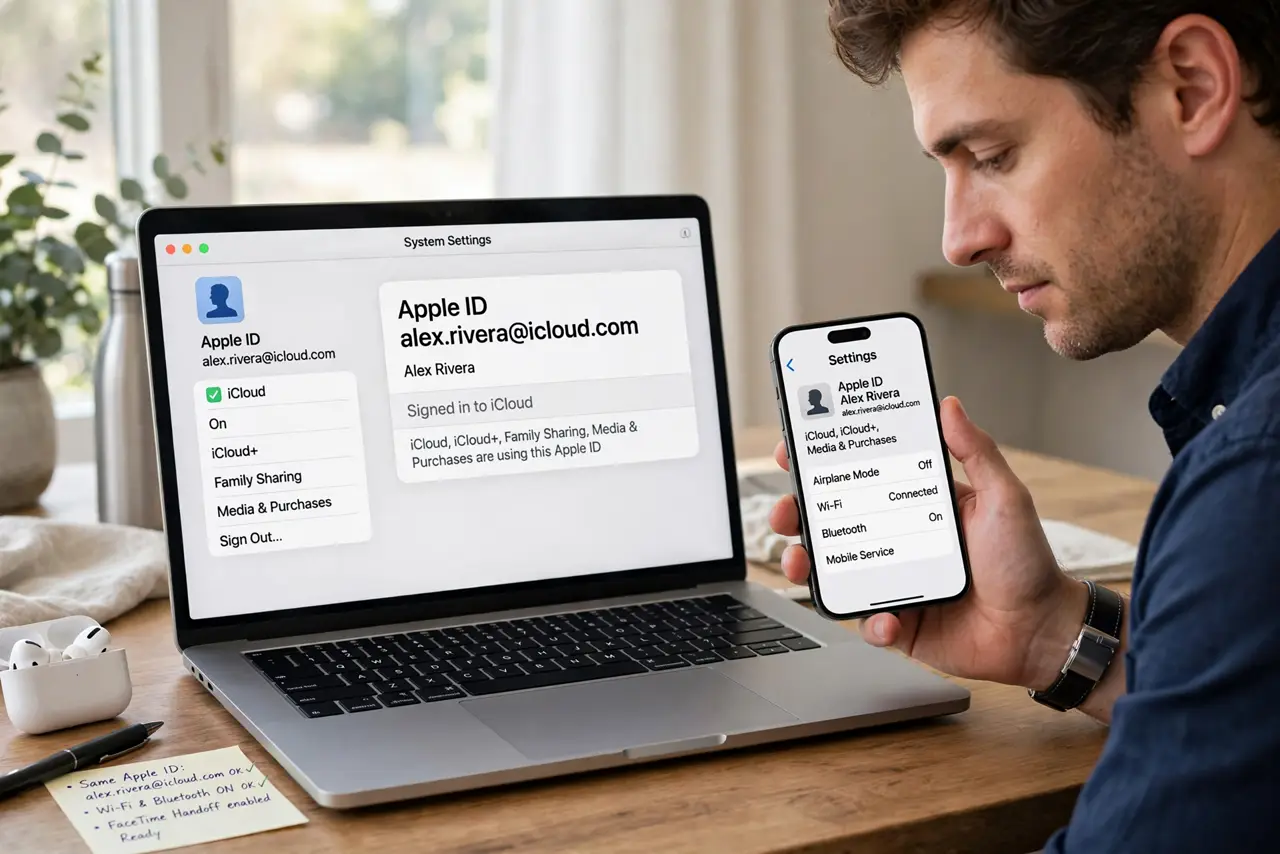
- Meet the requirements. Same Apple ID on both devices, same Wi-Fi network, Bluetooth on, and recent OS versions. Handoff is a system feature — no app to install, but all four conditions must hold.
- Start the call anywhere. Begin the FaceTime call on whichever device is handy — iPhone on the go, Mac at the desk. The call is tied to your Apple ID, not the device.
- Watch for the handoff prompt. On the other device, a notification or FaceTime banner offers to move the call. Tap it — the transfer takes a couple of seconds with a brief audio dip.
- Join manually if no prompt. No banner? Open FaceTime on the target device — the active call often shows a Join button there. Tapping it pulls the call over just the same.
- Hand off mid-call freely. Walk from the kitchen iPad to the desk Mac mid-conversation — handoff works at any point in the call, not just at the start. See SharePlay options for watching together after the move.
- Know the limits. Handoff moves the call, not the camera framing — reposition yourself after switching. And it needs the network path between devices; VPNs can block the discovery.
What NOT to do
- Do not hang up to 'transfer' the call. Hanging up ends it for everyone — always use the handoff prompt or Join button instead.
- Do not expect it across different Apple IDs. Family members' devices can't handoff between each other — the call belongs to one Apple ID.
- Do not troubleshoot with Wi-Fi off. Handoff discovery needs Wi-Fi and Bluetooth both on — airplane mode kills it silently.
- Do not panic at the audio dip. A second of silence during transfer is normal — the call isn't dropping, it's switching.
Frequently asked questions
Does it work with regular phone calls?
Yes — iPhone cellular calls can hand off to Mac the same way, as long as the Mac is set up for calls. The mechanism is identical.
Why is there no handoff option?
Check the four requirements: same Apple ID, same Wi-Fi, Bluetooth on, updated OS. A VPN on either device is the sneakiest blocker.
Can I hand off a group call?
Yes — group FaceTime hands off the same way. Everyone stays connected while you switch devices.