FaceTime Says Poor Connection on Good Wi-Fi
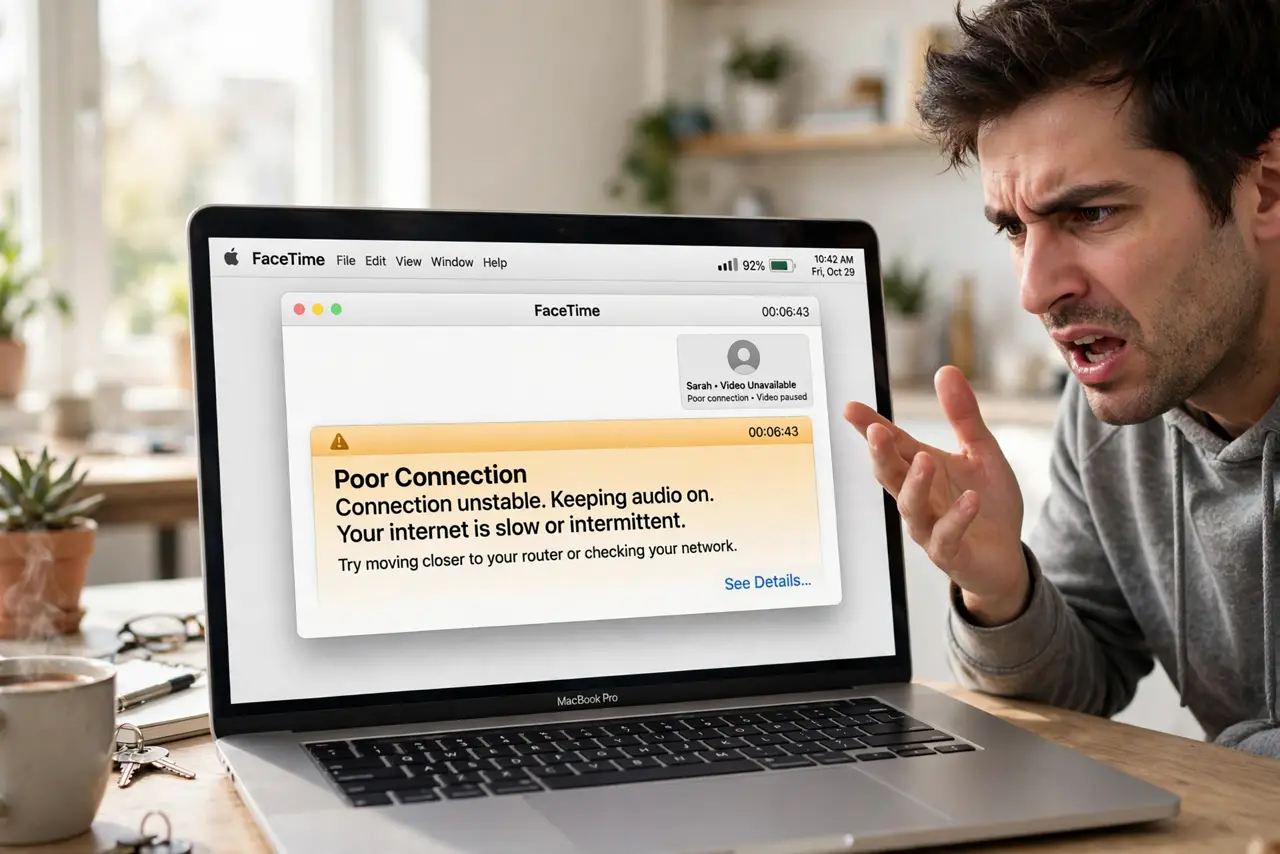
FaceTime warns about a poor connection while every other app flies on the same Wi-Fi. The network is fine; something between FaceTime and the network is not. This guide checks the real culprits: date and time, firewall rules, and FaceTime's own sign-in.
TL;DR / Quick Fix
Quick fix: check that the Mac's date and time are set automatically, then sign out of FaceTime and back in. Make sure the firewall is not blocking FaceTime, restart the router, and test a call to rule out the other person's connection.
Follow these steps
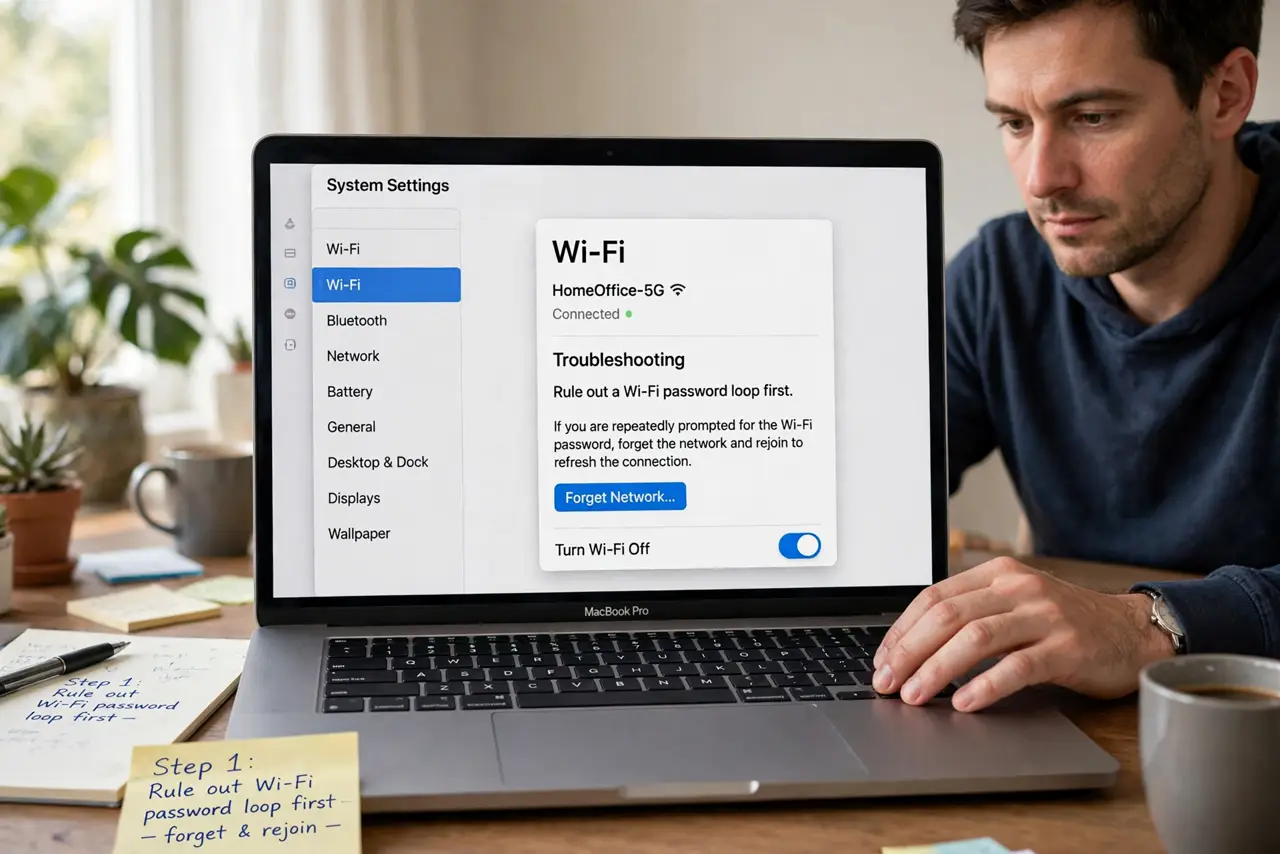
- Rule out a Wi-Fi password loop first. If the Mac keeps dropping and rejoining the network, fix the Wi-Fi password prompt loop first. FaceTime cannot hold a call on a flapping connection.
- Set date and time automatically. Open System Settings, then General, then Date and Time, and enable automatic. Wrong clock times break the secure handshake FaceTime needs, causing false poor-connection errors.
- Sign out of FaceTime and back in. Open FaceTime settings, sign out completely, then sign back in. A stale sign-in token is a classic cause of connection warnings on a healthy network.
- Check the firewall for FaceTime. In Network settings, open the firewall options and make sure FaceTime is allowed. A blocked FaceTime process reports connection trouble instead of a clear blocked message.
- Restart the router, not just the Mac. Unplug the router for 30 seconds and plug it back in. FaceTime is pickier about NAT and router state than web browsing is.
- Test with a different contact. Call someone else. If only one contact shows the warning, the problem is on their end, not yours.
What NOT to do
- Do not crank the router's transmit power to maximum. More power rarely fixes FaceTime and can worsen interference for neighbors.
- Do not disable the firewall permanently. Add a FaceTime exception instead of turning protection off for everything.
- Do not assume your internet plan is too slow. FaceTime needs only a few megabits; the warning is usually about connection quality, not speed.
- Do not reinstall macOS for a FaceTime warning. Sign-in and network issues cause this, not system corruption.
Frequently asked questions
Why does FaceTime say poor connection on fast Wi-Fi?
Because the issue is usually handshake or firewall trouble, not speed. Date, sign-in, and router state matter more than megabits.
Can a VPN cause FaceTime warnings?
Yes. Some VPNs mangle the connection FaceTime needs, so test with the VPN off.
Does FaceTime use a lot of data?
About 3 to 5 megabytes per minute for video. Audio-only calls use far less.
What to read next
- Mac Keeps Asking for the Wi-Fi Password
- Messages Out of Sync Between Mac and iPhone