Mac Fan Roars After an Update? It's Indexing
Right after a macOS update the fans spin up like a jet and stay there for hours. The Mac is not broken; Spotlight is reindexing the whole drive and photo analysis is catching up. This guide tells you how to confirm it and when to worry.
TL;DR / Quick Fix
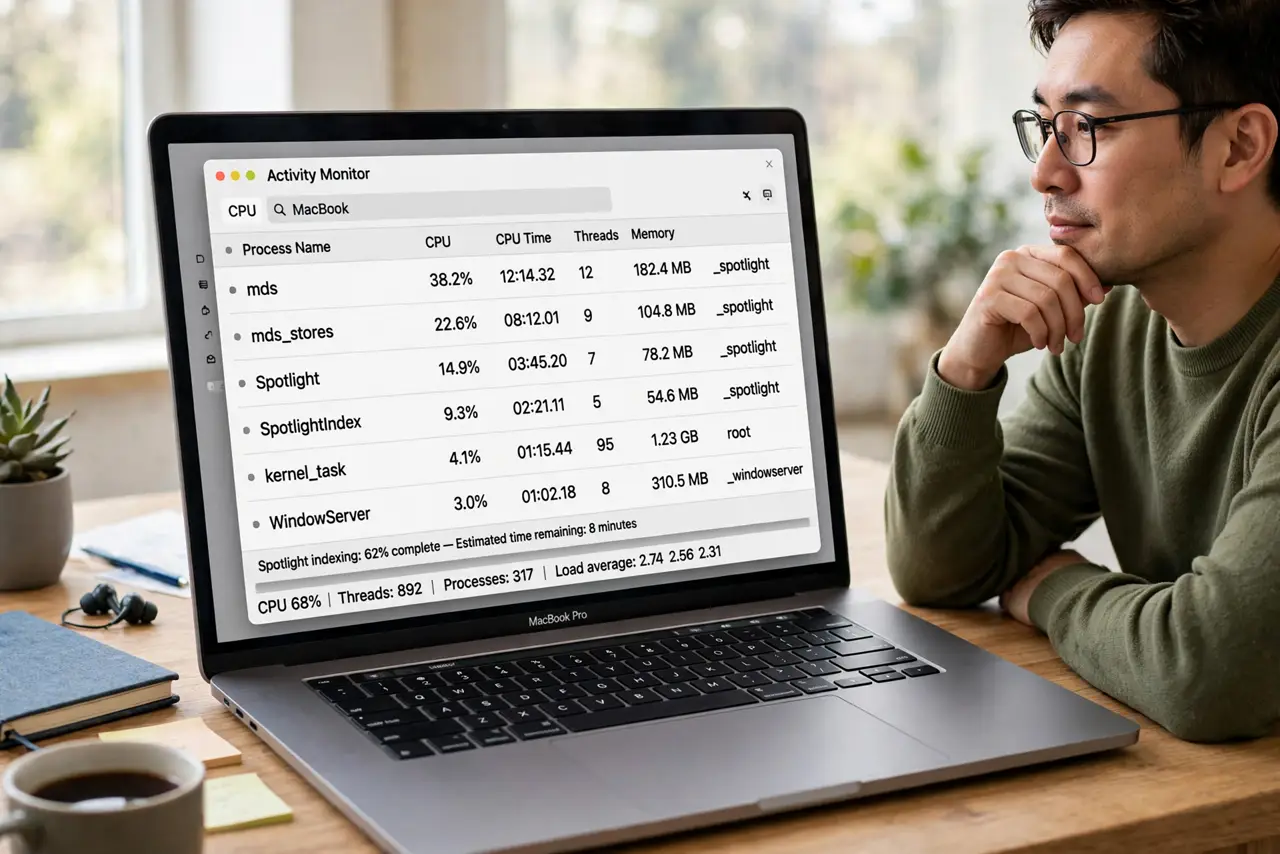
Quick fix: open Activity Monitor and look for mds, mdworker, or photoanalysis using heavy CPU — that confirms post-update indexing. Leave the Mac plugged in overnight to let it finish, and only investigate further if the fan still roars after 48 hours.
Follow these steps
- Confirm indexing is the cause. Open Activity Monitor and sort by CPU. Processes named mds, mdworker, or photoanalysis at the top mean Spotlight and Photos are rebuilding, which explains both the fan and any kernel_task spike.
- Give it one plugged-in night. Indexing pauses on battery to save power, which stretches the job over days. Leave the Mac plugged in overnight and the roar usually ends by morning.
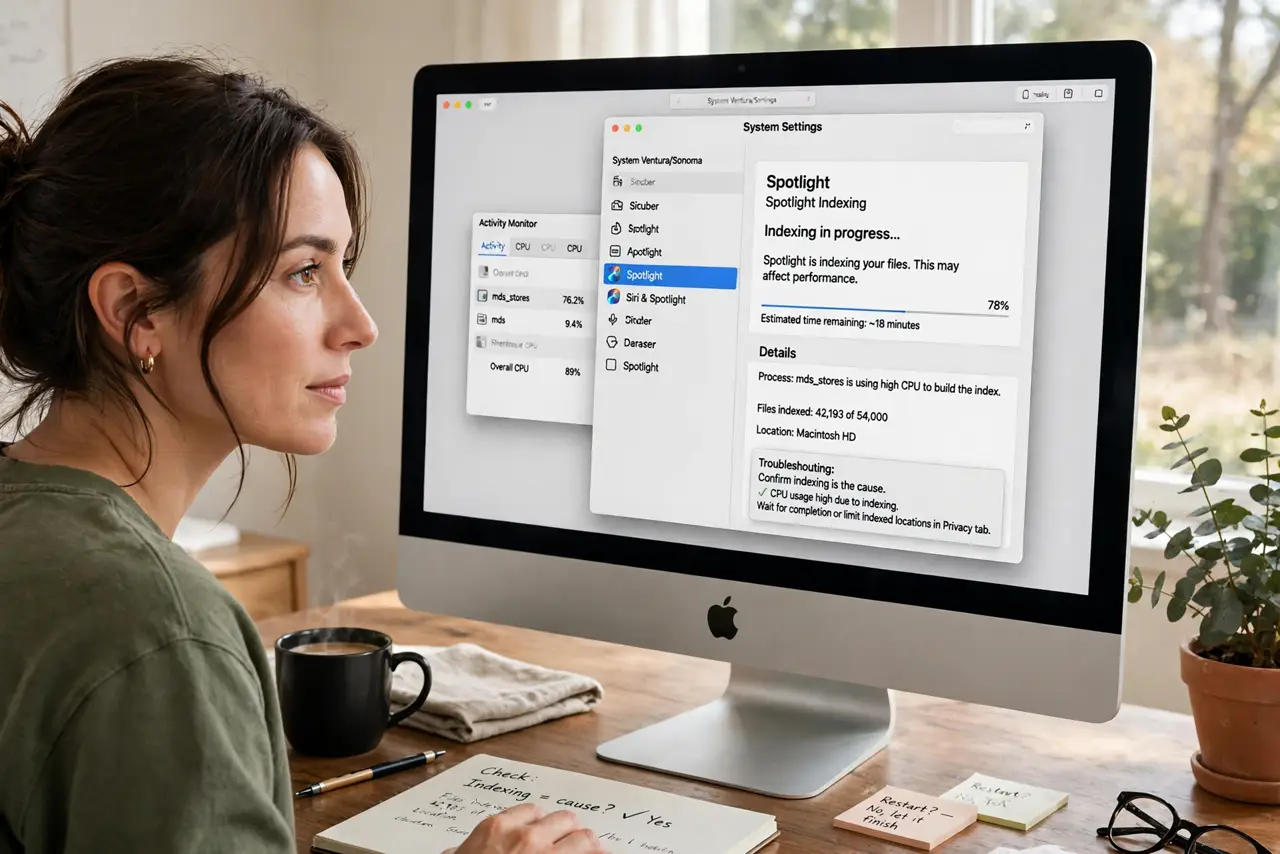
- Check the Spotlight status. Click the Spotlight magnifying glass and start typing. If it says indexing, you have direct confirmation and a rough sense of progress.
- Rule out runaway reindexing. If indexing never finishes after days, Spotlight may be stuck on a corrupt file. That is the separate Spotlight reindexes constantly problem, not normal post-update work.
- Keep the Mac cool meanwhile. Set it on a hard surface with vents clear. Indexing already heats the CPU; a bed or couch makes the fans work even harder.
- Worry only after 48 hours. Normal post-update indexing finishes within a day or two. A fan still roaring after 48 plugged-in hours deserves real investigation.
What NOT to do
- Do not force-quit mds or mdworker. Killing them restarts the index from scratch, making the noise last longer.
- Do not disable Spotlight to stop the noise. You lose system-wide search for a temporary and normal process.
- Do not install fan-control apps in a panic. Overriding Apple's thermal control during heavy indexing risks real overheating.
- Do not assume every loud fan is indexing. The 48-hour rule separates normal post-update work from a genuine problem.
Frequently asked questions
How long does post-update indexing take?
Usually a few hours to a day when plugged in. Big photo libraries and full drives take longer.
Why do the fans run so loud?
Indexing hammers the CPU, the CPU heats up, and the fans respond. The noise is the cooling system doing its job.
Can I use the Mac while it indexes?
Yes, though it may feel slower. Light work is fine; heavy video exports will just take longer.