kernel_task Uses All Your CPU? Fix It
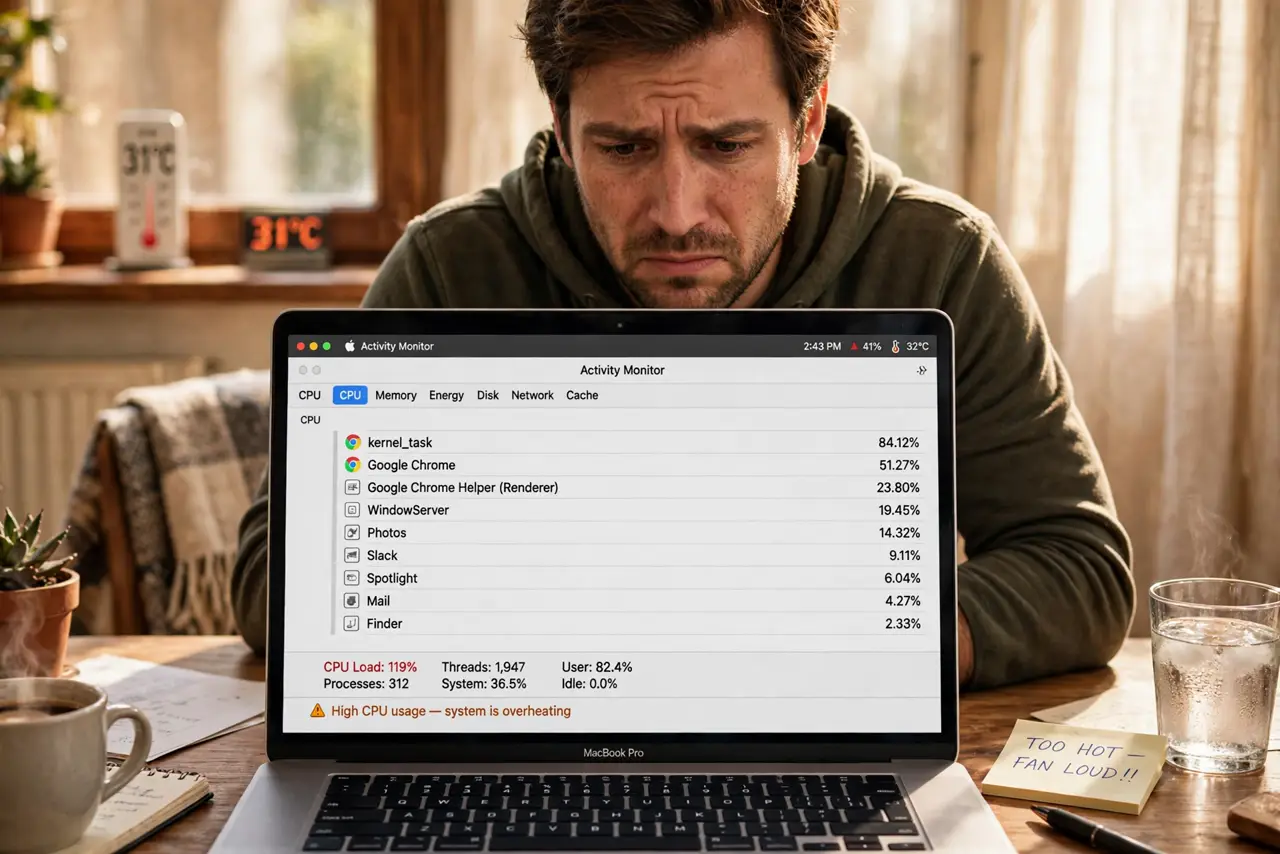
Activity Monitor shows kernel_task eating most of your CPU and the Mac crawls. It looks like a runaway process, but kernel_task is macOS itself throttling the machine to cool it down. This guide shows you how to find the real heat source and calm it down.
TL;DR / Quick Fix
Quick fix: kernel_task spikes when the Mac is too hot, so cool it first — move it to a hard flat surface, unblock the vents, and quit heavy apps. Check Activity Monitor for the app driving the heat, and reset the SMC on Intel Macs if the throttling never releases.
Follow these steps
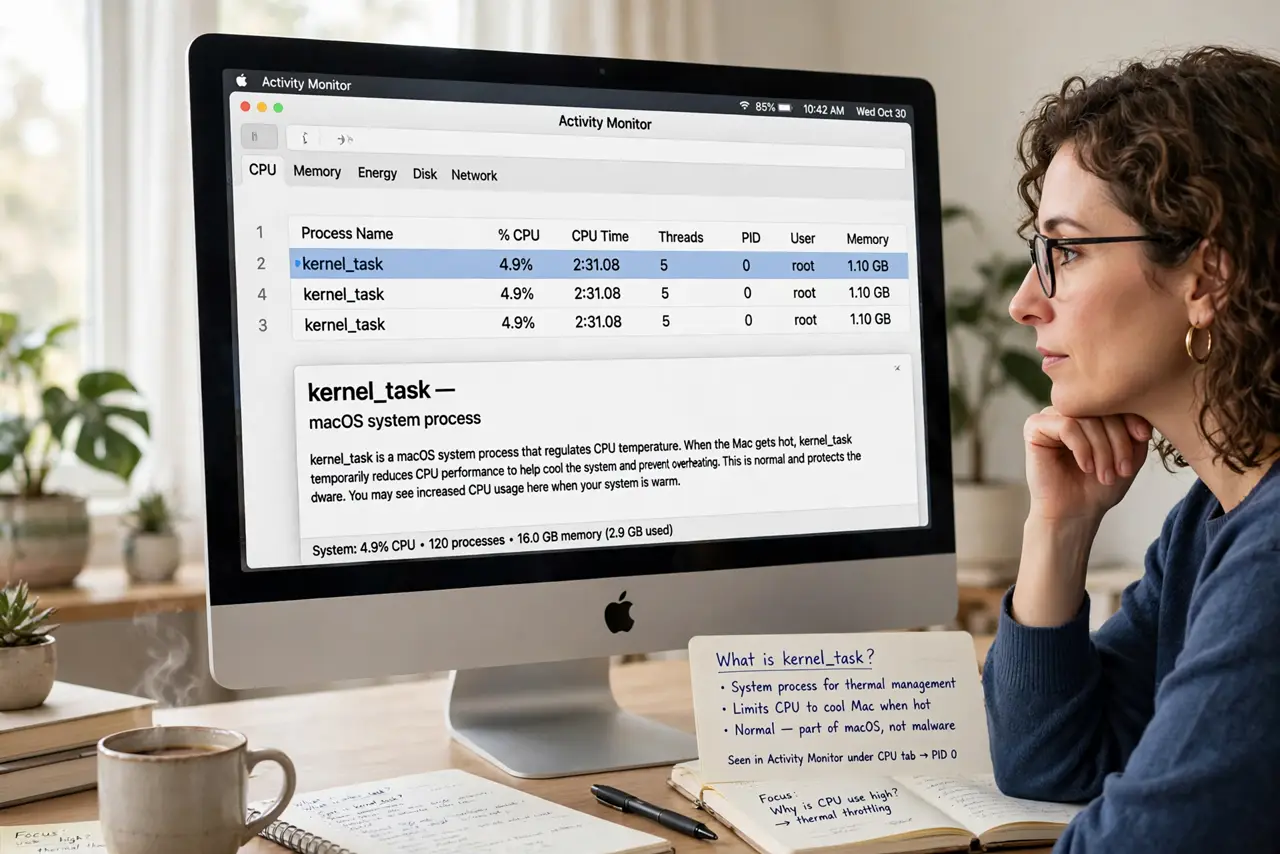
- Understand what kernel_task really is. kernel_task is the macOS kernel managing the system, and its high CPU is usually thermal throttling: the system idles the CPU to shed heat. Killing it is impossible and pointless, so find the heat instead.
- Cool the Mac physically first. Move it off beds and laps onto a hard flat surface, unblock the vents, and move it out of direct sun. Many kernel_task spikes vanish within minutes of better airflow.
- Find the app making the heat. In Activity Monitor, sort by CPU and look below kernel_task for the real hog: a runaway browser tab, a video export, or a stuck backup. Quit or pause that app and watch kernel_task fall.
- Check for post-update indexing. After a macOS update, Spotlight indexing can heat the Mac for hours and shows up as fan noise plus kernel_task. Give it a night plugged in to finish.
- Reset the SMC on Intel Macs. On Intel models, an SMC reset can release stuck thermal throttling. Apple silicon Macs have no SMC reset; a simple restart serves the same purpose.
- Rule out dust and failing fans. If throttling persists on a cool desk with no heavy apps, the vents may be dust-choked or a fan may have failed. Listen for fans and consider a professional cleaning.
What NOT to do
- Do not try to force-quit kernel_task. It is the operating system itself, and the system will not let you kill it.
- Do not install a kernel_task killer utility. These apps fight macOS thermal protection and can cause real overheating damage.
- Do not assume the Mac is dying. Thermal throttling is a protection feature working correctly in most cases, not a failure.
- Do not block the vents with a case or stand. Pretty desk setups that seal the vents are a top cause of chronic kernel_task.
Frequently asked questions
Is kernel_task a virus?
No. It is a core macOS process. Malware does not hide as kernel_task, so treat high usage as a heat problem.
Why is kernel_task high right after an update?
Post-update indexing and photo analysis heat the CPU for hours. Let the Mac sit plugged in overnight and it settles.
Can I just ignore it?
If it passes after cooling, yes. If it never drops on a cool desk, keep investigating the heat source.