Your FileVault Recovery Key Is Missing
A missing FileVault recovery key feels urgent, but if you can still sign in normally, you have time to fix it properly. The key matters most when you forget your password, so the goal is to have a valid key stored safely before that day comes.
TL;DR / Quick Fix
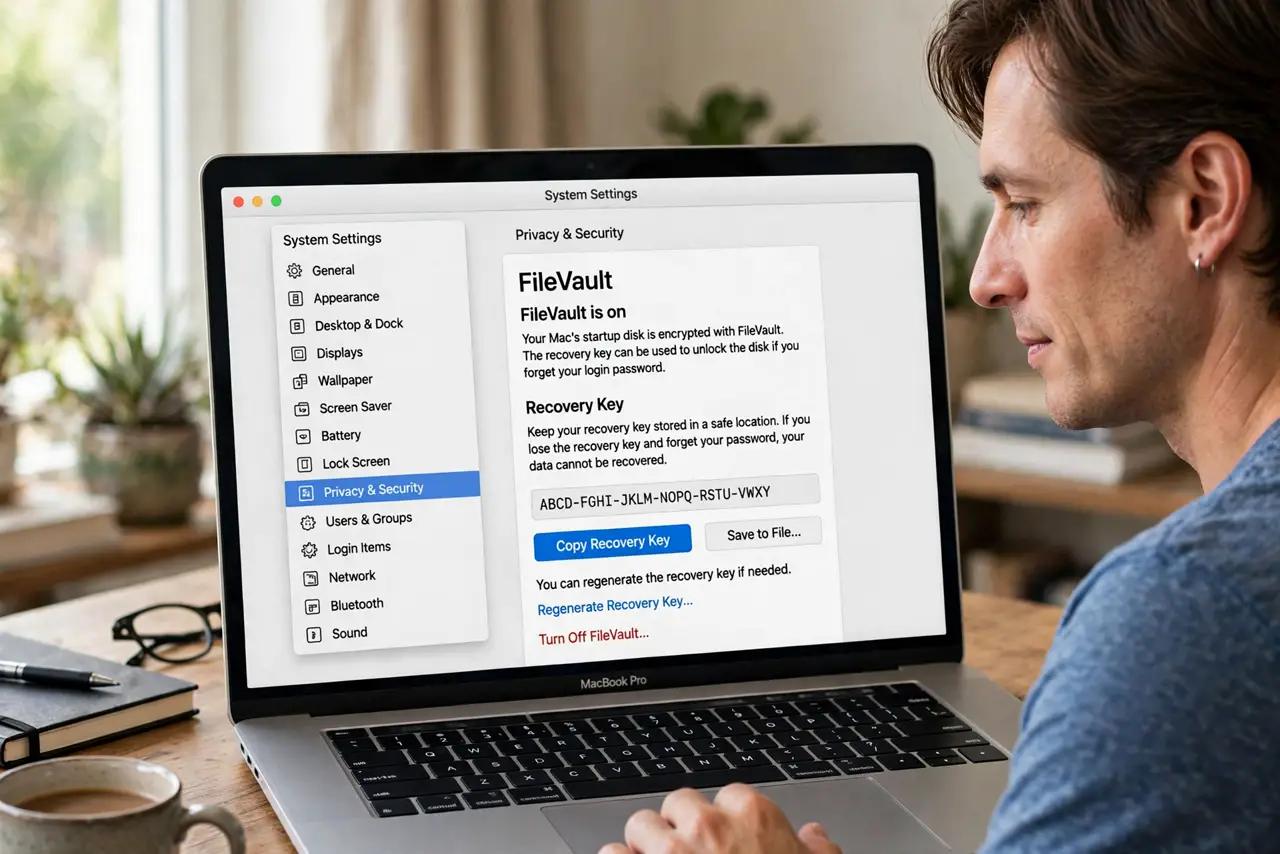
Quick fix: while you can still sign in, open System Settings and check your FileVault recovery options. If you can generate or record a new recovery key, store it in a safe place outside the Mac, such as your password manager or a printed copy kept securely.
Follow these steps
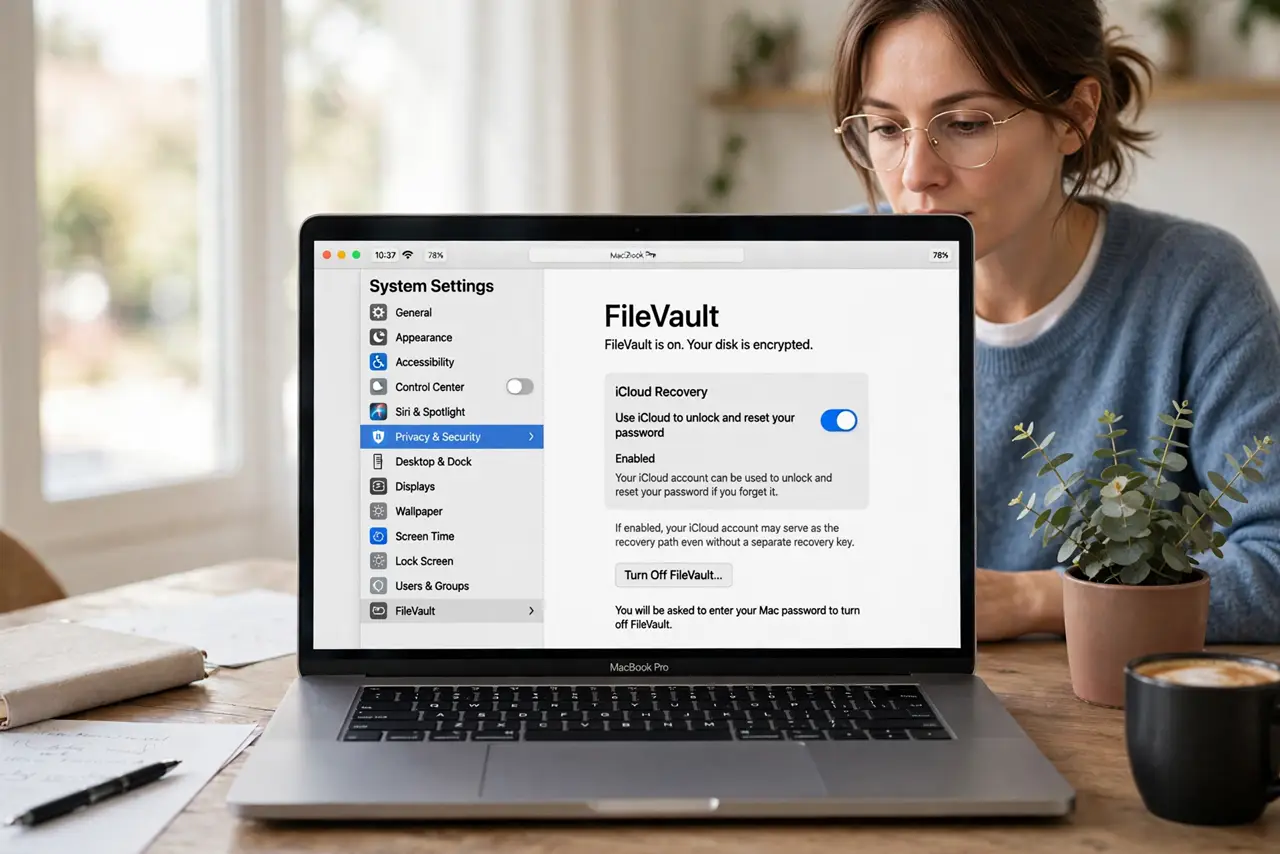
- Check iCloud recovery first. Open FileVault settings and see whether iCloud recovery is enabled. If it is, your iCloud account may serve as the recovery path even without a separate key.
- Look for a stored copy. Search your password manager, your files, and any secure note where you might have saved the key when FileVault was turned on. Many people saved it once and forgot where.
- Check with your organization. If this is a work or school Mac, ask the administrator whether they hold a recovery key. Managed Macs often store the key centrally, even when you never saw it.
- Generate a new key if offered. If settings offer a new recovery key, generate it and record it immediately in a safe place outside the Mac. A key stored only on the encrypted Mac helps nobody in a lockout.
- Test your sign-in. Confirm your normal password still signs you in, and keep it safe alongside the key. A working password plus a stored key covers both everyday use and emergencies.
- Store the key in two safe places. Keep one copy in a password manager and, if you prefer paper, one printed copy somewhere secure and private. Two safe places beat one perfect place you cannot reach.
What NOT to do
- Do not turn FileVault off just because the key is missing. Turning it off decrypts the disk and removes protection, which is a bigger risk than a missing key you can replace.
- Do not store the recovery key only on the Mac it unlocks. If you cannot sign in, you cannot reach a key stored inside the locked disk.
- Do not share the recovery key by email or chat. Anyone with the key can unlock the disk, so treat it like a password, not a document.
- Do not wait until you forget your password to look for the key. Check and store it while sign-in still works, when fixing it is easy.
Frequently asked questions
What is the FileVault recovery key for?
It unlocks your encrypted disk if you forget your login password. Without it and without the password, the data stays encrypted.
Can Apple recover my key for me?
Only if iCloud recovery was enabled or your organization holds it. Otherwise Apple cannot retrieve a personal recovery key you lost.
Should I turn FileVault off if the key is missing?
No. Keep the protection, and generate and store a new key while you can still sign in normally.