Finder Columns Keep Resizing? Fix It
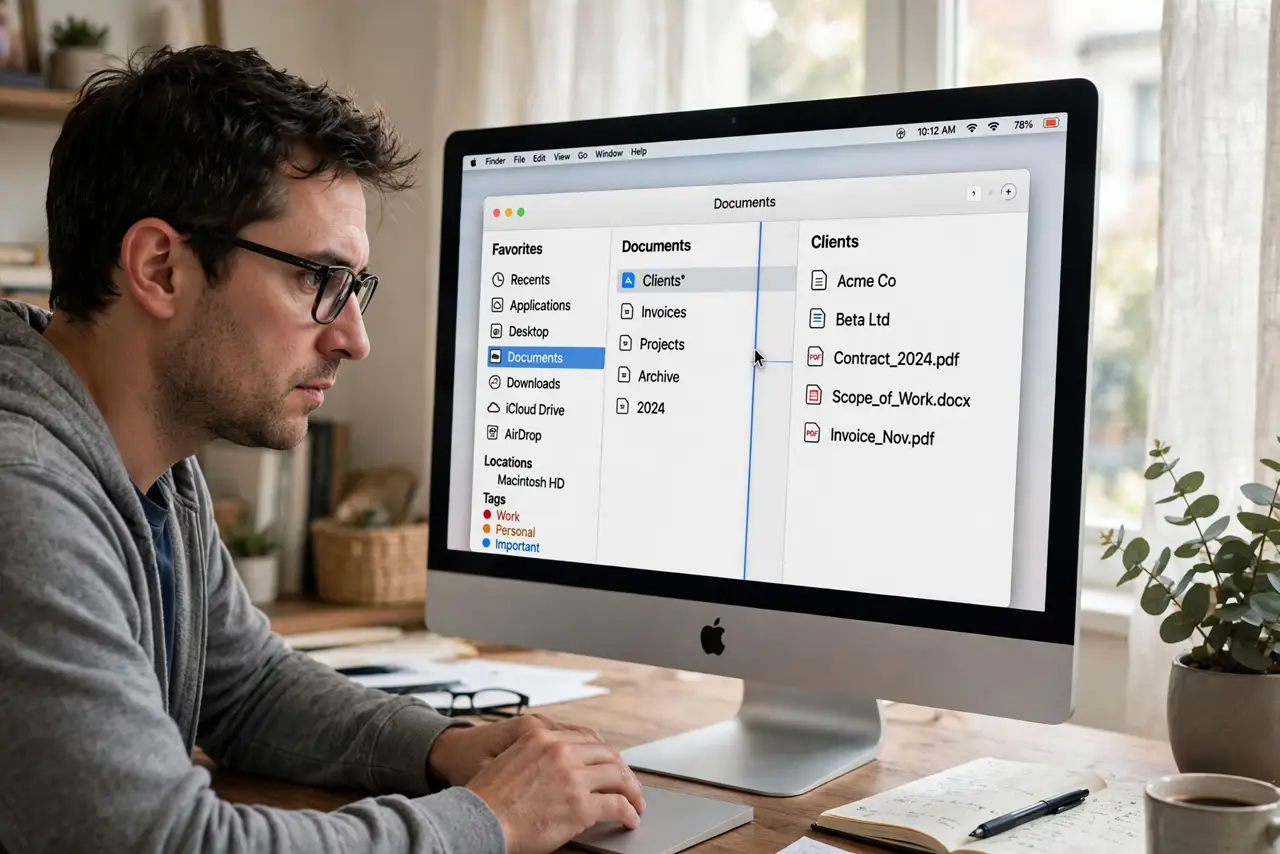
You carefully size Finder's columns, and the next time you open the folder they have snapped back — names truncated again, previews squeezed. Finder remembers column widths per folder, but the gesture to set them permanently is hidden behind the Option key. Here it is.
TL;DR / Quick Fix
Quick fix: in Finder's column view, drag the divider at the bottom of any column to set its width — hold Option while dragging to apply that width to all columns at once. Finder remembers per-folder widths. If widths reset every time, the Finder's view preferences file is likely corrupted.
Follow these steps
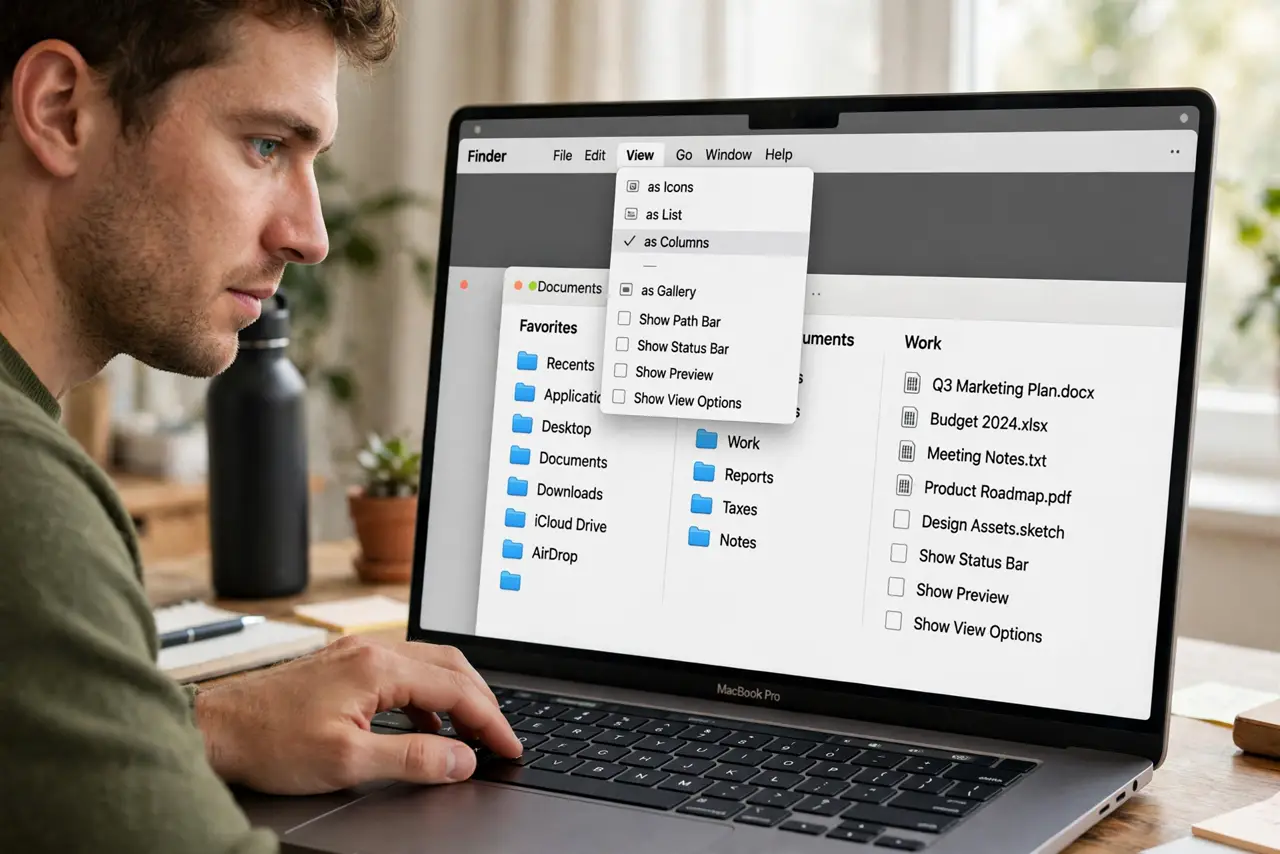
- Switch to column view. In Finder, press Cmd+3 or choose View > as Columns. Width adjustments only exist in column view.
- Drag the divider. At the bottom of each column sits a small divider handle. Drag it to size that column; names stop truncating immediately.
- Option-drag to set all columns. Hold Option while dragging one divider and every column takes that width at once. This is the hidden gesture most people never find.
- Know that widths are per folder. Finder remembers each folder's layout separately. Setting widths in Downloads does not change Documents — by design, not a bug.
- Set a global default. Open View > Show View Options and click Use as Defaults to apply your column setup everywhere. See the default view guide for the full routine.
- Reset corrupted preferences. If widths never stick, delete the Finder preferences file and relaunch Finder. Corrupted prefs are the classic cause of amnesia.
What NOT to do
- Do not drag the column headers. The resize handle is the divider at the bottom of the column — the header does nothing.
- Do not expect one folder's widths to apply everywhere. Per-folder memory is the system; Use as Defaults is the override.
- Do not reinstall macOS over column widths. A preferences reset fixes the stubborn cases in under a minute.
- Do not confuse this with icon view. Icon, list, and gallery views have their own separate sizing systems.
Frequently asked questions
Why do my Finder columns keep resetting?
Usually a corrupted Finder preferences file, or you set widths without Use as Defaults and opened a different folder. Try the defaults button first.
What does Option-drag actually do?
It applies the dragged width to every visible column simultaneously — the fastest way to uniform columns.
Can I set different widths per folder?
Yes, and Finder does this automatically. Adjust one folder freely; others keep their own widths.