Keep Folders on Top When Sorting
Your carefully organized folders are buried alphabetically between random files, and every new file shuffles the order again. Finder can pin all folders above the files when sorting by name — one checkbox, Finder-wide. It is the single most requested Finder sorting tweak.
TL;DR / Quick Fix
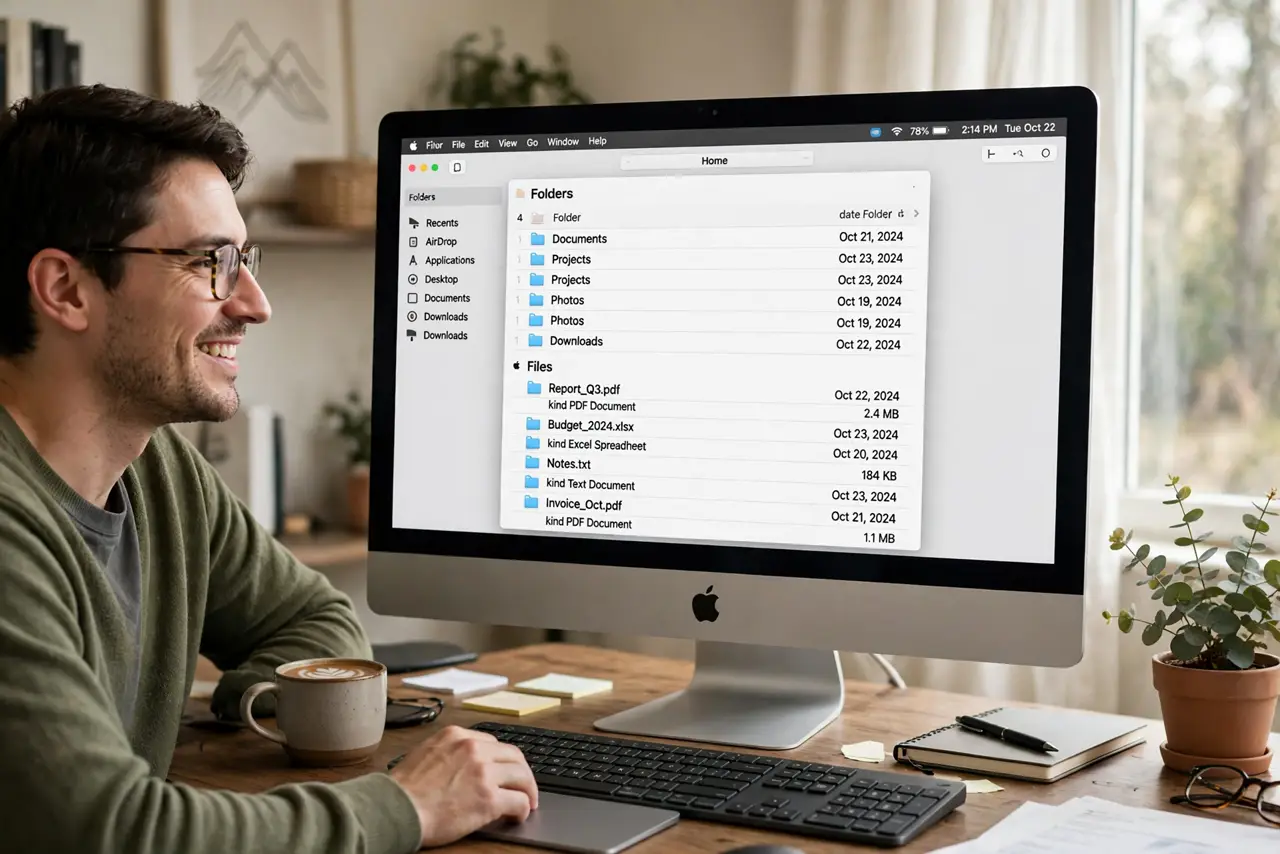
Quick fix: open Finder > Settings > Advanced and check Keep folders on top when sorting by name. Folders then stay grouped above files in list view. It applies Finder-wide. Note it only governs name sorting — sort by date and folders mix back in.
Follow these steps
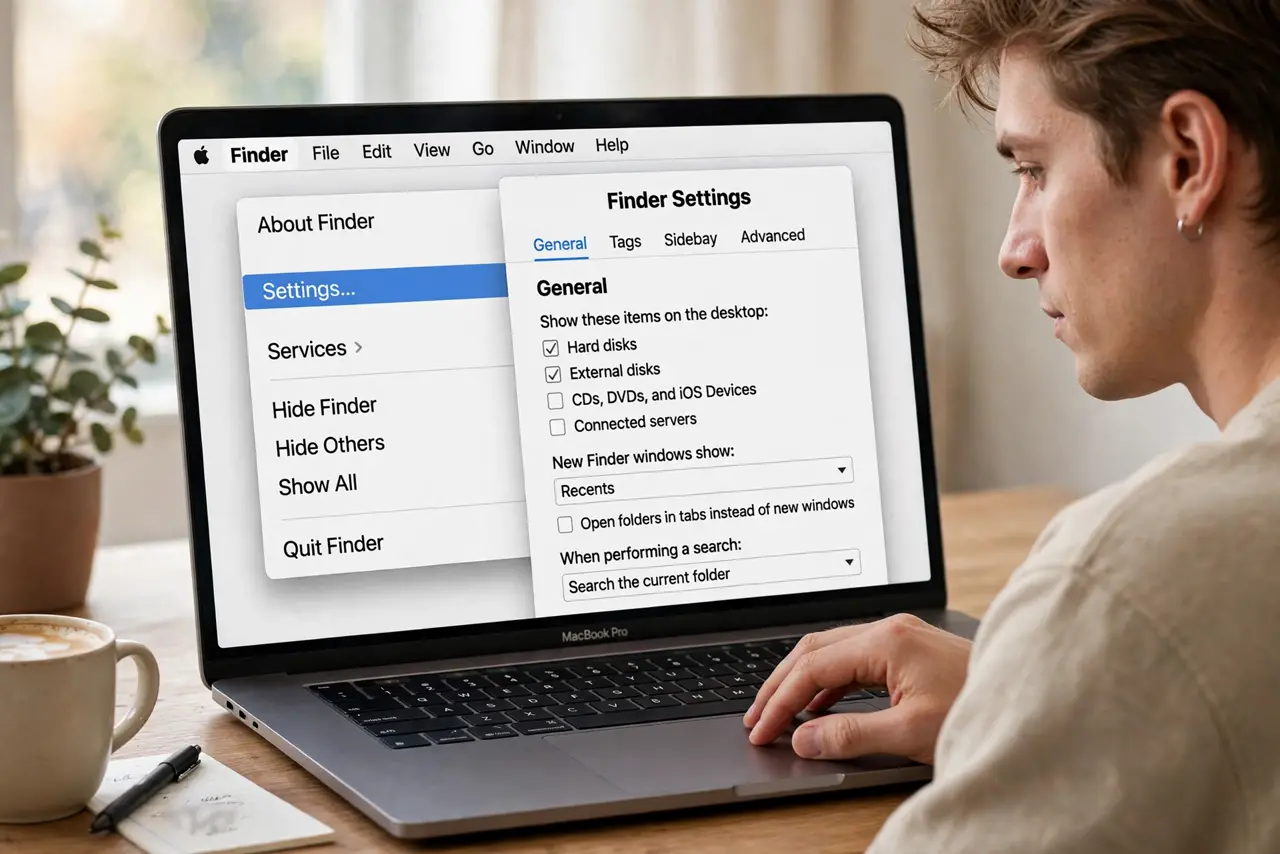
- Open Finder Settings. With Finder active, choose Finder > Settings from the menu bar (or press Cmd+,).
- Go to Advanced. Click the Advanced tab. The sorting option lives at the top of this pane.
- Check the folders-on-top box. Enable Keep folders on top when sorting by name. The change applies immediately to every Finder window.
- Sort by name to see it. In list view, click the Name column header. Folders gather at the top, files below — stable no matter how many files you add.
- Know the name-sorting limit. The option only affects name sorting. Sort by Date Modified or Size and folders interleave again — that is expected, not a bug.
- Pair with a [[default view|mac-finder-default-view-folder]]. Set list view as your default so the folders-on-top layout greets you in every new window.
What NOT to do
- Do not expect it in icon view. Folders-on-top is a sorting rule; icon view has no sort order to apply it to.
- Do not confuse sort-by-date mixing with a bug. The checkbox says when sorting by name — other sorts intentionally ignore it.
- Do not rearrange by hand to fake it. Manual arrangement breaks the moment anything sorts; use the real setting.
- Do not look for this per folder. It is one global Finder setting, on or off everywhere.
Frequently asked questions
Why do folders still mix when I sort by date?
The setting only governs name sorting. Date and size sorts interleave folders and files by design.
Does this affect the desktop?
The desktop has its own sort options in View Options. Finder Settings covers Finder windows; right-click the desktop for its own Sort By.
Can I keep folders on top in column view?
Yes — the setting applies to column view too, since columns sort by name within each level.