Spring-Loaded Folders? How They Work
You want to drop a file three folders deep, but opening each folder first feels like defusing a bomb while holding something. Spring-loaded folders solve it: hover a dragged file over a folder, it springs open, and you keep descending without letting go. It is the fastest way to file things.
TL;DR / Quick Fix
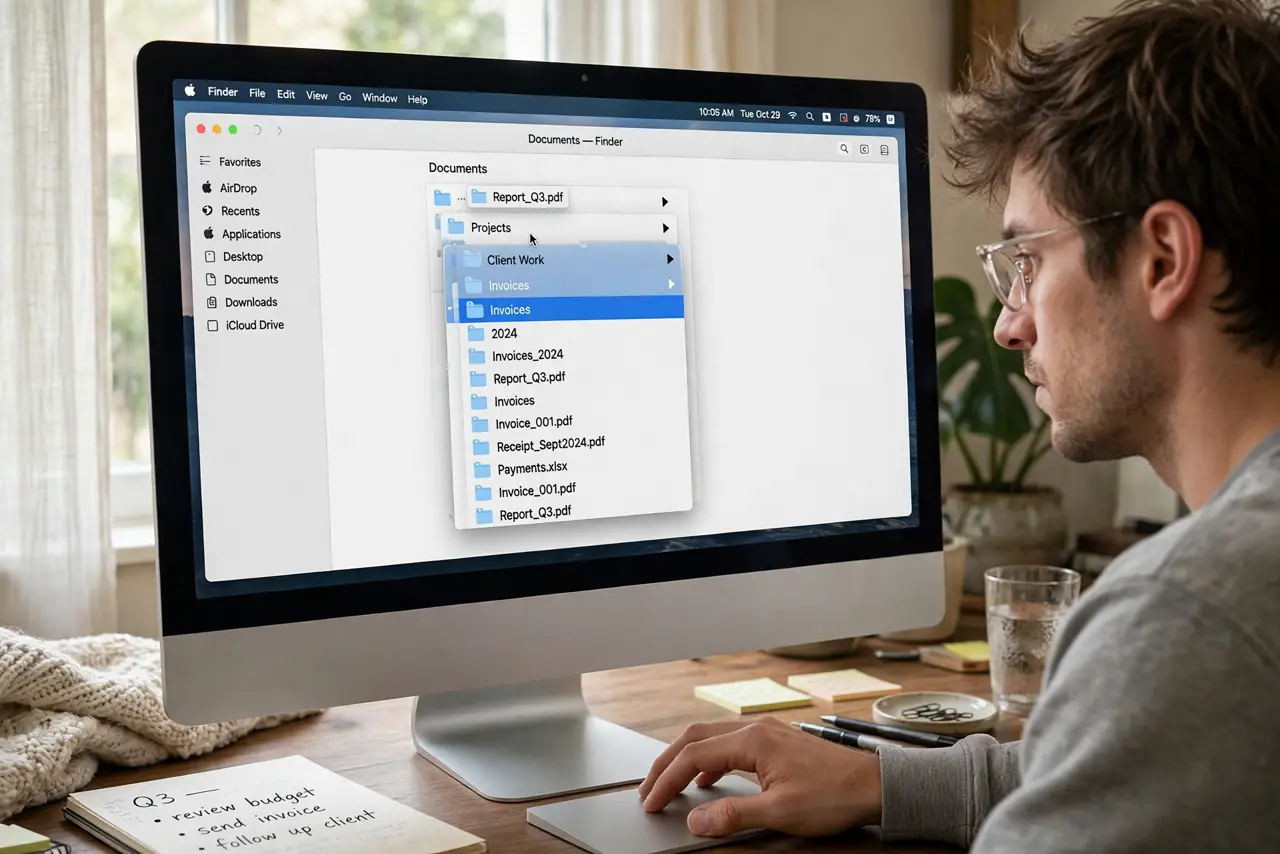
Quick fix: spring-loaded folders open automatically when you hover a dragged file over them — pause half a second and the folder springs open so you can drop deeper. Adjust the delay in Finder > Settings > General. Press Space while hovering to open one immediately.
Follow these steps
- Start dragging. Click and hold the file you want to move. Keep the mouse button down for the entire maneuver — letting go drops the file.
- Hover over the target folder. Park the dragged file on top of a folder and wait. After the delay, the folder springs open, revealing its contents.
- Descend as deep as you need. Hover over subfolders inside the sprung-open window to open those too. You can navigate five levels deep without releasing the button.
- Press Space to skip the wait. Hovering plus the Spacebar springs a folder open instantly. Power users do the whole trip with Space taps.
- Drop to finish. Release the mouse button over the final destination. The file moves (same drive) or copies (different drive).
- Tune the delay. Finder > Settings > General has the spring-loading delay slider, plus a checkbox to disable it entirely. Shorter delay suits fast filers.
What NOT to do
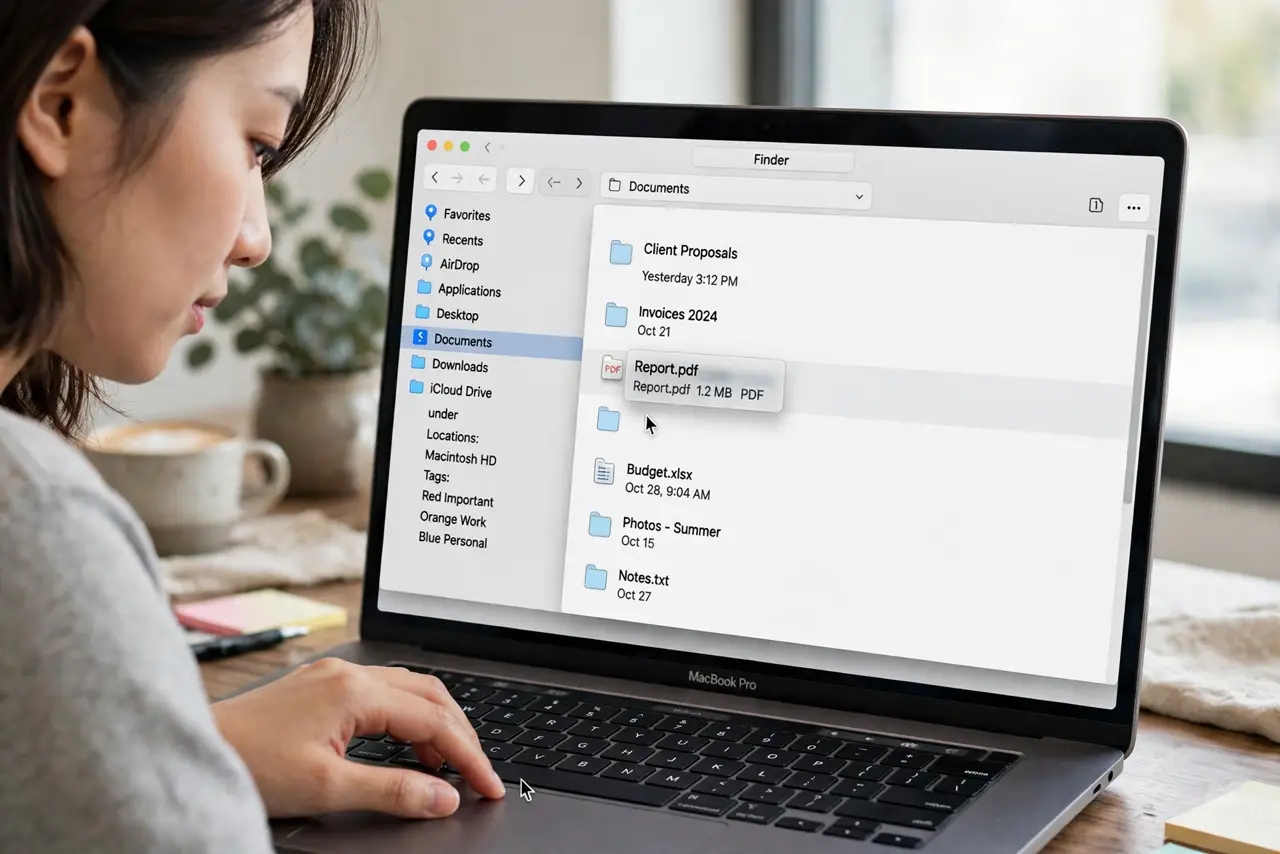
- Do not release the mouse button mid-trip. Every sprung folder stays open only while you hold the drag — let go and windows collapse.
- Do not confuse move with copy. Same drive means move; dragging to another drive or volume means copy. Watch for the plus badge.
- Do not disable it over one accident. A too-short delay causes misfires — lengthen the delay instead of switching it off.
- Do not forget the Dock. Spring-loading works on Dock folders and minimized windows too, not just Finder windows.
Frequently asked questions
Why do folders not spring open when I hover?
Spring-loading may be disabled in Finder Settings, or you are not waiting out the delay. Try the Spacebar shortcut to test.
Can I go back up while dragging?
Yes — hover over the back button or a parent folder in the path to climb back up without dropping.
Does this work with the sidebar?
Yes. Hovering a dragged file over sidebar folders springs them open as well.