Allow Apps Through Focus Mode
You turned on a Focus mode for deep work, and now you are anxious about missing the school pickup call or the one alert that actually matters. Focus modes have allow-lists: chosen people and apps break through while everything else waits. Set them once per mode and stop worrying.
TL;DR / Quick Fix
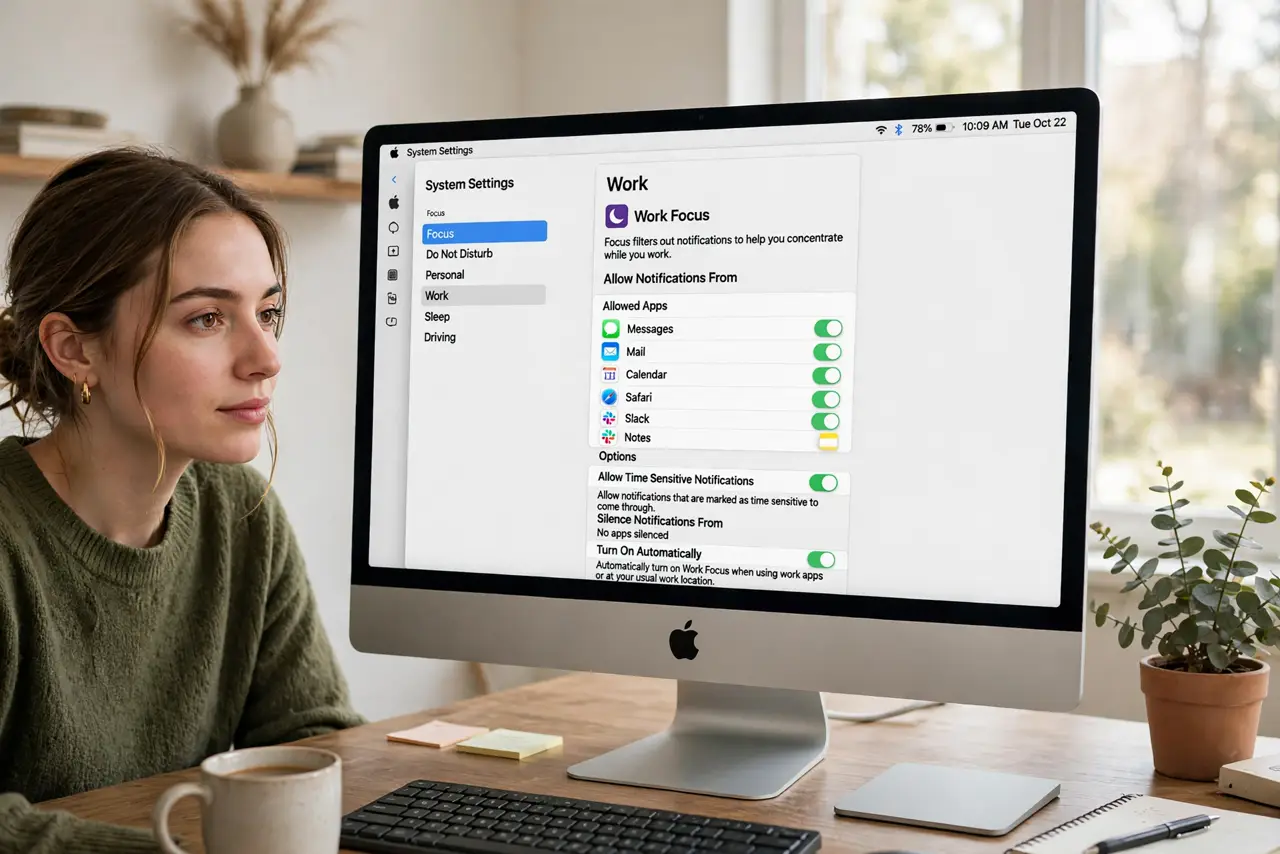
Quick fix: open System Settings > Focus, choose a Focus mode, and add apps under Allowed Apps — or switch the filter to silence everything except your list. Calls and texts from allowed people still come through. Each Focus keeps its own list, so set Work and Sleep separately.
Follow these steps
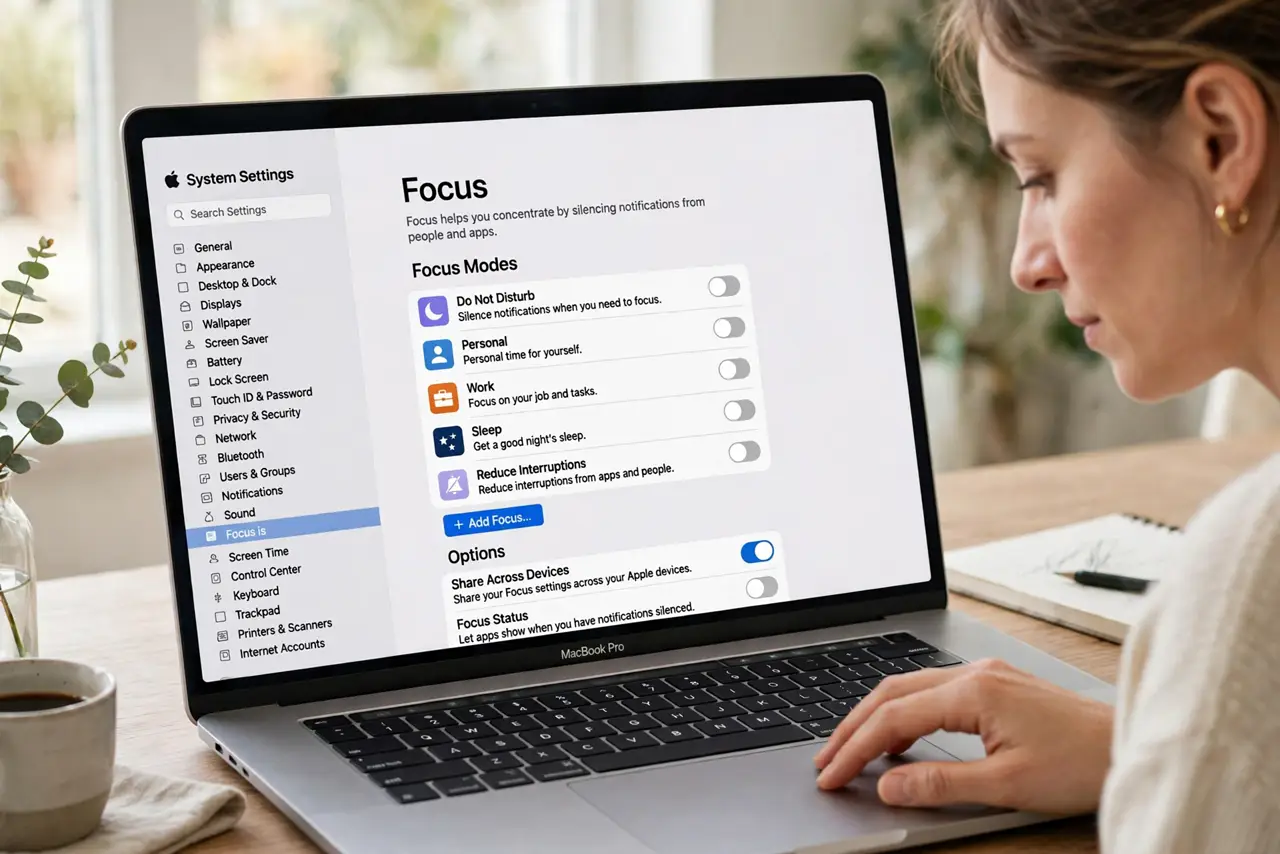
- Open Focus settings. Go to System Settings > Focus and pick the mode to configure — Do Not Disturb, Work, Sleep, or a custom one.
- Add allowed people. Under Allowed People, add family and key contacts. Their calls and messages break through any Focus.
- Add allowed apps. Under Allowed Apps, add the tools that may interrupt: the school app, the security camera, the on-call pager.
- Choose the list direction. You can allow-list (only these interrupt) or silence-list (everything except these is quiet). Allow-listing is stricter and calmer.
- Set each Focus separately. Work allows colleagues; Sleep allows only family. One shared list would serve neither — configure per mode.
- Test before you trust it. Have someone on the allowed list call you during the Focus. If location-based Focus ever misbehaves, that guide covers the fix.
What NOT to do
- Do not allow-list your social apps in Work focus. The mode only works if the list is genuinely short.
- Do not forget repeated calls. Most Focus modes let a second call within minutes break through — a safety net for true emergencies.
- Do not assume one list covers all modes. Each Focus keeps its own allow-list; Sleep needs configuring too.
- Do not confuse Focus with the notification summary. Focus silences now; the summary batches for later — complementary tools.
Frequently asked questions
Will allowed apps still make sounds?
Yes — allowed means fully allowed: banners, sounds, and badges all come through normally.
What about alarms and timers?
Alarms set in the Clock app always sound, even in the strictest Focus. Your wake-up is safe.
Can apps bypass my Focus without permission?
Only time-sensitive alerts the system recognizes can break through, and you can disable even that per app.