Ditch the Mouse Entirely
Reaching for the mouse for every little button is slow, and for some hands it is painful. macOS Full Keyboard Access turns the entire interface into keyboard territory: Tab reaches every button, menu, and checkbox — not just text fields. If moving the pointer itself is the problem, Mouse Keys is the companion feature.
TL;DR / Quick Fix
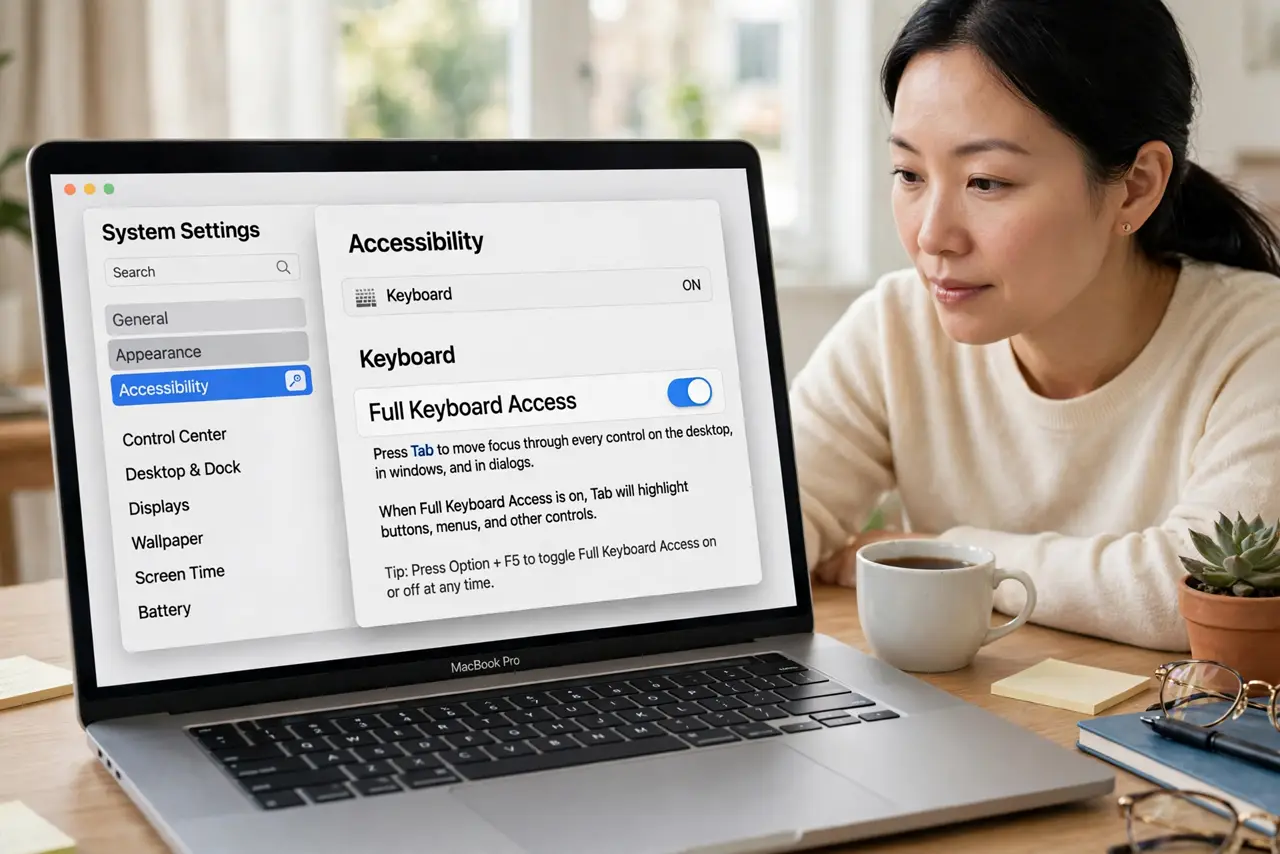
Quick fix: enable Full Keyboard Access in Settings > Accessibility > Keyboard so Tab reaches every button and menu, not just text fields. Press Space to activate the highlighted control, and learn the menu-bar shortcut. It feels slow for a day, then beats reaching for the mouse.
Follow these steps
- Enable Full Keyboard Access. Go to System Settings > Accessibility > Keyboard and turn on Full Keyboard Access. Immediately, Tab starts moving through every control on screen.
- Learn Tab and Shift+Tab. Tab moves forward through buttons, links, and menus; Shift+Tab moves back. A focus ring shows where you are — follow the ring.
- Press Space to activate. Space presses the focused button or toggles the focused checkbox. Enter often triggers the default button instead — Space is the precise one.
- Reach the menu bar and Dock. The classic shortcuts still work: Control+F2 focuses the menu bar, Control+F3 the Dock. From there, arrows and Enter do the rest.
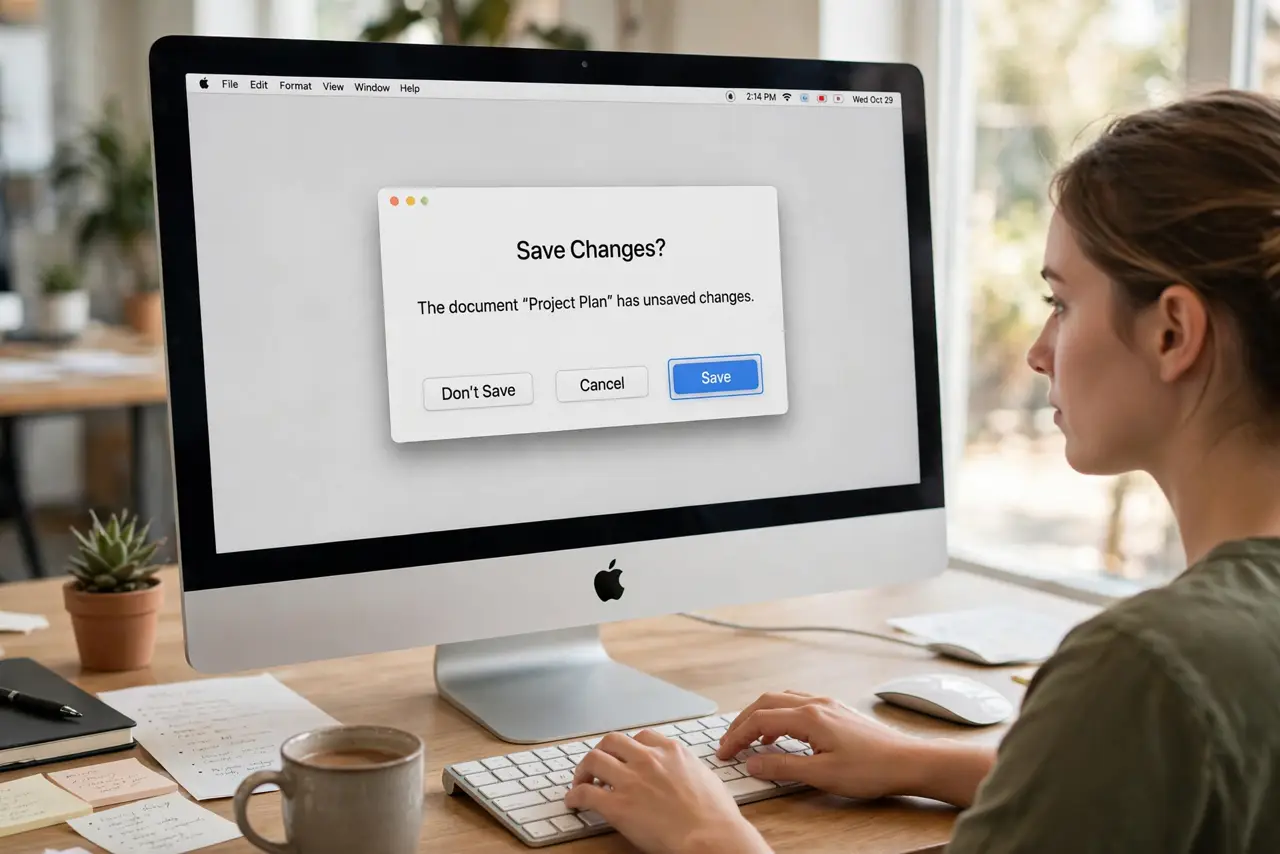
- Navigate dialogs confidently. In save dialogs, Tab reaches the filename field, the sidebar, and the buttons. You can complete an entire save flow without touching the pointer.
- Practice for a day. It feels clumsy for the first hours — that is normal. By day two the rhythm clicks, and the mouse starts feeling like the slow option.
What NOT to do
- Do not enable it and judge it in five minutes. The first hour is awkward for everyone; the payoff starts on day two.
- Do not confuse Space and Enter in dialogs. Space activates the focused control; Enter hits the default button — mixing them up causes surprises.
- Do not forget the focus ring. If you lose track of where focus is, Tab a few times and watch for the outline.
- Do not skip the shortcut list. A dozen memorized shortcuts multiply what Full Keyboard Access can do.
Frequently asked questions
Can I really never touch the mouse?
For nearly all standard apps, yes. Some custom interfaces (games, pro creative tools) still want a pointer.
What is the difference from Tab in browsers?
Browsers Tab through links by default; Full Keyboard Access extends the same idea to every Mac control everywhere.
My pointer is hard to control — related?
Yes — if the pointer itself is the struggle, Mouse Keys moves it from the keyboard, and Dwell clicks without pressing.