Start in Keynote
Your slides are walls of bullet points that put rooms to sleep. Keynote is Apple's presentation app — free on every Mac — and its templates and animations make decent-looking decks almost automatic. You do not need design skills; you need a starting point.

TL;DR / Quick Fix
Quick fix: open Keynote, pick a clean theme, and build one idea per slide — big title, minimal text. Use the built-in layouts instead of fighting text boxes. Add one subtle transition between sections, not between every slide. Present with the presenter display to see your notes privately.
Follow these steps
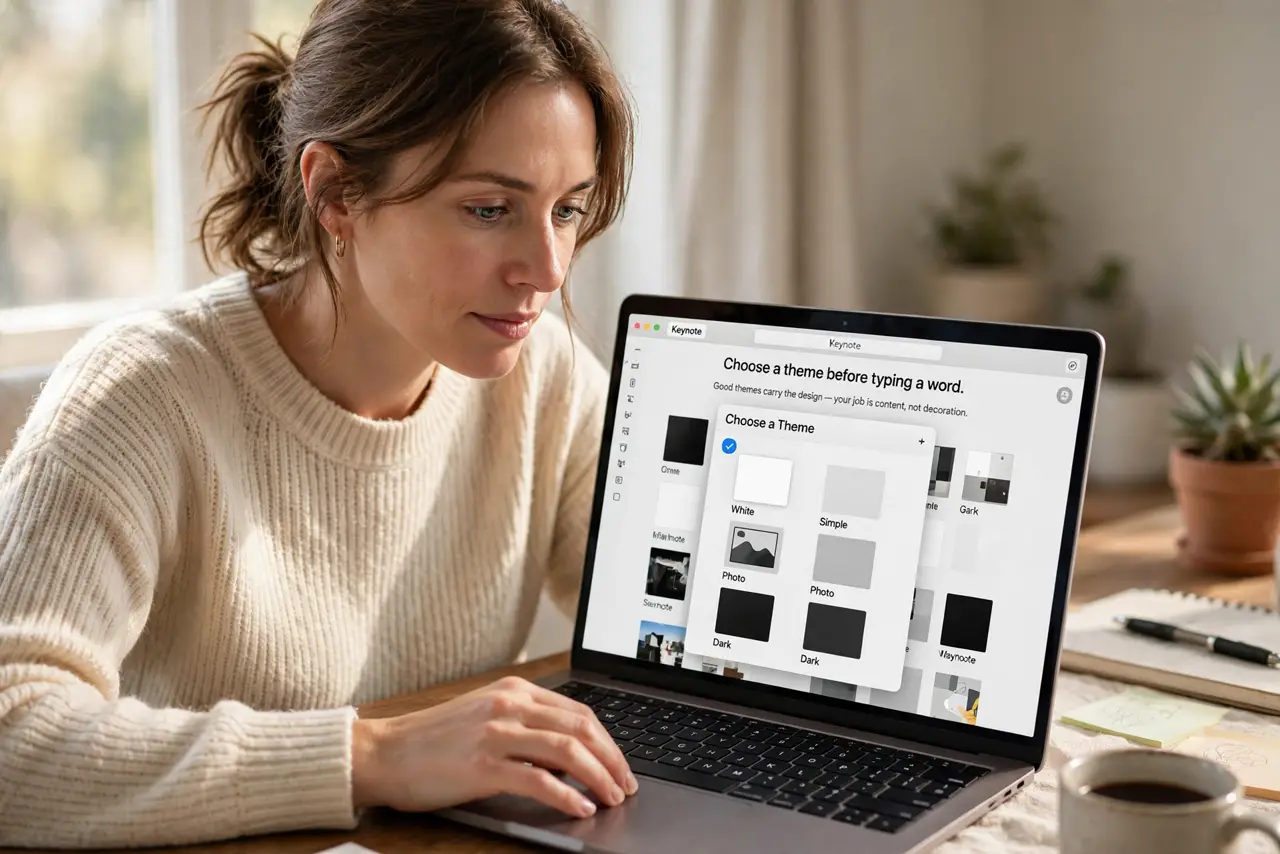
- Pick a theme first. Open Keynote and choose a theme before typing a word. Good themes carry the design — your job is content, not decoration.
- One idea per slide. Big title, a few words, maybe an image. Walls of bullets are a document, not a presentation.
- Use the master layouts. Insert slides from the layout menu instead of drawing text boxes. Consistent layouts look professional with zero effort.
- Add restraint with animation. One Magic Move between sections impresses; animation on every bullet annoys. Subtle beats spectacular.
- Rehearse with presenter display. Connect a display and use Keynote's presenter view: notes for you, clean slides for them.
- Export for sharing. Send as PDF for universal reading, or keep the Keynote file for Mac collaborators. The iWork siblings Numbers and Pages complete the set.
What NOT to do
- Do not write your script on the slides. Slides are headlines; your voice is the content — reading slides bores everyone.
- Do not use ten fonts. One font family, two sizes, done — typography discipline reads as design skill.
- Do not animate every bullet. Motion should guide attention, not decorate — restraint is the pro move.
- Do not skip rehearsal. Keynote cannot fix an unpracticed talk — run it twice, out loud.
Frequently asked questions
Is Keynote free?
Yes — free on Mac, iPhone, and iPad, with iCloud web access for others.
Can PowerPoint users open my Keynote?
Export to PowerPoint format. Complex transitions may simplify, but content survives.
Keynote or PowerPoint — which?
For Mac-first beautiful decks fast, Keynote. For corporate templates and Windows collaboration, PowerPoint.