Start in Numbers
Spreadsheets intimidate you — grids, formulas, the fear of breaking everything. Numbers is Apple's friendly spreadsheet: free on every Mac, with beautiful templates that make budgets and lists feel approachable. Start with a template and the fear fades fast.
TL;DR / Quick Fix
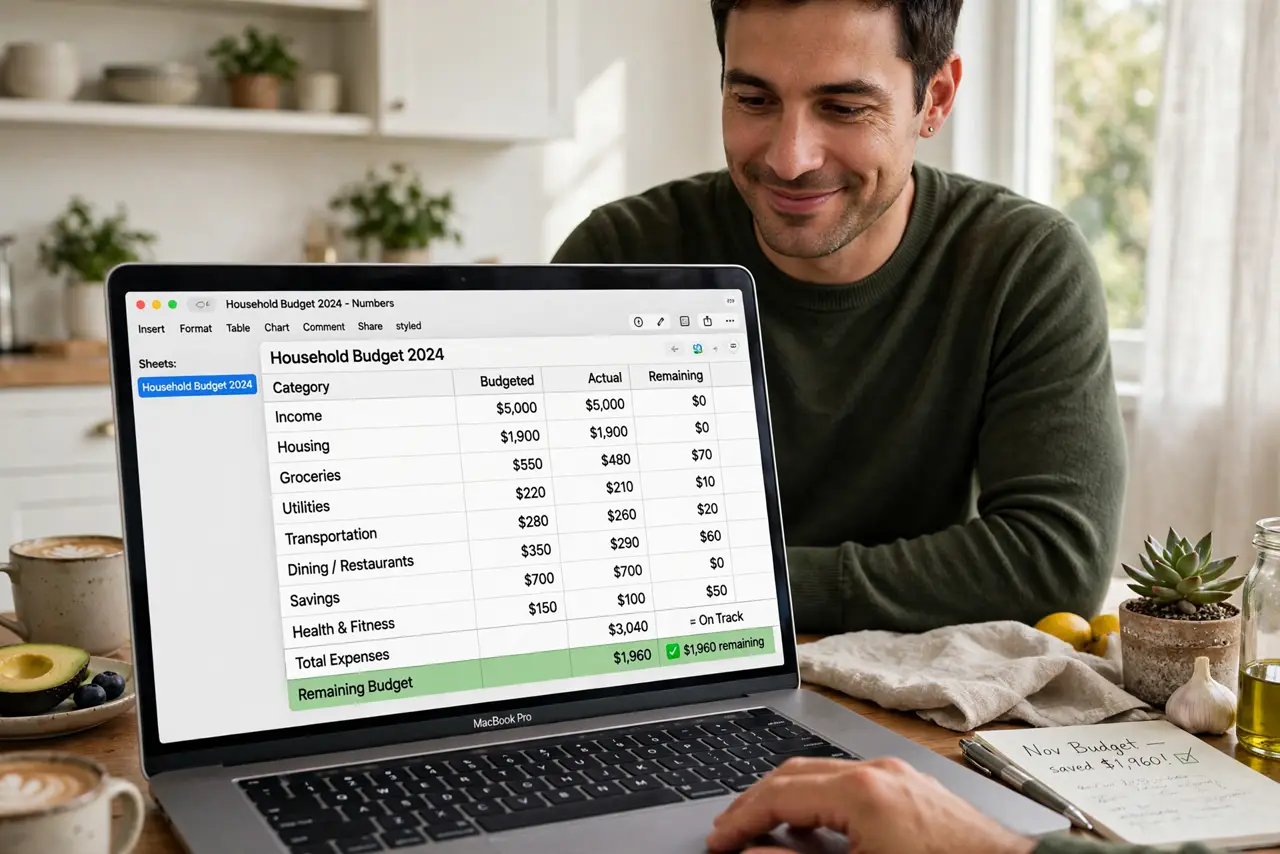
Quick fix: open Numbers and start from a template — Personal Budget is the classic first sheet. Tap cells to edit; formulas fill down automatically in most templates. Use the Format sidebar to style without learning codes. Save to iCloud and it syncs to your iPhone for on-the-go checks.
Follow these steps
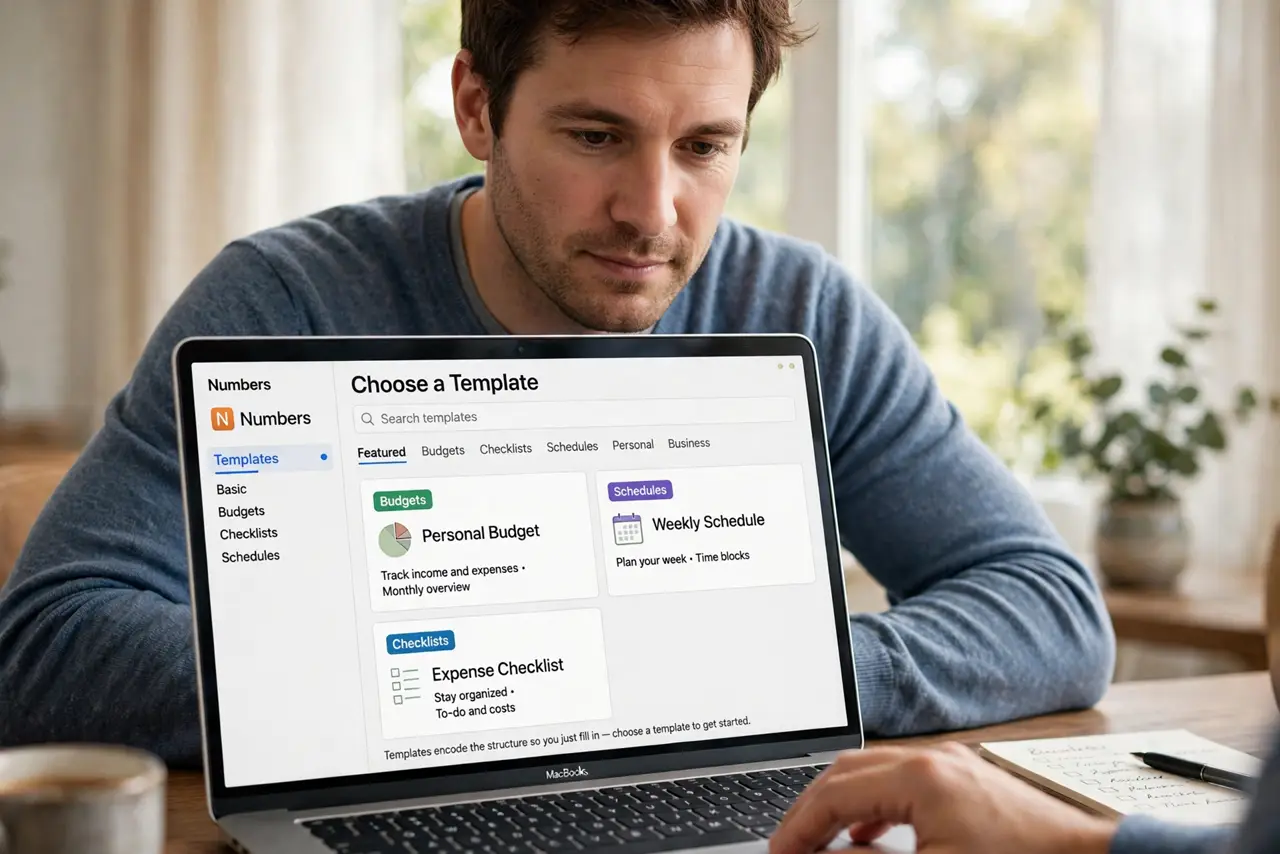
- Start from a template. Open Numbers and browse templates. Budgets, checklists, schedules — templates encode the structure so you just fill in.
- Edit cells directly. Click a cell and type. Numbers handles the rest — no setup, no configuration, just data entry.
- Let formulas autocomplete. Type = and Numbers suggests functions with plain-English help. SUM and AVERAGE cover most beginner needs.
- Use the Format sidebar. Select cells and style from the sidebar: currency, dates, colors. Formatting without formula knowledge.
- Add tables and charts. Insert a chart from your table in two clicks. Visuals make budgets click — literally.
- Sync via iCloud. Save to iCloud Drive and the sheet follows you to iPhone and iPad. The iWork trio continues with Keynote and Pages.
What NOT to do
- Do not build from a blank sheet first. Templates teach the patterns — blank sheets teach frustration.
- Do not fear breaking formulas. Undo exists, and templates are replaceable — experiment freely.
- Do not expect Excel parity. Numbers is simpler by design; massive Excel models may not translate perfectly.
- Do not skip the iCloud save. Local-only sheets die with the Mac — iCloud is the backup.
Frequently asked questions
Is Numbers free?
Yes — free on Mac, iPhone, iPad, with iCloud web access.
Can Excel users open my Numbers file?
Export to Excel format. Simple sheets transfer cleanly; complex ones may need tweaks.
Numbers or Excel — which should I learn?
Numbers for personal, beautiful, simple sheets. Excel for work, power, and compatibility.