Start in Pages
You opened Pages and it does not look like Word — where are the menus, why is everything a template? Pages is Apple's word processor: free, beautiful, and template-first. It does everything most documents need, and the learning curve is mostly unlearning Word habits.
TL;DR / Quick Fix
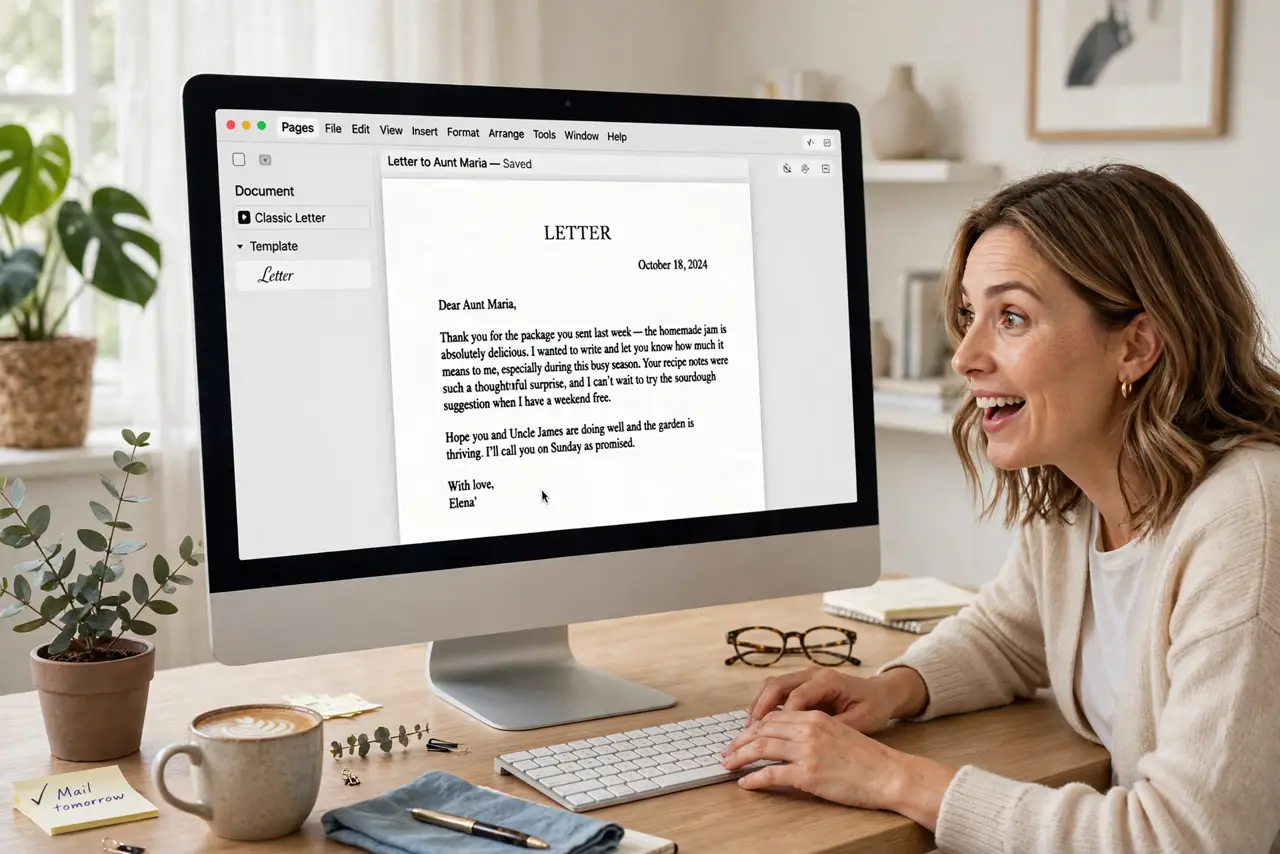
Quick fix: open Pages and start from a template — resumes, letters, and reports all have gorgeous starting points. Type directly; the Format sidebar handles styling without menu diving. Save to iCloud for iPhone access. Export to Word or PDF when sharing with non-Mac users.
Follow these steps
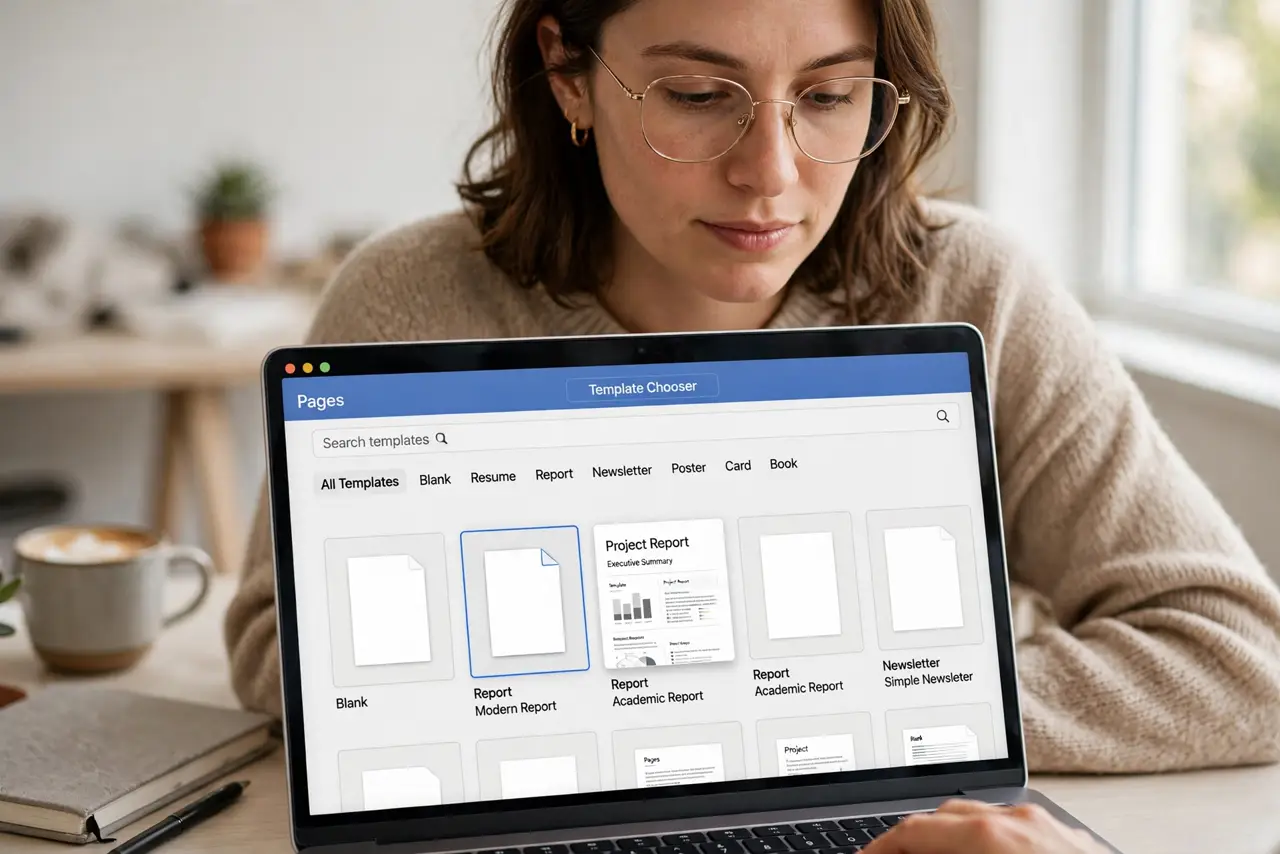
- Start from a template. Open Pages and browse the template chooser. Pick the closest match — templates do the design heavy lifting.
- Type and replace. Click placeholder text and type over it. Placeholders guide structure: title here, body there — fill in the blanks.
- Style from the sidebar. Select text and use the Format sidebar for fonts, sizes, and colors. No ribbon hunting; everything lives in one panel.
- Add images cleanly. Drag photos straight into the document. Pages wraps text elegantly — the template-first approach extends to layout.
- Save to iCloud. Keep documents in iCloud Drive for sync across devices. The iWork family — Keynote, Numbers — shares the same approach.
- Export for sharing. File, Export To, Word or PDF. Word users get editable files; everyone gets PDFs. The templates gallery has more starting points.
What NOT to do
- Do not hunt for Word's ribbon. Pages organizes differently — the sidebar is your new home; embrace it.
- Do not start from blank. Templates are the Pages way; blank documents fight the app's strengths.
- Do not expect perfect Word round-trips. Complex Word docs may shift on import — review after converting.
- Do not skip iCloud. Device-hopping is Pages' superpower — local-only files waste it.
Frequently asked questions
Is Pages free?
Yes — free on Mac, iPhone, iPad, with iCloud web access.
Can it open Word documents?
Yes, and it converts well for typical documents. Very complex Word files may need cleanup.
Pages or Word — which?
Pages for beautiful personal documents fast. Word for corporate compatibility and heavy features.