Mac Keeps Asking for 'login' Keychain Password
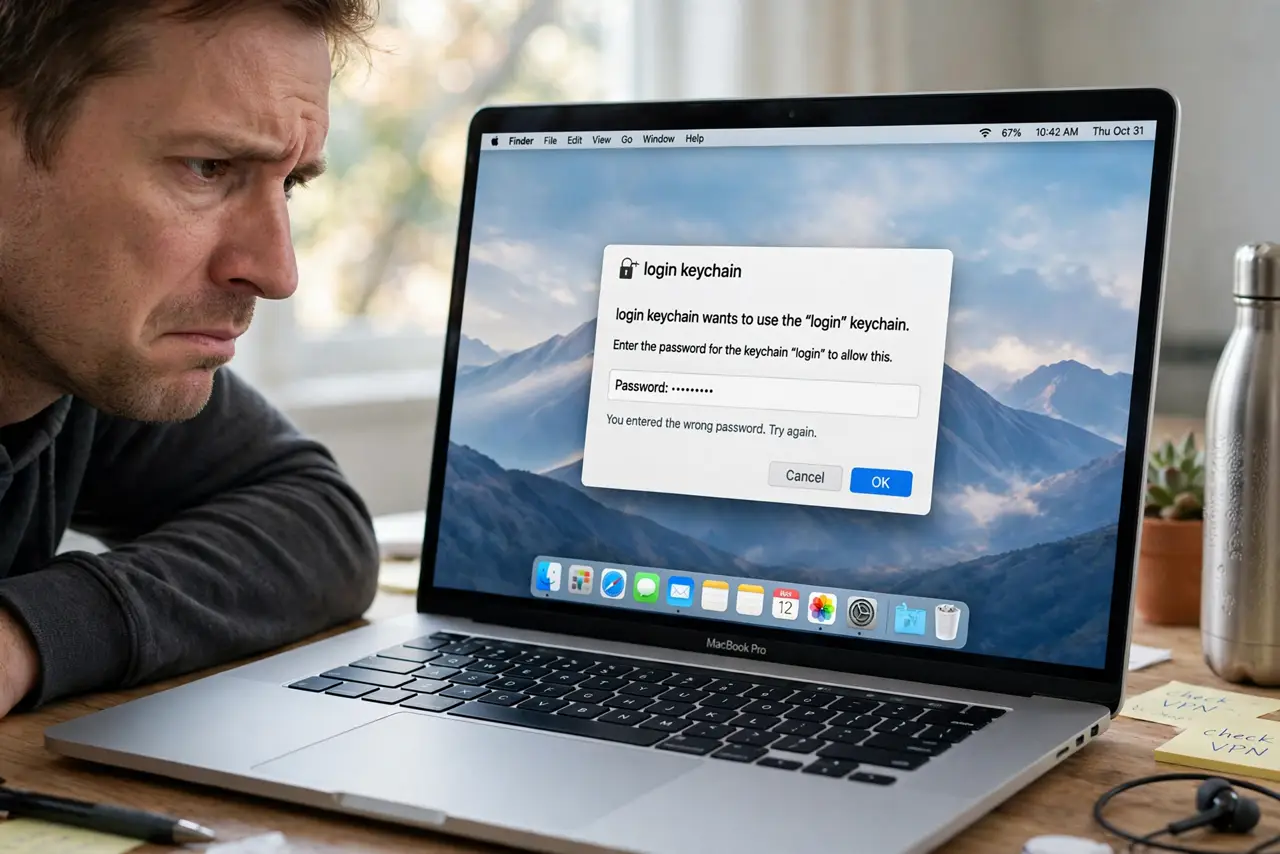
Your Mac keeps popping up a dialog asking for the 'login' keychain password — you type it, it returns, you type it again, endlessly. The keychain password fell out of sync with your login password, usually after a password change or reset. This guide resyncs them and ends the loop.
TL;DR / Quick Fix
Quick fix: open Keychain Access and reset to default keychains, which rebuilds the login keychain to match your current password. Or change the keychain password manually to match. Try your old login password once at the prompt first — it may simply accept it.
Follow these steps
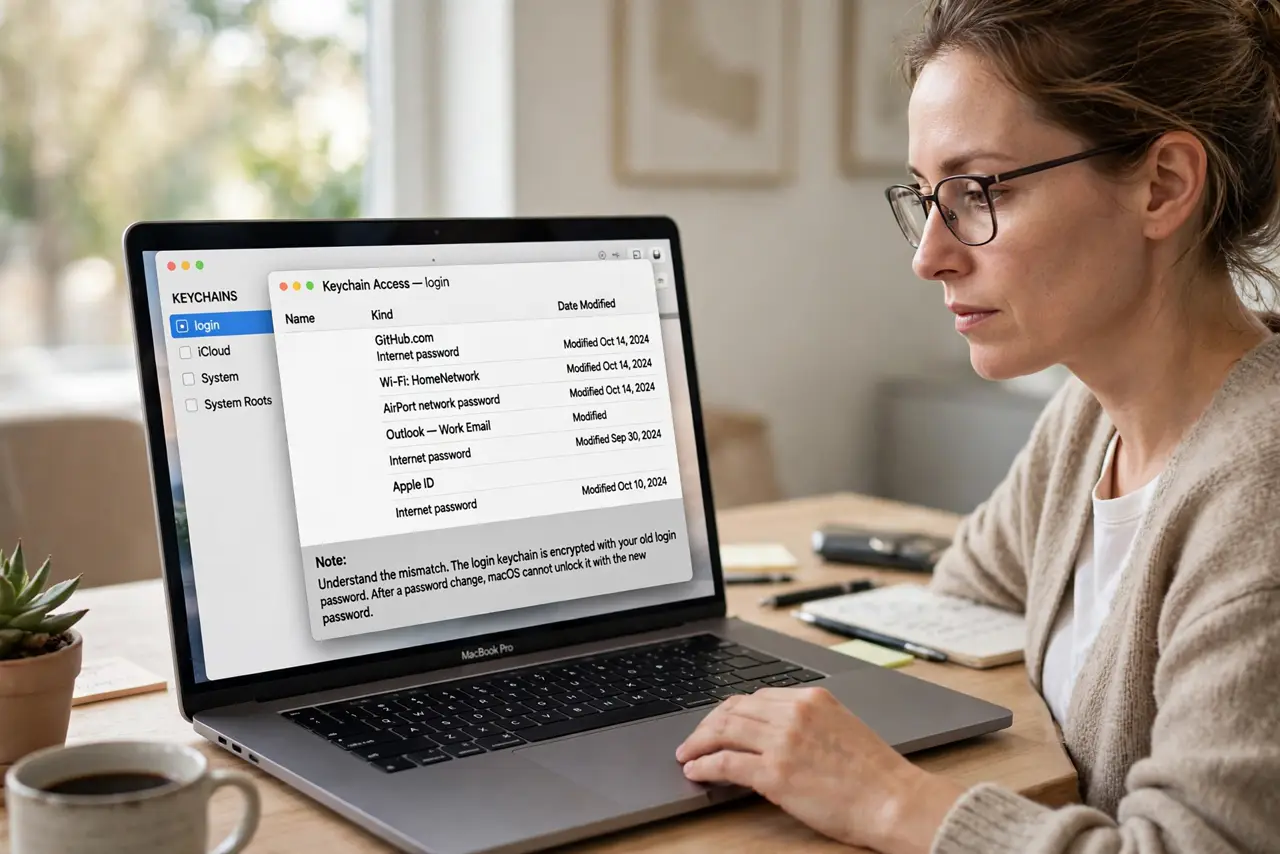
- Understand the mismatch. The login keychain is encrypted with your old login password. After a password change or admin reset, macOS cannot unlock it with the new password — hence the endless prompts.
- Try your old password once. When the prompt appears, try the previous login password. If it accepts it, the keychain simply needs its password updated to the new one.
- Update the keychain password manually. Open Keychain Access, select the login keychain, and change its password to match your current login password. The prompts stop once the two match.
- Reset the keychain as the clean fix. In Keychain Access > Settings, choose Reset to Default Keychains. This creates a fresh login keychain synced to your current password — saved website passwords in the old one are lost, so export first if you can.
- Check 'login' is the default. In Keychain Access, make sure 'login' is set as the default keychain. Apps asking for a non-default keychain cause confusing repeat prompts.
- Restart and confirm silence. Restart the Mac and use it normally for a while. No prompts after a restart means the sync held.
What NOT to do
- Do not type your password into the prompt fifty times hoping it sticks. Repeated failures can lock the keychain further — fix the mismatch instead.
- Do not delete the login keychain file by hand. Use Keychain Access's reset, which rebuilds it properly instead of leaving a broken reference.
- Do not ignore which password it wants. The prompt wants the OLD password that encrypted the keychain, not necessarily your current one.
- Do not reset without considering saved passwords. A reset wipes stored website and Wi-Fi passwords — check what you would lose first.
Frequently asked questions
Why does my Mac keep asking for the keychain password?
The keychain password no longer matches your login password, usually after a password change. Resync or reset the keychain.
What is the login keychain password?
Normally it matches your login password. If you changed the login password elsewhere, the keychain still uses the old one.
Will resetting the keychain delete my passwords?
The reset creates a fresh empty login keychain, so saved passwords in it are lost unless exported first.