iCloud Keychain Code Is Not Accepted
An iCloud Keychain code that will not accept is frustrating, but it usually means the code is old, mistyped, or meant for a different approval step. The code itself is rarely broken; the context around it is what fails.
TL;DR / Quick Fix
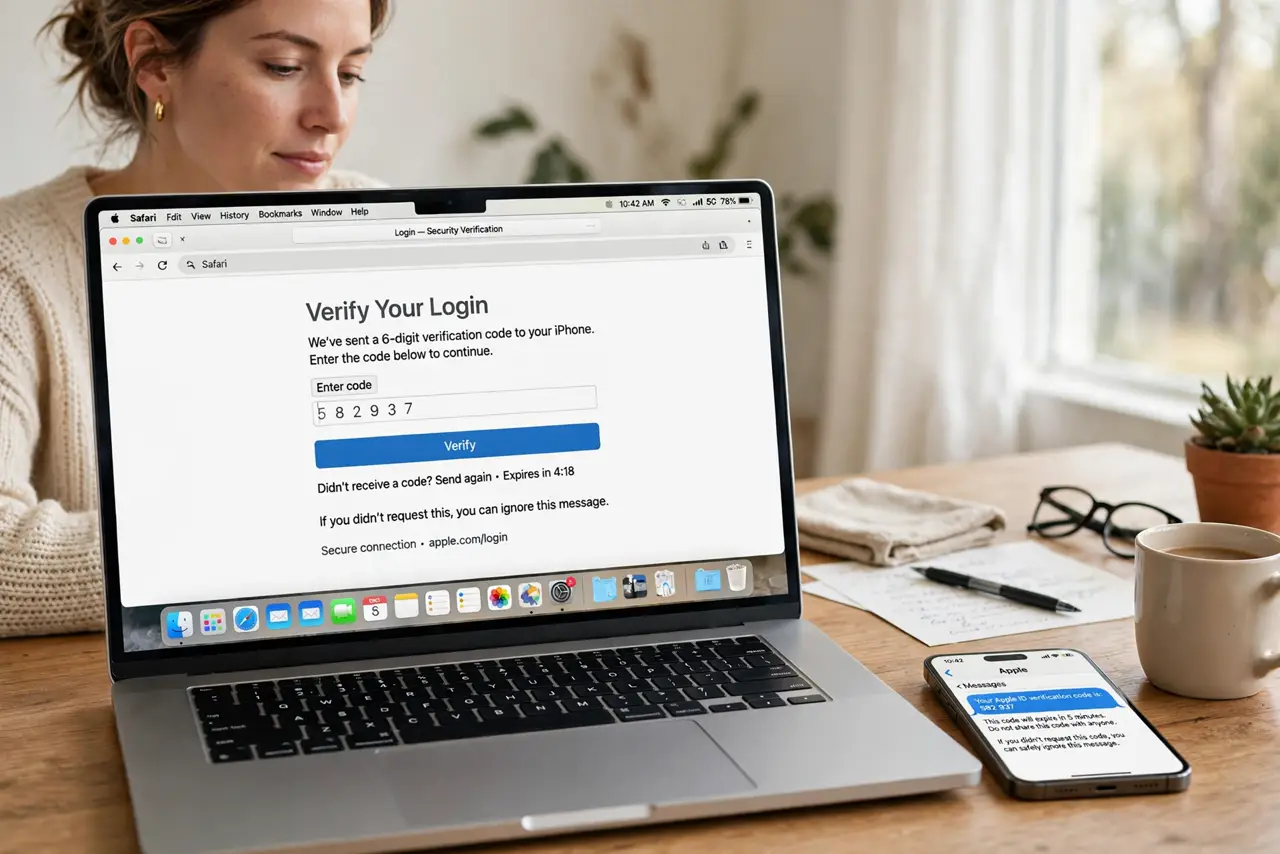
Quick fix: confirm you are entering the code shown on a trusted device right now, not an old code from an earlier setup. Check that the Mac is signed into the right iCloud account, then request a fresh code and enter it carefully.
Follow these steps
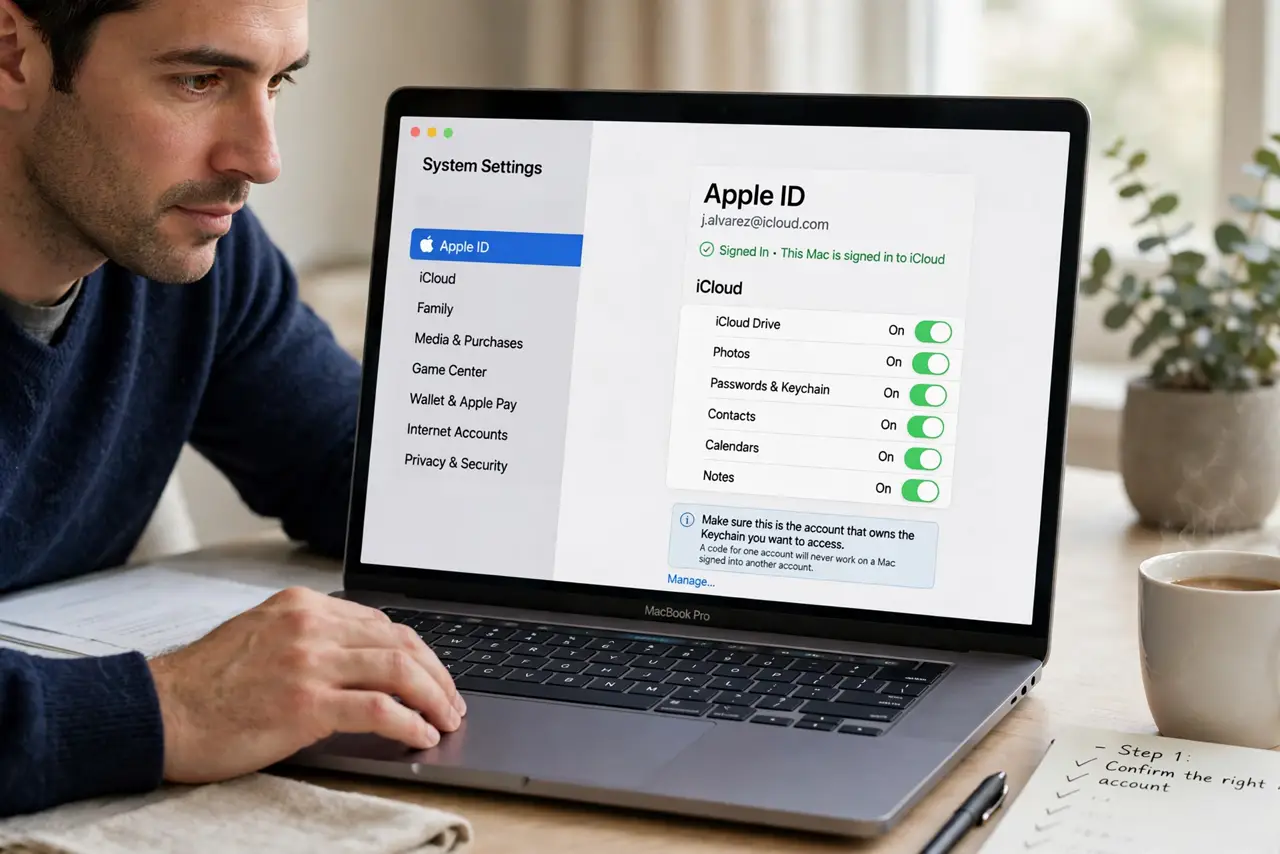
- Confirm the right account. Open iCloud settings and confirm the Mac is signed into the account that owns the keychain. A code for one account will never work on a Mac signed into another.
- Request a fresh code. Ask for a new code from a trusted device instead of reusing an old one. Codes expire, and an expired code fails even when typed perfectly.
- Enter it exactly. Type the code exactly as shown, watching for similar characters. A single mistyped digit is the most common reason a valid code is rejected.
- Check the trusted device. Confirm the device showing the code is itself trusted and signed in. A code from a device that lost trust will not approve a new Mac.
- Approve from another device. If codes keep failing, try approving the Mac from a different trusted device, such as your phone. A second approval route often succeeds where the first stalls.
- Sign out and back in carefully. As a last step, sign out of iCloud on the Mac and sign back in, then request a fresh code. Do this only after confirming the account, since sign-out disrupts other services too.
What NOT to do
- Do not keep entering the same old code repeatedly. Repeated failures can lock the approval flow, while a fresh code often works first time.
- Do not share the code by message or email to get help faster. The code is a security credential, and sharing it defeats its purpose.
- Do not reset the whole keychain as a first step. Resetting deletes saved passwords, and a fresh code or a different approval device usually fixes the problem.
- Do not approve a Mac you do not recognize. A code prompt for an unknown device is a warning, not an inconvenience to click through.
Frequently asked questions
Why is my iCloud Keychain code rejected?
Usually it is expired, mistyped, or for the wrong account. Request a fresh code, check the account, and enter it exactly.
Can I approve without a code?
Sometimes a trusted device can approve directly. If codes keep failing, try approval from a different trusted device.
Will signing out delete my passwords?
Signing out can disrupt synced passwords temporarily. Confirm the account first, and use sign-out only as a last step.