Archive vs Delete in Mail?
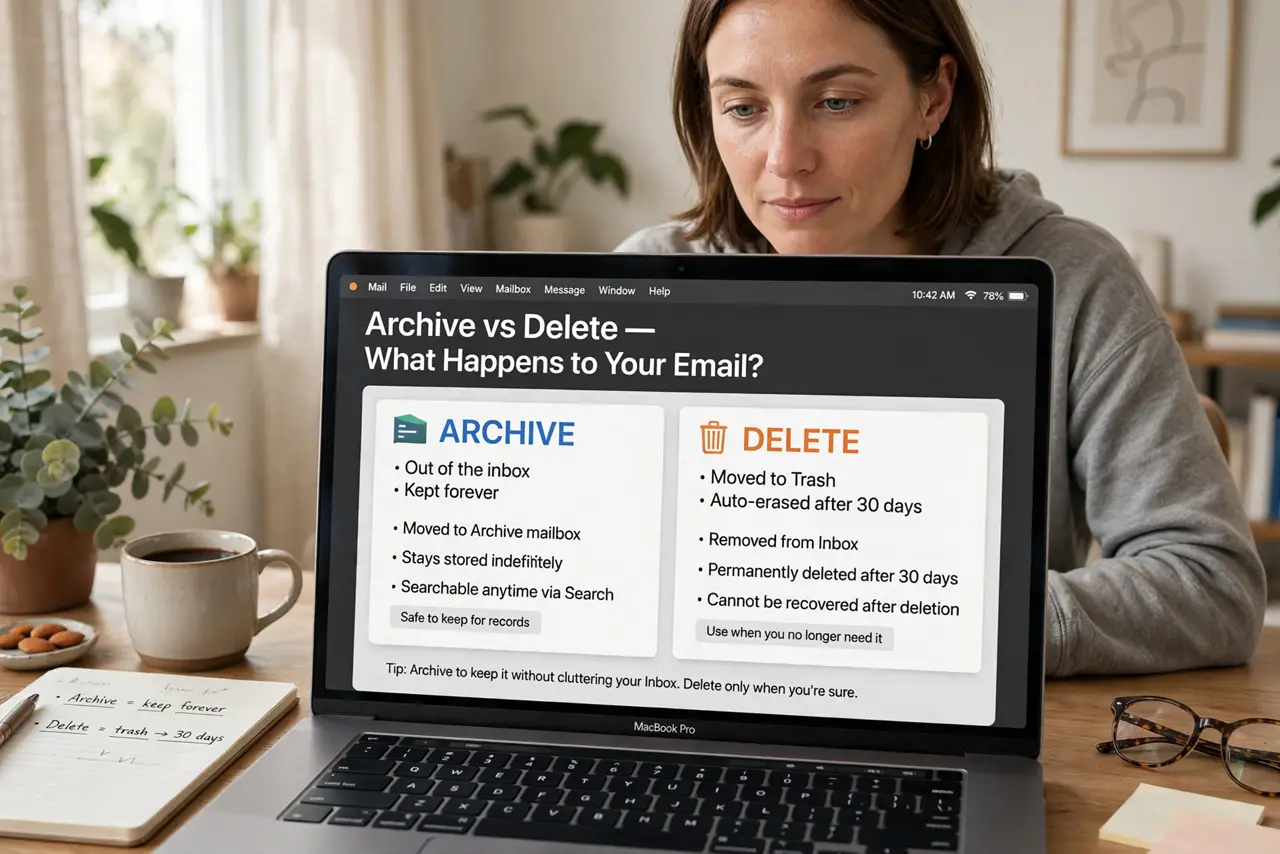
That swipe on a message — did it archive or delete? And which one did you actually want? In Apple Mail, archiving files a message away but keeps it forever; deleting sends it to Trash for 30 days, then it is gone. The two look similar and mean very different things.

TL;DR / Quick Fix
Quick fix: archiving removes a message from your inbox but keeps it searchable forever; deleting moves it to Trash, where it is erased after 30 days. In Mail settings you can choose which action the swipe and toolbar button perform. Archive what might matter later; delete the true junk.
Follow these steps
- Understand the difference. Archive: out of the inbox, kept forever, searchable. Delete: to Trash, auto-erased after 30 days. The general archive vs delete logic applies in Mail too.
- Choose your swipe action. In Mail settings, pick whether swiping a message archives or deletes. Match it to your habit — most people should default to archive.
- Set the toolbar button. The delete/archive button in the toolbar follows the same setting. Consistency between swipe and button prevents surprises.
- Default to archiving. Storage is cheap; regret is expensive. Archive receipts, confirmations, and anything you might search for later.
- Delete the true junk. Newsletters you will never read, spam that slipped through, ancient notifications — delete these without guilt.
- Empty Trash on your schedule. Deleted mail auto-erases after 30 days, or empty Trash manually anytime for immediate cleanup.
What NOT to do
- Do not delete important mail 'to keep the inbox clean.' Archiving cleans the inbox just as well without destroying anything.
- Do not assume archived mail is gone. It is fully searchable — archiving hides, it never deletes.
- Do not mix the two without thinking. A workflow that sometimes archives and sometimes deletes the same kind of mail becomes unfindable.
- Do not forget Trash auto-empties. 'I'll rescue it from Trash later' has a 30-day expiry date.
Frequently asked questions
Where do archived messages go?
To the Archive mailbox (or All Mail for Gmail accounts). They leave the inbox but remain in your account, fully searchable.
Can I recover a deleted message?
Within 30 days, from Trash. After auto-erasure, only a backup like Time Machine can help — and only if it captured the mail.
Why does Gmail treat archive differently?
Gmail's Archive removes the Inbox label; the message lives in All Mail. Same idea, Google's vocabulary.